This time we’re going bigger than ever. Fabric, Power BI, SQL, AI and more. We're covering it all. You won't want to miss it.
Learn moreLevel up your Power BI skills this month - build one visual each week and tell better stories with data! Get started
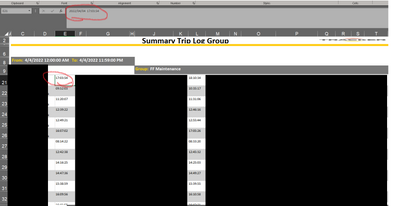
I have a bunch of logs that I need to combine, each is a excel file with no tables and a bunch of timestamps. The timestamps are datetime in excel, the datevalue includes the date.
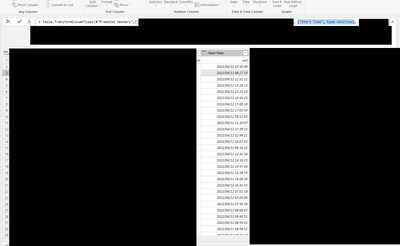
When I try to convert the column to datetime from text, the time is correct but the date is not.
It's showing as 12 April instead of 4 April.
Is there a way I can get it to reflect the datetime as per the Excel cell value?
These reports are in .xls format.
@Vijay_A_Verma - sorry not sure if I replied correctly.
Here is the column before transformation.
I'm using a workaround by appending the date to the filename via microsoft flow, then I leave start/end times as time with no date, and extract the date from the filename.
I then generate a time series with hours and minutes, join the start time on that, join the date on the calendar and it all comes together nicely.
Can you post the screenshot of Start Time column of PQ before converting to datetime?
Check out the April 2026 Power BI update to learn about new features.
Sign up to receive a private message when registration opens and key events begin.
If you have recently started exploring Fabric, we'd love to hear how it's going. Your feedback can help with product improvements.