
This is best Fabric, Power BI, SQL and AI community event. How do we know? The last event sold out! Save €200 with code FABCMTY200.
Register nowA new Data Days event is coming soon! This time we’re going bigger than ever. Fabric, Power BI, SQL, AI and more. Don't miss out.
Hi,
I have a model that retrieves data (Excel and PDF) from SharePoint. One of the data sources is based on daily Excel-'snapshots' with three columns and about 100 rows which is sent to me by mail. I use Microsoft Flow to save the attachments to SharePoint, and then use the combine-function in Power BI to append the files into one table. This has worked perfectly up to this week!
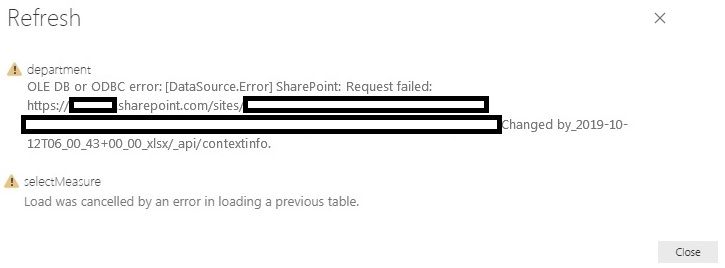
The number of files have reached 160 (and will continue to increase each day). When I now refresh the data, I receive two different errors (please see below).
If I restart my pc and reduce the number of files in SharePoint the refresh works better (even though the error sometimes occurs - usually the first one). This maybe suggesting a memory issue since Power BI needs to open and load data from all the files?
I have tried to use incremental refresh without any luck. The Excel-files does not include tables which exclude appending by MS Flow.
Have someone any ideas how to tackle this issue?
Solved! Go to Solution.
Hi @Anonymous ,
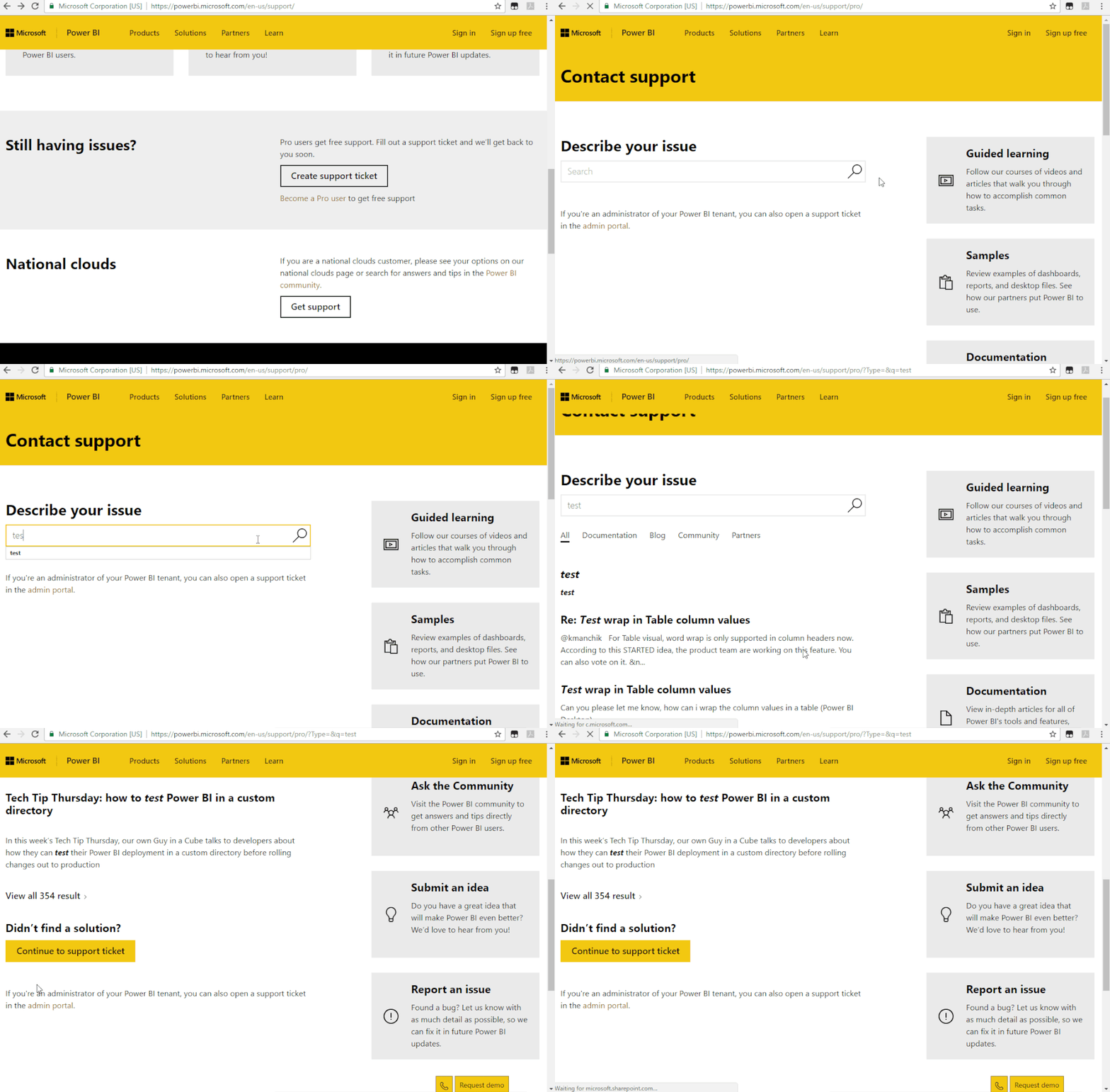
Based on my test, I cannot reproduce your issue here. I recommend you to create a support ticket for help if you are a pro user.
https://powerbi.microsoft.com/en-us/support/
Hi @Anonymous ,
Based on my test, I cannot reproduce your issue here. I recommend you to create a support ticket for help if you are a pro user.
https://powerbi.microsoft.com/en-us/support/
Check out the May 2026 Power BI update to learn about new features.
Sign up to receive a private message when registration opens and key events begin.
If you have recently started exploring Fabric, we'd love to hear how it's going. Your feedback can help with product improvements.
| User | Count |
|---|---|
| 7 | |
| 6 | |
| 6 | |
| 6 | |
| 4 |