let
Source = Sql.Databases("xx.x.x.x"),
zzz_LIVE = Source{[Name="NAVzzz_LIVE"]}[Data],
#"COMPANY1$G_L Entry" = NAVzzzLIVE{[Schema="dbo",Item="COMPANY1$G_L Entry"]}[Data],
Pulling data from several entities (companies) in Microsoft Dynamics Navision with above code (Company1 as an example).
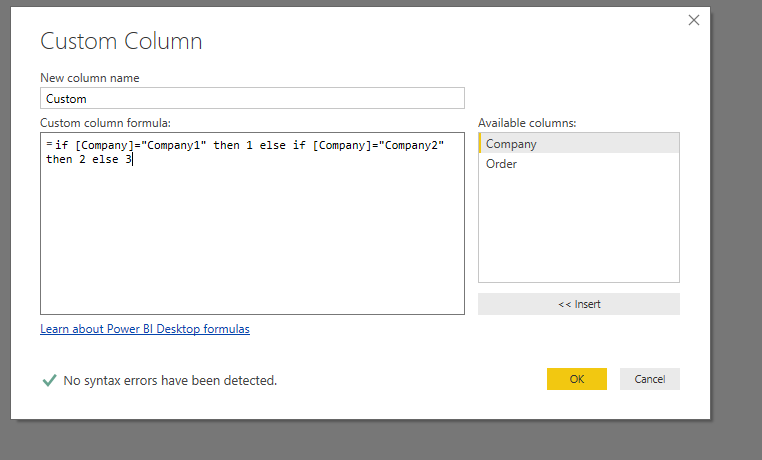
Trying to add a custom column with an unique identifier based on the name of the company.
G_L Account number     G_L Account name   Amount   Company
10010                  Revenue            100      Company1
22000                  Rent               50       Company1
Is it possible to achieve this by M code? My goal is to then append multiple tables from NAV with a column that specifies the source.
Many thanks.