
cancel
Showing results for 
Search instead for 
Did you mean: 

Join the FabCon + SQLCon recap series. Up next: Power BI, Real-Time Intelligence, IQ and AI, and Data Factory take center stage. All sessions are available on-demand after the live show. Register now

Reply
jonas_santos
Regular Visitor

ESRI ArcGIS Map Visuals problem Android


I found that the Visual Map Arcgis function does not detect the user's location when using Mobile Android.

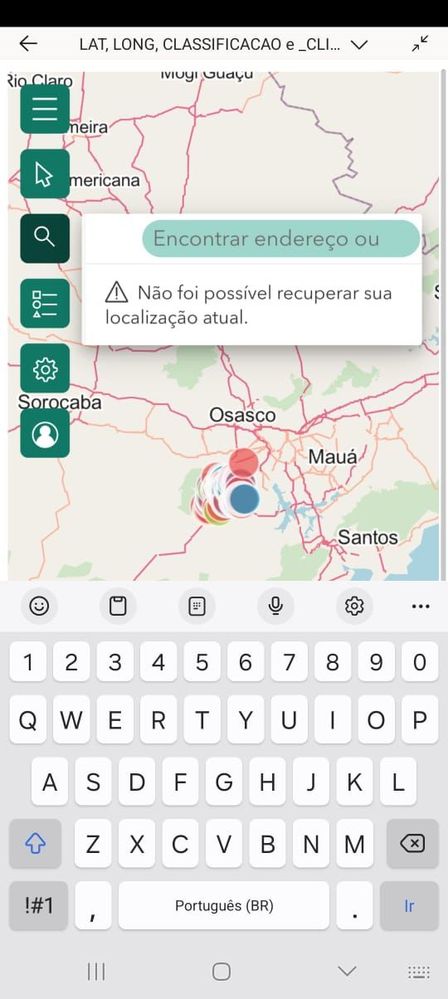
I've run several tests on iOS and they all work fine, but on Android I get the message: Your location could not be retrieved.

Even if I allow access to the mobile's GPS, the message is the same.


Could you help me?

5 REPLIES 5
jonas_santos
Regular Visitor

Hi Community...Anyone having the same problem? Is there any way to solve it?

Anonymous
Not applicable

HI @jonas_santos,

Which OS version are you worked? Have you confirmed on other type of devices? If other device also appear these issues, I suppose it may be a compatibility issue that appear with new power bi mobile version.

Perhaps you can contact to power bi mobile team to report this scenario.

Regards,

Xiaoxin Sheng

Thank you, @Anonymous 

the problem is restricted to the Android version. I've tested it on other OSes and the feature works.
I'll contact the PowerBI team.

Thank you very much.

Anonymous
Not applicable

HI @jonas_santos,

What version of power bi mobile app are you workers? Did the GPS feature work well on other apps? Please share some more detail information about this issue and they should help us clarify your scenario and test to troubleshoot.

How to Get Your Question Answered Quickly  

BTW, if you use mobile web browser to access the report on power bi service site, did the ArcGIS map visual works?

Regards,

Xiaoxin Sheng

Hi @Anonymous ,

Thanks a lot for the quick reply.

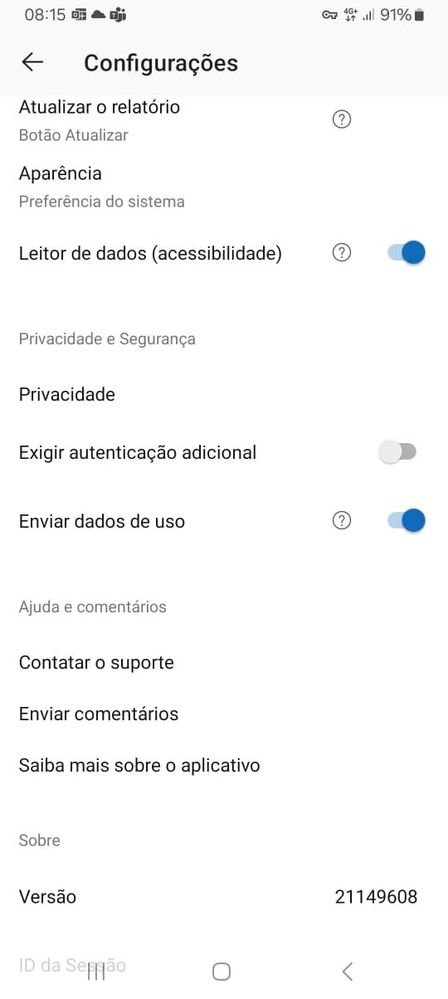
The App version, I have 21149608, and in other Apps the GPS feature works fine.


Accessing the report through the Power BI Service site, the feature to detect the user's location worked.


So I checked again to see if the Power BI App has access to GPS, and it does.


What could be blocking access to the feature?


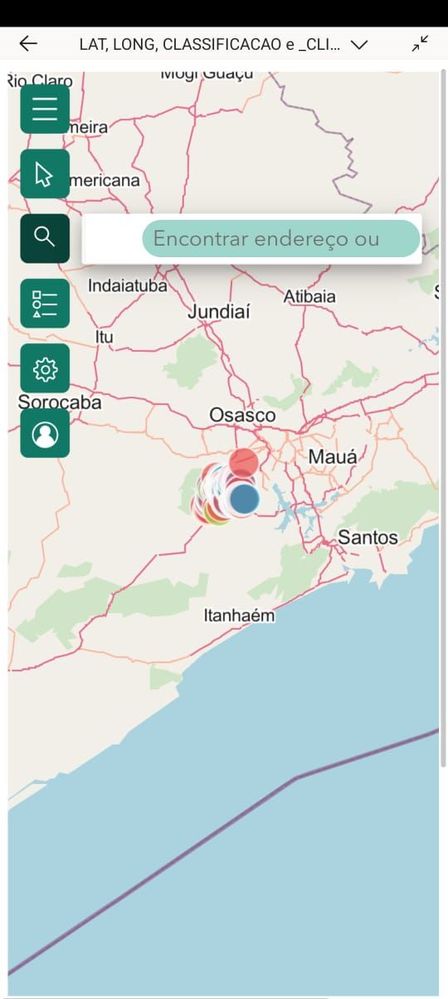
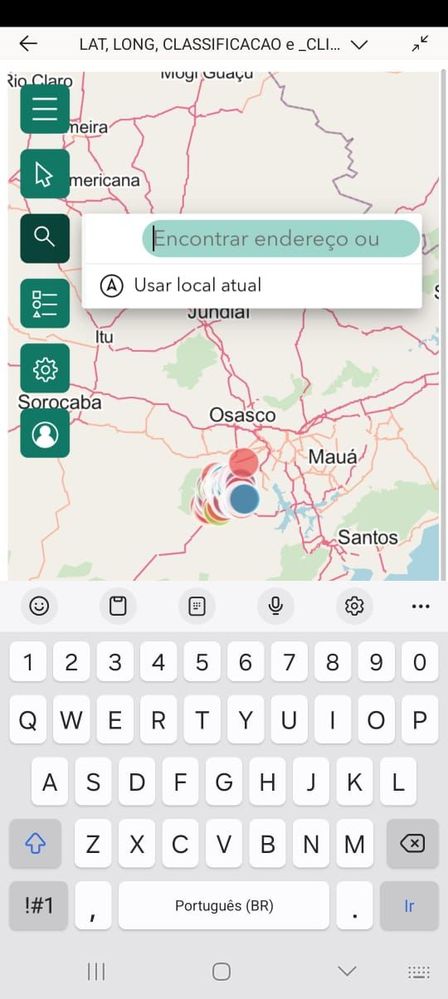
Some photos to clarify to troubleshoot.


Checking feature acesses GPS okChecking feature acesses GPS okID da VersionID da VersionError Step 1Error Step 1Error Step 2Error Step 2Error Step 3Error Step 3

Helpful resources

Announcements
April Power BI Update Carousel

Power BI Monthly Update - April 2026

Check out the April 2026 Power BI update to learn about new features.

New to Fabric survey Carousel

New to Fabric Survey

If you have recently started exploring Fabric, we'd love to hear how it's going. Your feedback can help with product improvements.

Power BI DataViz World Championships carousel

Power BI DataViz World Championships - June 2026

A new Power BI DataViz World Championship is coming this June! Don't miss out on submitting your entry.

FabCon and SQLCon Highlights Carousel

FabCon &SQLCon Highlights

Experience the highlights from FabCon & SQLCon, available live and on-demand starting April 14th.

Top Kudoed Authors