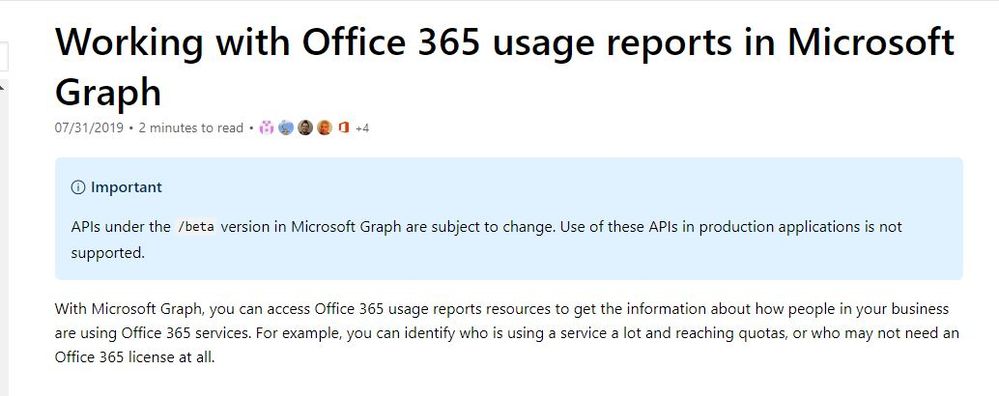
Hey there,
Hoping someone can point me in the right direction please? I've been trying to figure out how to dump the contents of a URI (https://reports.office.com/pbi/v1.0/<tenantid>/TenantProductUsage) into a JSON file using an Azure Runbook.
I've created a Power BI app registration and have tried using that to create the authorisation token, but all I'm getting is an error where the contents of a browser instance are being returned showing that cookies are disabled and not the raw JSON data.
I can navigate to the URI using a browser, authenticate and see the raw JSON, I just can't seem to stream the data.
Here is the PowerShell
[Net.ServicePointManager]::SecurityProtocol = [Net.SecurityProtocolType]::Tls12

# Token credentials
$tenant="<tenant>.onmicrosoft.com"
$clientID=""
$clientSecret=''
$token=$null

# Create access token
$Token = Invoke-RestMethod -Uri https://login.microsoftonline.com/$tenant/oauth2/token?api-version=1.0 -Method Post -Body @{"grant_type" = "client_credentials"; "resource" = "https://graph.microsoft.com/"; "client_id" = $ClientID; "client_secret" = $ClientSecret}

$Headers = @{
    'authorization'="Bearer $($Token.access_token)"
}

#SPECIFY WHICH ENDPOINT TO QUERY
$uri = 'https://reports.office.com/pbi/v1.0/<tenant>/TenantProductUsage'

#CONNECT TO THE GRAPH API USING REST METHOD
$result = Invoke-WebRequest -Headers $headers -Uri $uri -Method Get

#CONVERT THE STREAM RESULT TO AN ARRAY
$resultarray = ConvertFrom-Json -InputObject $result
Any ideas?