cancel
Showing results for 
Search instead for 
Did you mean: 

July 7 - July 17 | Round 2 of the Power BI Dataviz World Championships. Don't miss your chance! Learn more

Reply
Nagy3Sz
Frequent Visitor

Transparent squares on HeatMap visual

Hi,

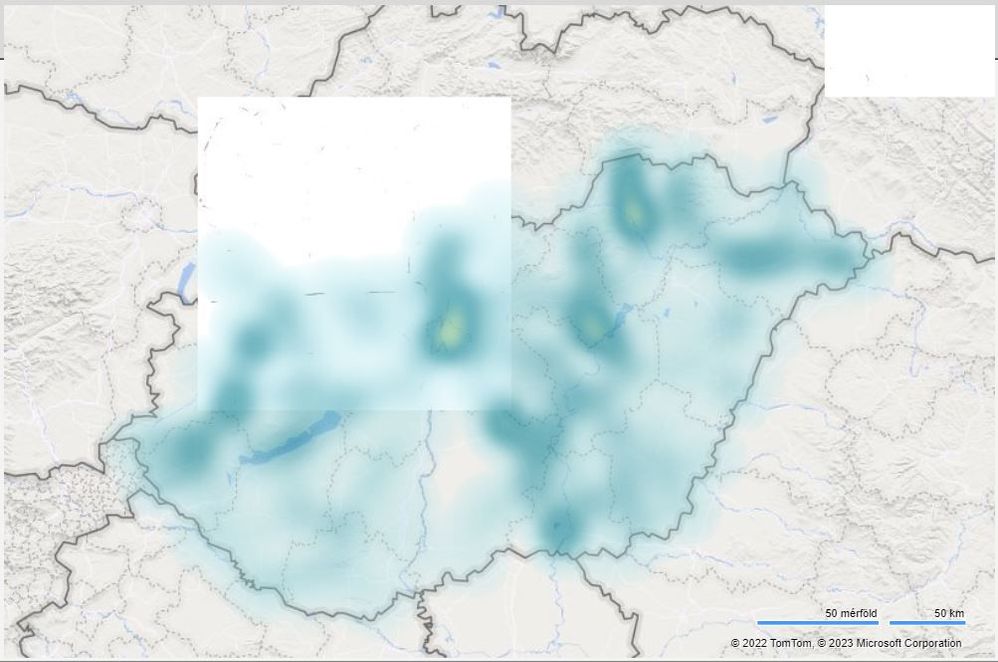
transparent squares appeared one of our reports with the HeatMap visual in it. (see attached pic)heatmap_pbi_visual_transparentsquares.JPG


We don't understand why? Any suggestions? 

Perhaps is it an issue with the underlying Tomtom/MS map? 


The PBIX report hasn't changed for about a year and the HeatMap visual version is the latest available from the Marketplace:

Name: Heat map

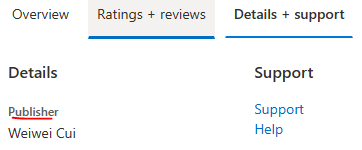
Publisher: Weiwei Cui

Id: heatmapF244EA9EE1F34E828A80CF19B41976F8

Version: 1.1.9

Source: AppSource

Support: https://weiweicui.github.io/PowerBI-Heatmap/


The report is running on On-Prem Report Server January 2023


1 ACCEPTED SOLUTION
Anonymous
Not applicable

Hi @Nagy3Sz ,

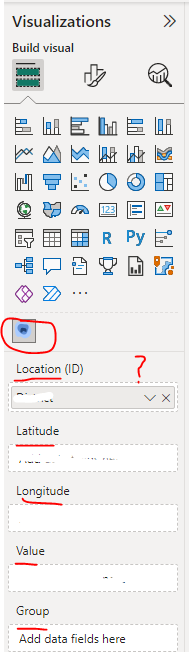
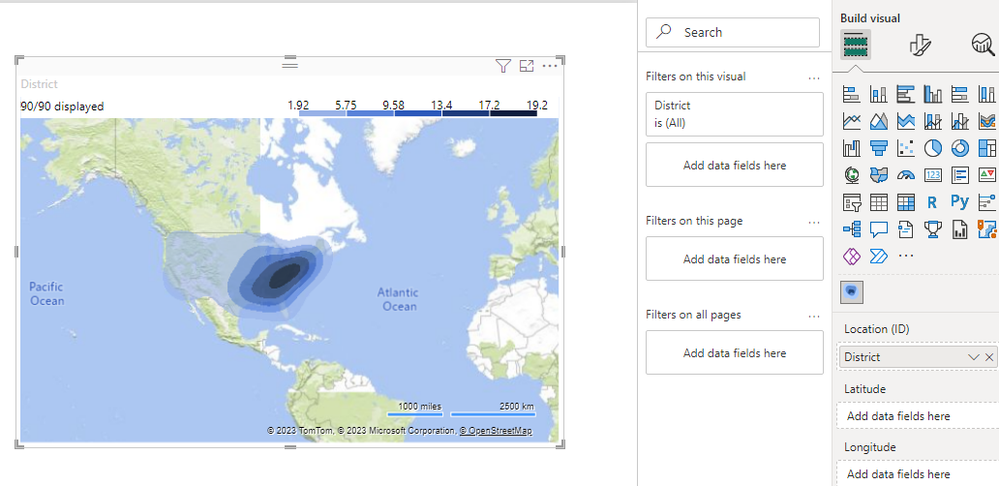
How did you set your HeatMap visual? Could you please provide some raw data which involved in the visual? Later will try to reproduce your problem and make troubleshooting to find the cause of problem. Thank you.

yingyinr_0-1679451542858.png

yingyinr_2-1679451790091.png

In addtion, you can try to contact the publisher of visual to get a professional support. 

yingyinr_1-1679451738321.png

Best Regards

View solution in original post

2 REPLIES 2
Nagy3Sz
Frequent Visitor

Thanks @Anonymous it was a good suggestion about the developer. 

However it wasn't necessary to contact him (her?), because i think the issue caused by the underlying map. It seems some update happened there a few days ago, because the white squares isn't there anymore. 

In the bottom right corner appears (c)2023 TomTom instead of (c)2022 TomTom as it was earlier. 

Thanks for the replies.


Anonymous
Not applicable

Hi @Nagy3Sz ,

How did you set your HeatMap visual? Could you please provide some raw data which involved in the visual? Later will try to reproduce your problem and make troubleshooting to find the cause of problem. Thank you.

yingyinr_0-1679451542858.png

yingyinr_2-1679451790091.png

In addtion, you can try to contact the publisher of visual to get a professional support. 

yingyinr_1-1679451738321.png

Best Regards

Helpful resources

Announcements
FabCon and SQLCon Barcelona 2026

FabCon & SQLCon – Barcelona 2026

Join us in Barcelona for FabCon and SQLCon, the Fabric, Power BI, SQL, and AI community event. Save €200 with code FABCMTY200.

60 days of Data Days Carousel

Data Days 2026

Join Fabric Data Days 2026: 60 days of free live/on-demand sessions, challenges, study groups, and certification opportunities.

Power BI DataViz World Championships carousel

Power BI DataViz World Championships - June 2026

A new Power BI DataViz World Championship is coming this June! Don't miss out on submitting your entry.

Top Solution Authors