This time we’re going bigger than ever. Fabric, Power BI, SQL, AI and more. We're covering it all. You won't want to miss it.
Learn moreDid you hear? There's a new SQL AI Developer certification (DP-800). Start preparing now and be one of the first to get certified. Register now
Hi everyone,
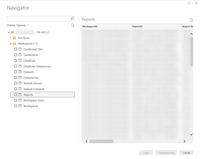
We've successfully created a custom data connector to the Power BI Rest API.
API calls provide us the data we want in Power BI Desktop. Refreshes do work as expected.
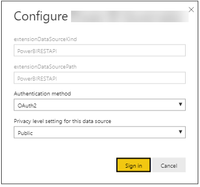
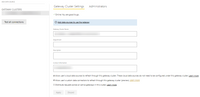
After publishing to the service portal, we receive an authentication error. When we want to authenticate over Auth2 (in either privacy level setting), a white screen popup appears. It seems the refresh token is being successfully generated, however, authentication gets stuck on this popup.
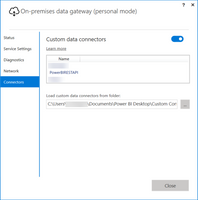
We use the personal data gateway to pick up the custom data connectors .mez files, written in VS2017.
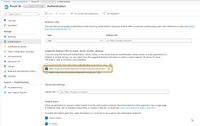
Power BI Client Application details
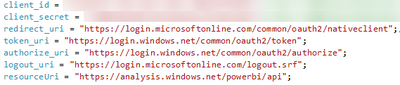
We expect the issue could possibly be the redirect_uri. However, MS documentation clearly states, this is the correct redirct_uri.
Thanks for reading through this post, all feedback is appreciated.
Update:
This also does not work when using the enterprise data gateway.
Check out the April 2026 Power BI update to learn about new features.
Sign up to receive a private message when registration opens and key events begin.
If you have recently started exploring Fabric, we'd love to hear how it's going. Your feedback can help with product improvements.
| User | Count |
|---|---|
| 4 | |
| 2 | |
| 1 | |
| 1 | |
| 1 |