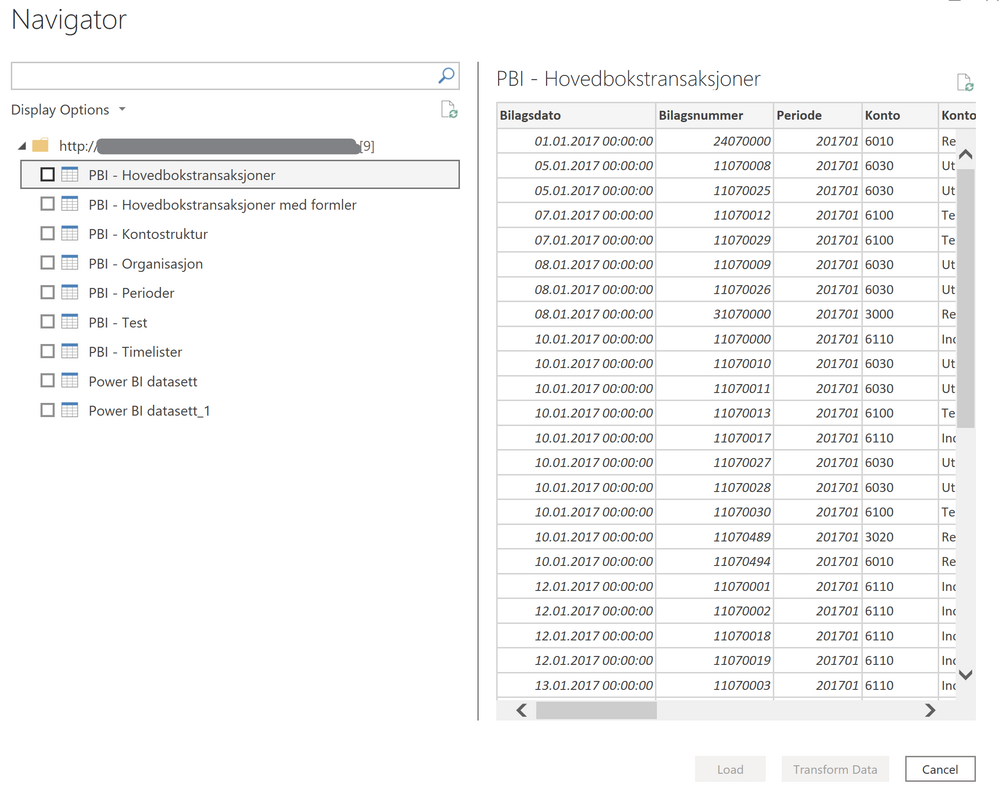
Hi @Anonymous. I'm having an issue with getting navigation while fetching data from an API. I have received the following response from the API:
{
"id": "5Fx1eNBLqS1qYr7W4g9Hrq",
"name": "SS 2",
"slug": "ss-2",
"folder_id": "43025175-64a2-4a35-bd25-542372319194",
"created_at": "2023-04-20T09:11:07.817Z",
"pages": [
{
"id": "d37ccf47-7848-4d31-89b9-736473c971af",
"name": "Page1",
"slug": "page1",
"created_at": "2023-04-20T09:11:07.822Z",
"tables": [
{
"id": "0cc92988-4d17-4bf9-aa21-7b5a3f71b78b",
"name": "Table1",
"slug": "table1",
"created_at": "2023-04-20T09:11:07.824Z"
}
]
}
]
}
I want to display the table list as navigation items, and use each table ID to show the corresponding table when each item is clicked.
can you please help me