Learn from the best! Meet the four finalists headed to the FINALS of the Power BI Dataviz World Championships! Register now
Hi All,
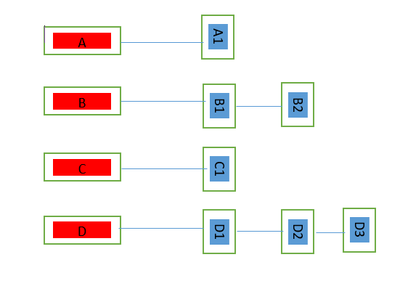
Please give some guidance how can i create below kind of view. I have two columns Header & Content.
Each Header have their respective content which needs to be showns in below manner.
Solved! Go to Solution.
Hi @Anonymous ,
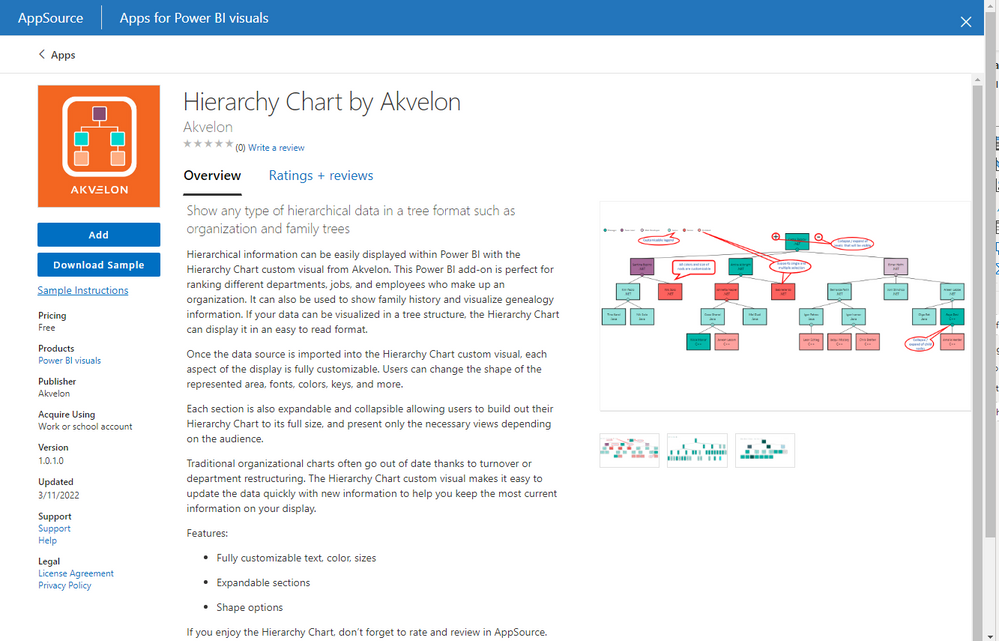
Please check if this visual could meet your requirements.
Here is an example:
Best Regards,
Icey
If this post helps, then please consider Accept it as the solution to help the other members find it more quickly.
Hi @Anonymous ,
Please check if this visual could meet your requirements.
Here is an example:
Best Regards,
Icey
If this post helps, then please consider Accept it as the solution to help the other members find it more quickly.
@Anonymous , Create a rank for content inside the header
rank = rankx(filter(Table, Table[header] = earlier(Table[header]) ), Table[Content])
now use a header on rows and Rank on the column of Matrix and max of the content column as values. You can use conditional formatting
| User | Count |
|---|---|
| 50 | |
| 38 | |
| 29 | |
| 18 | |
| 17 |
| User | Count |
|---|---|
| 67 | |
| 58 | |
| 38 | |
| 21 | |
| 20 |