Don't miss your chance to take the Fabric Data Engineer (DP-600) exam for FREE! Find out how by attending the DP-600 session on April 23rd (pacific time), live or on-demand.
Learn moreNext up in the FabCon + SQLCon recap series: The roadmap for Microsoft SQL and Maximizing Developer experiences in Fabric. All sessions are available on-demand after the live show. Register now
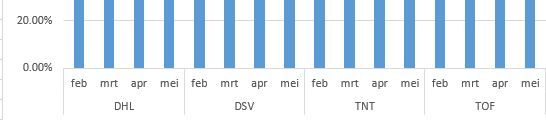
Using inline herarchy. Is there a way instead of showing 1996 Q3, 1996 Q4, 1997 Q1, 1997 Q2....etc as below in x-axis Q3 Q4 Q1 Q2 Q3 Q4 ... 1996 1997
What is the possible way to achieve this. for e.g.
Solved! Go to Solution.
Hi @chozhan,
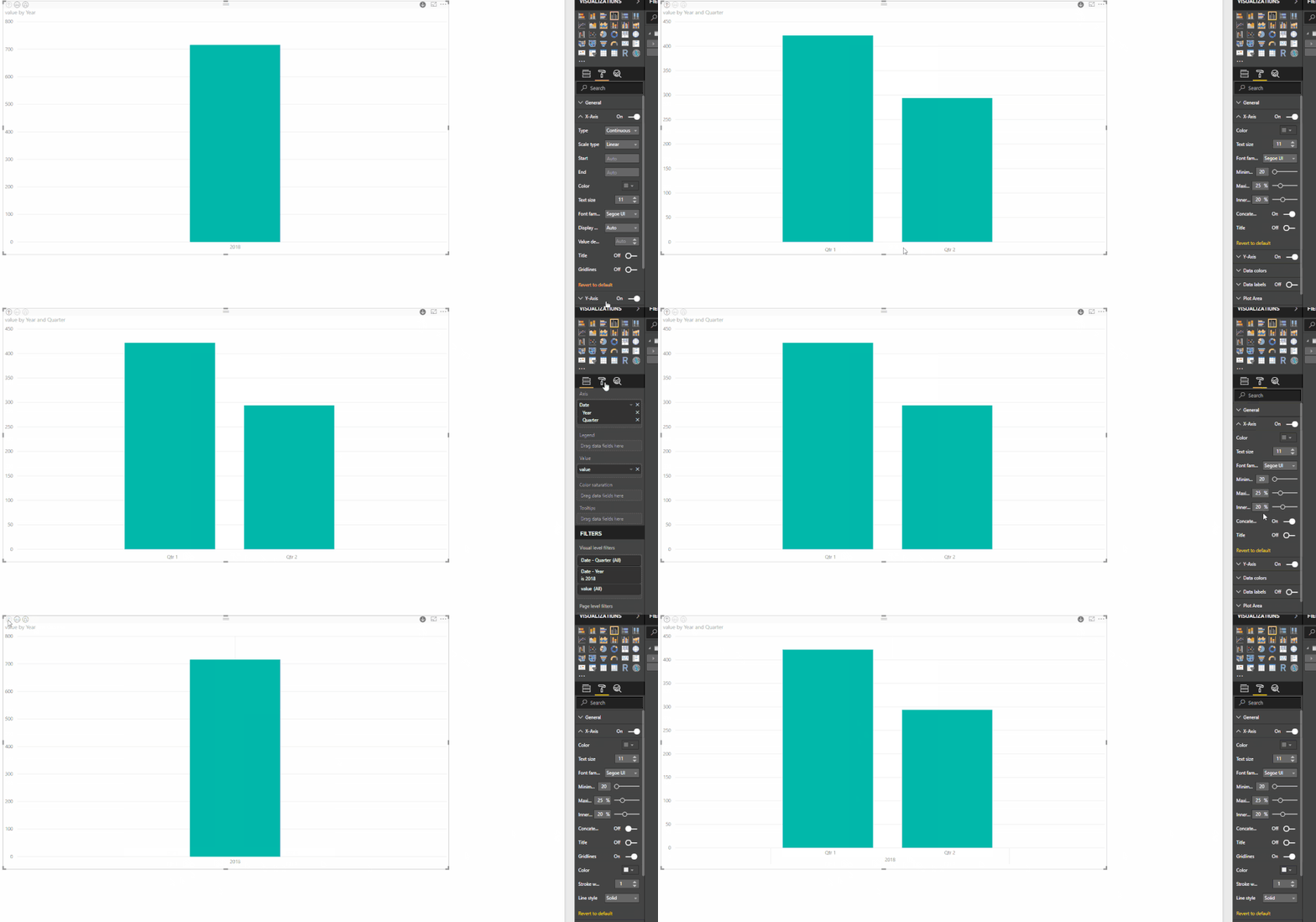
Taking into account that you are using the inline hierarchy you go to the X-axis options and then Concatenate OFF this will give you the expected result.
Regards,
MFelix
Regards
Miguel Félix
Proud to be a Super User!
Check out my blog: Power BI em PortuguêsHi @chozhan,
Taking into account that you are using the inline hierarchy you go to the X-axis options and then Concatenate OFF this will give you the expected result.
Regards,
MFelix
Regards
Miguel Félix
Proud to be a Super User!
Check out my blog: Power BI em PortuguêsIf you have recently started exploring Fabric, we'd love to hear how it's going. Your feedback can help with product improvements.
A new Power BI DataViz World Championship is coming this June! Don't miss out on submitting your entry.
| User | Count |
|---|---|
| 44 | |
| 43 | |
| 38 | |
| 19 | |
| 15 |
| User | Count |
|---|---|
| 67 | |
| 66 | |
| 31 | |
| 28 | |
| 24 |