Don't miss your chance to take the Fabric Data Engineer (DP-700) exam on us!
Learn moreWe've captured the moments from FabCon & SQLCon that everyone is talking about, and we are bringing them to the community, live and on-demand. Starts on April 14th. Register now
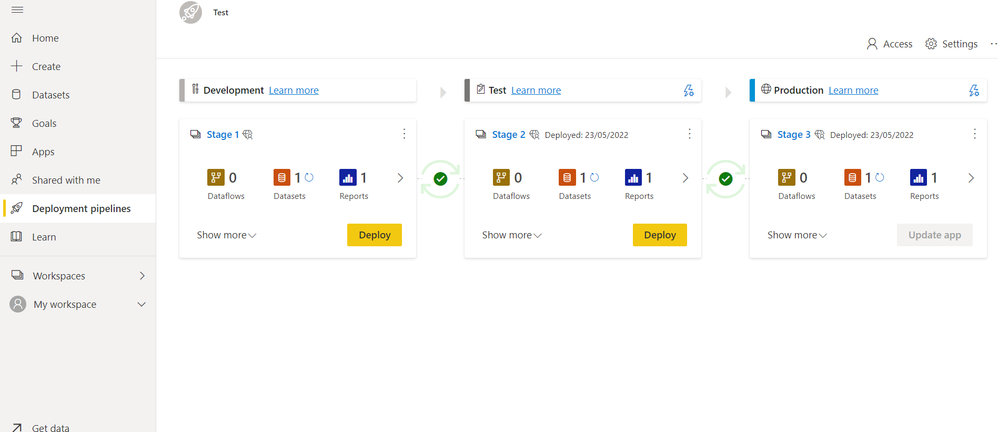
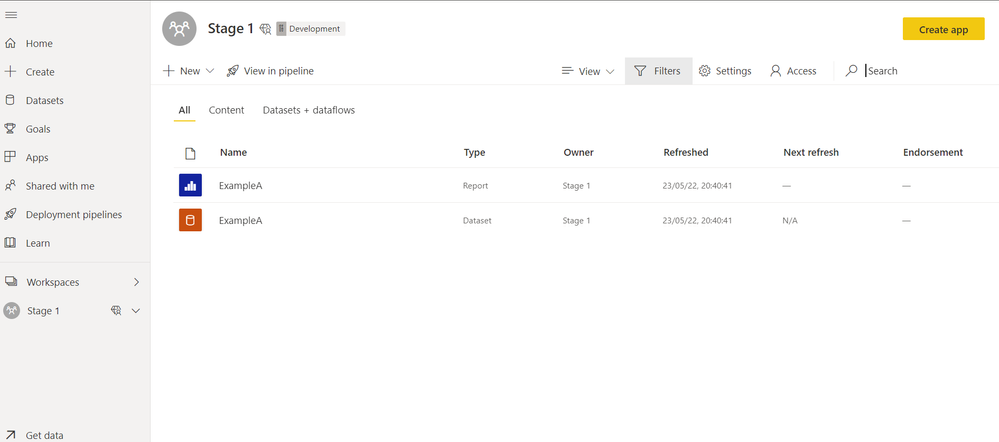
Here it is what is in each workspace:
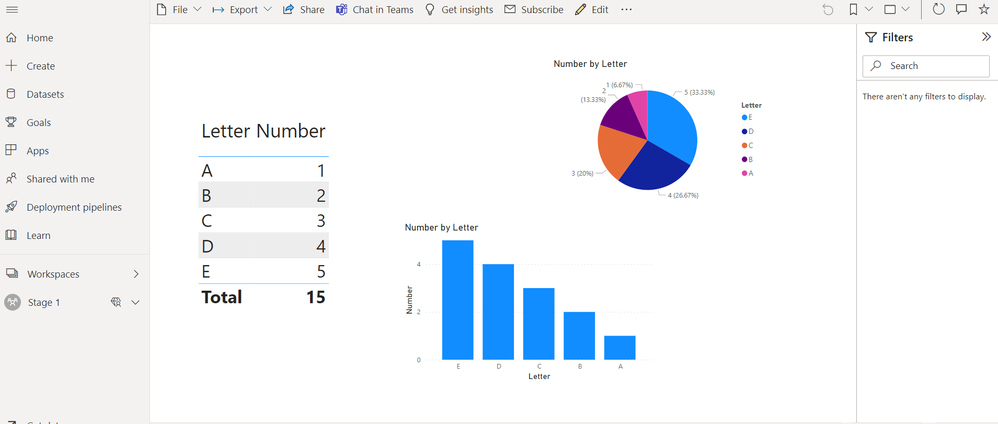
Here is what the stage 1 report looks like:
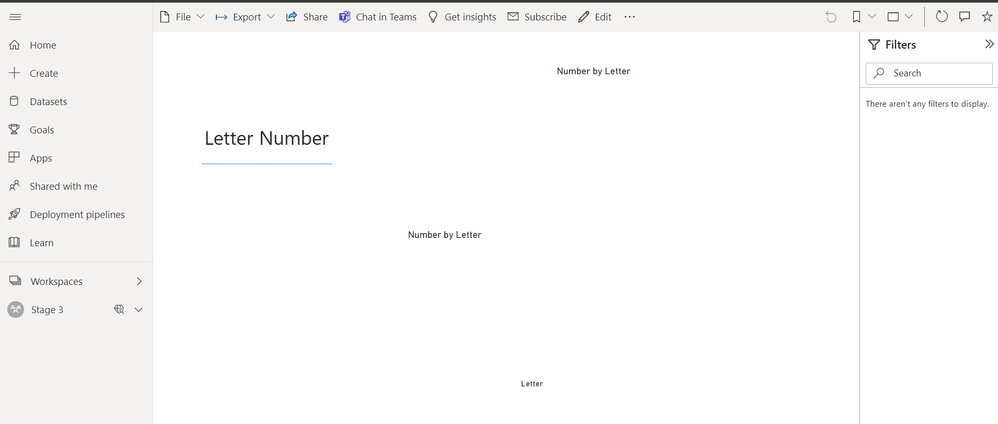
Here is what the stage 2 and 3 report looks like:
Does anyone know why this is?
Thank you,
Solved! Go to Solution.
The solution is that I had to setup a gateway connection and schedule refresh as the datasource itself was on premises. I had uploaded the report from Power BI Desktop. I still don't fully understand why it is, I just know that's why. After I created a gateway and uploaded the data everything worked fine.
Hi, need help with this same problem please.
I am not be able to create gateways etc., How can I get my deployment pipeline's production works as well?
At first I had a problem that test didn't work (same as prod now): There was visualizations but they didn't show any data. Also datasets there were the titles of the tables but no data inside them.
Test works now (I got those data sources to my computer, refreshed report in desktop and published & deployed to service and to test and now it's working. Tested it multiple times to prod aswell, but it doesn't work.
What can I do?
If you have recently started exploring Fabric, we'd love to hear how it's going. Your feedback can help with product improvements.
A new Power BI DataViz World Championship is coming this June! Don't miss out on submitting your entry.
Share feedback directly with Fabric product managers, participate in targeted research studies and influence the Fabric roadmap.
| User | Count |
|---|---|
| 55 | |
| 34 | |
| 31 | |
| 19 | |
| 17 |
| User | Count |
|---|---|
| 74 | |
| 71 | |
| 37 | |
| 35 | |
| 25 |