
Don't miss your chance to take the Fabric Data Engineer (DP-600) exam for FREE! Find out how by attending the DP-600 session on April 23rd (pacific time), live or on-demand.
Learn moreNext up in the FabCon + SQLCon recap series: The roadmap for Microsoft SQL and Maximizing Developer experiences in Fabric. All sessions are available on-demand after the live show. Register now
Hi,
I'm new to Power BI, and I have two table queries, and I want to take a column from one table and enter the data into another table.
I have tried using RELATED but it does not find my table, the table has a relationship, but for some reason and I don't know why I am not able to get the column I need.
Any help would be greatfully received.
Thank you!
Solved! Go to Solution.
@Anonymous,
In this case, I would suggest using Edit Queries to merge the two tables to get Modified column. RELATEDTABLE only works in conjuction with numeric values and aggregation, but since Modified is non-numeric column, you cannot use RELATEDTABLE
@Anonymous,
Have you tried RELATEDTABLE instead? RELATED is used to get data from the one side of a relationship and RELATEDTABLE is used to get data from the many side of a relationship
@Anonymous
Thank you for coming back to me, I am not again 100% sure on what I need to enter on RELATEDTABLE, I do get a little further with this but I think I may be putting the wrong information into the column
Screen Shot of message
Thank you
@Anonymous,
Can you share a screenshot of your data model?
@Anonymous
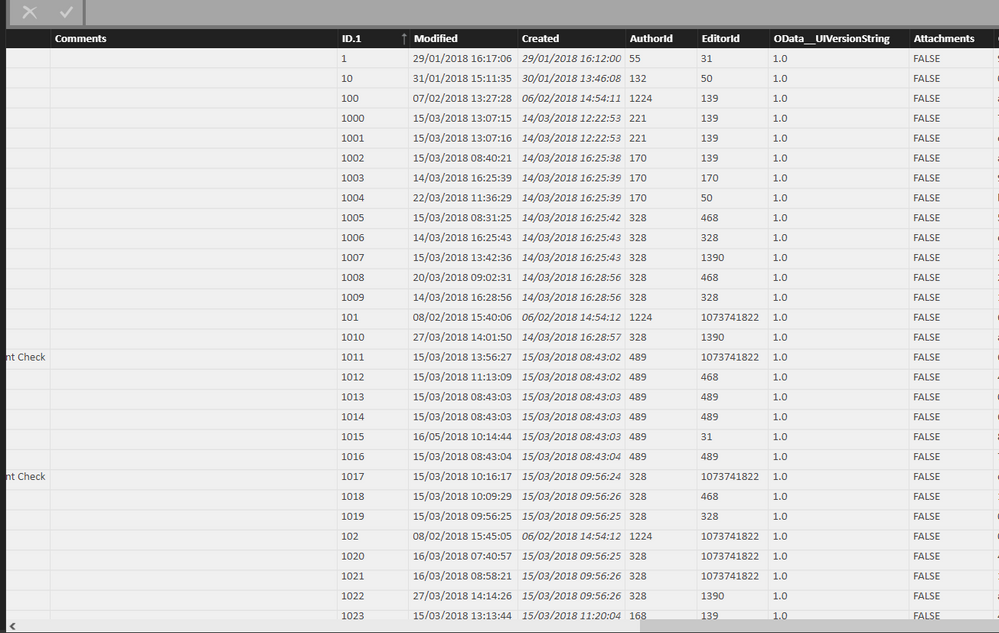
Is this what you require?
I want to use the Column Modified into another data table
@Anonymous,
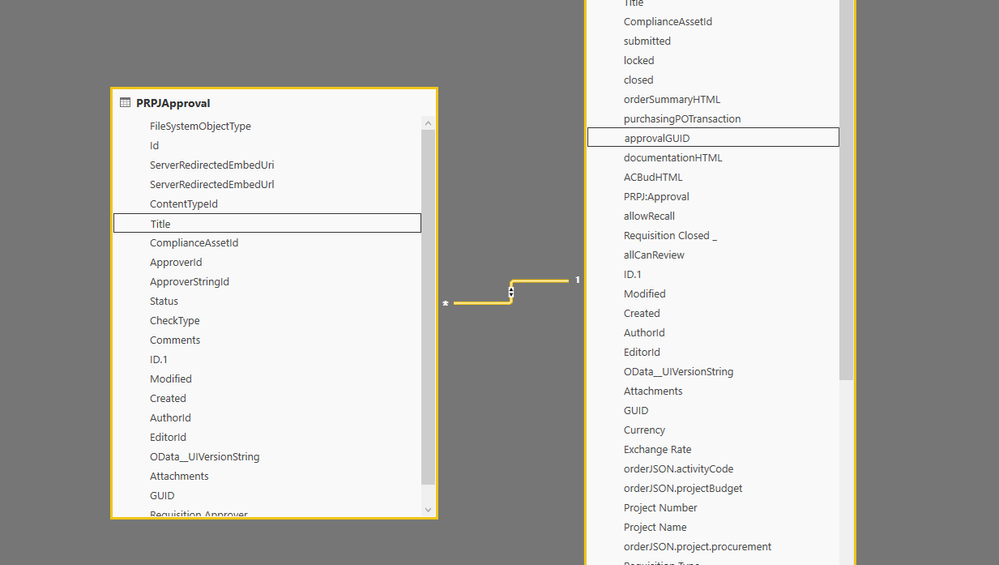
Can you also provide relationship between two tables? It will help decide whether to use RELATED, RELATEDTABLE or something else
@Anonymous
Screen shot of relationship as requested,
@Anonymous,
In this case, I would suggest using Edit Queries to merge the two tables to get Modified column. RELATEDTABLE only works in conjuction with numeric values and aggregation, but since Modified is non-numeric column, you cannot use RELATEDTABLE
If you have recently started exploring Fabric, we'd love to hear how it's going. Your feedback can help with product improvements.
A new Power BI DataViz World Championship is coming this June! Don't miss out on submitting your entry.
| User | Count |
|---|---|
| 46 | |
| 43 | |
| 39 | |
| 19 | |
| 15 |
| User | Count |
|---|---|
| 68 | |
| 68 | |
| 31 | |
| 27 | |
| 24 |