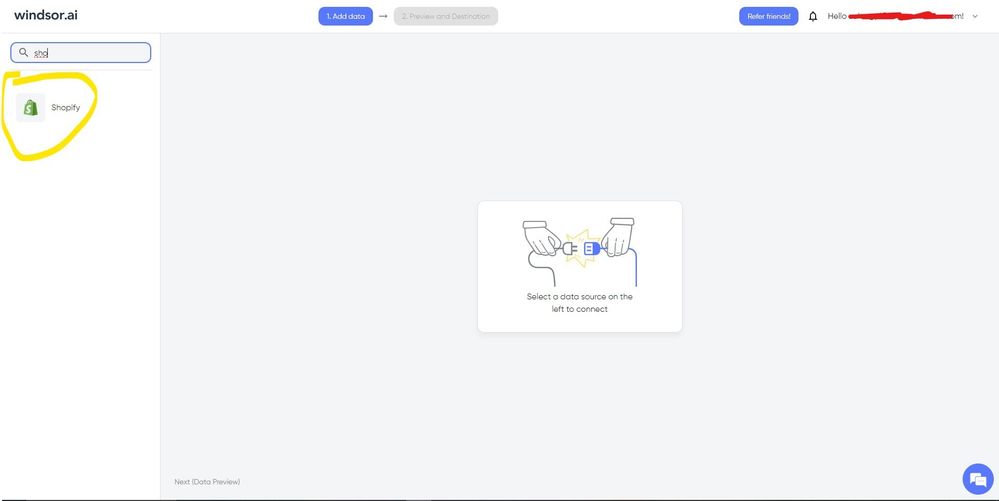
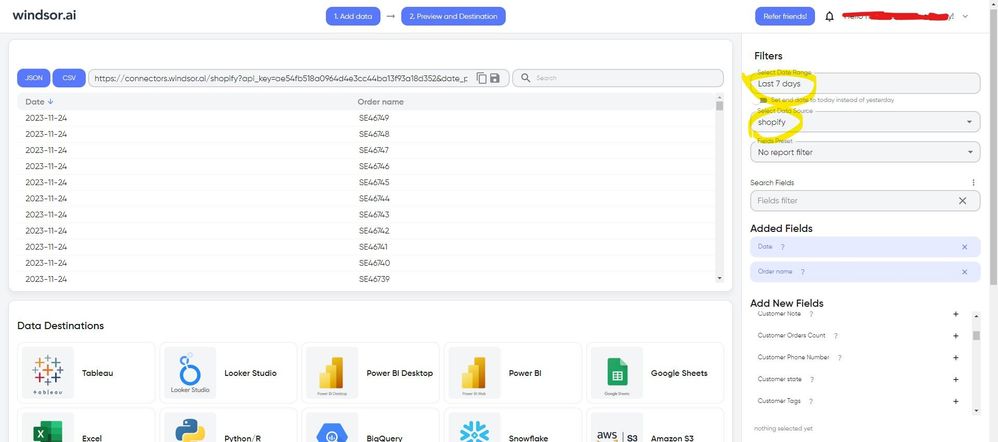
I am trying to bring shopify orders into Power BI desktop but seems I can not import more than 250 orders, this query brings 250 orders and fails at 251. anyone has any idea?
Thank you.
let
key = "API",
delay = #duration(0, 0, 2, 0),
GetOrdersWithSinceId = (since_id as nullable text) as record =>
let
queryParameters = if since_id = null then
[
status = "any",
limit = "250",
order = "created_at asc"
]
else
[
status = "any",
limit = "250",
order = "created_at asc",
since_id = since_id
],
response = Json.Document(
Web.Contents(
url,
[
Headers = [#"X-Shopify-Access-Token" = key],
Query = queryParameters
]
)
)
in
response,
GetMaxId = (orders as list) as nullable text =>
try
Text.From(List.Max(List.Transform(orders, each _[id])))
otherwise
null,
GetAllOrders = List.Generate(
() => [since_id = null, result = GetOrdersWithSinceId(null), orders = GetOrdersWithSinceId(null)[orders]],
each List.Count([orders]) > 0, // condition to continue
each [
since_id = GetMaxId([orders]),
result = Function.InvokeAfter(() => GetOrdersWithSinceId(since_id), delay),
orders = result[orders]
],
each [orders]
),
ExtractOrders = List.Combine(List.Transform(GetAllOrders, each _)),
OrdersTable = Table.FromList(ExtractOrders, Splitter.SplitByNothing(), null, null, ExtraValues.Error),
#"Expanded Column1" = Table.ExpandRecordColumn(OrdersTable, "Column1", {"id", "created_at", "total_price", "customer", "line_items"}),
#"Changed Type" = Table.TransformColumnTypes(#"Expanded Column1", {
{"created_at", type datetimezone}
}),
#"Sorted Rows" = Table.Sort(#"Changed Type",{{"created_at", Order.Ascending}})
in
#"Sorted Rows"