Get certified for free when you join Fabric Data Days 2026 and dive into Fabric, Power BI, SQL, AI, and other essential data skills.
Join nowJuly 7 - July 17 | Round 2 of the Power BI Dataviz World Championships. Don't miss your chance! Learn more
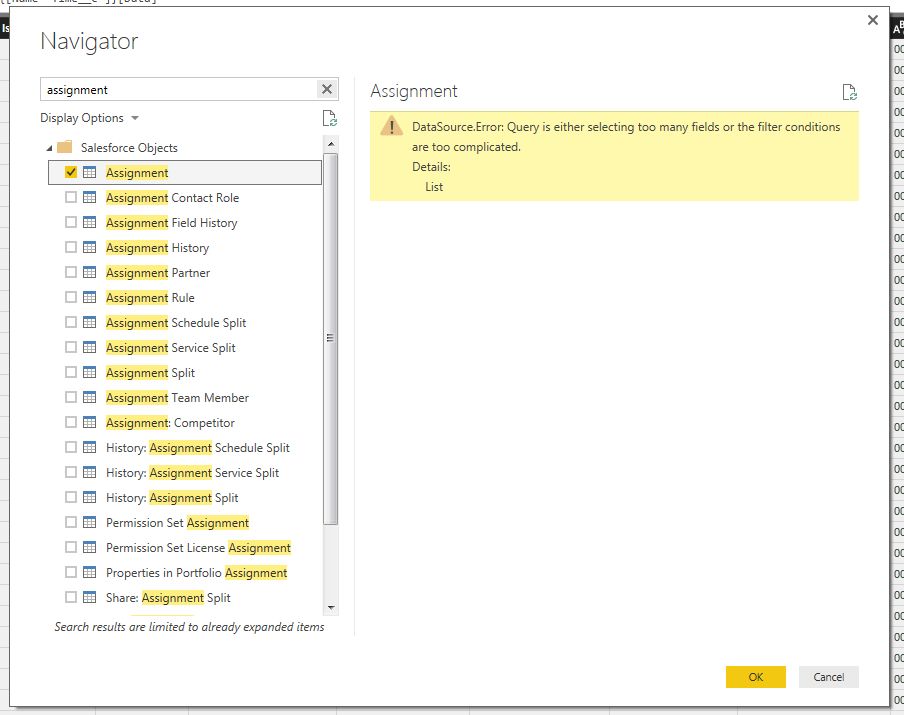
I am getting the below error when I query our opportunity (assignment) data from Salesforce. How do I simplify the query? Do I have to pull-in less fields?
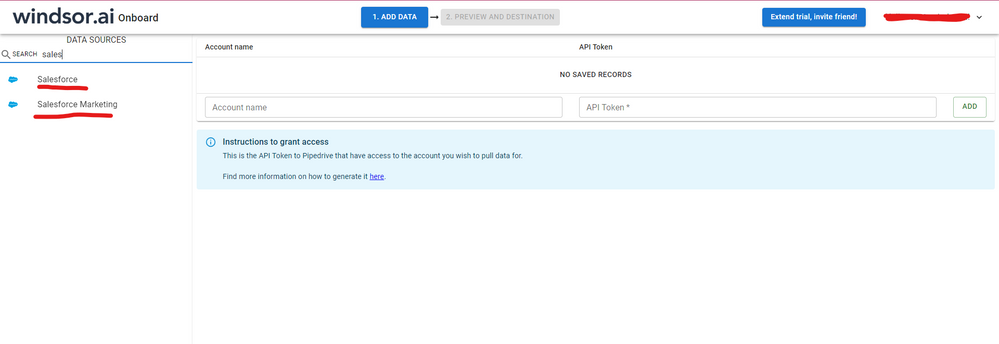
Hi @cdfisher89 were you able to find a solution? As a workaround, maybe you can try to test your connection with a 3rd party connector, which pulls data directly from the SF objects API and has never given me any issue of this kind. I've tried windsor.ai, supermetrics and funnel.io. I stayed with windsor because it is much cheaper so just to let you know other options. In case you wonder, to make the connection first search for the Salesforce connector in the data sources list:
After that, just grant access to your Salesforce account using your credentials, then on preview and destination page you will see a preview of your Salesforce fields:
There just select the fields you need. It is also compatible with custom fields and custom objects, so you'll be able to export them through windsor. Finally, just select PBI as your data destination and finally just copy and paste the url on PBI --> Get Data --> Web --> Paste the url.
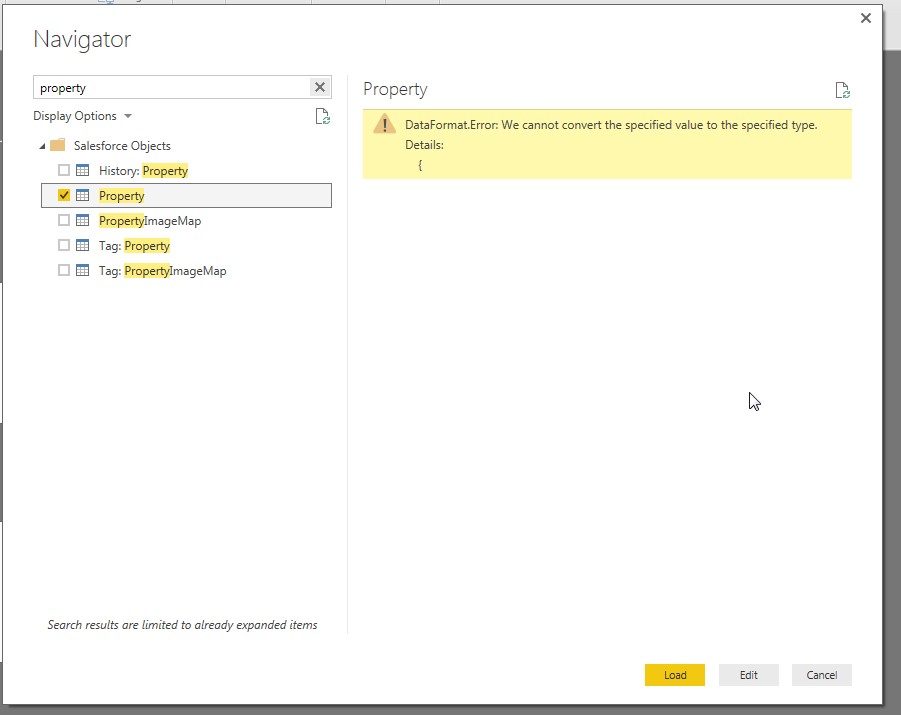
I am also getting this errror for a custom object.
Help! Still having this issue!
I solved it. I just needed to go into the advanced query editor and reduce the number of fields
I'm having the same issue, but cannot work out how to edit the query to reduce the columns.
How can the columns be selected prior to the creating the connection?
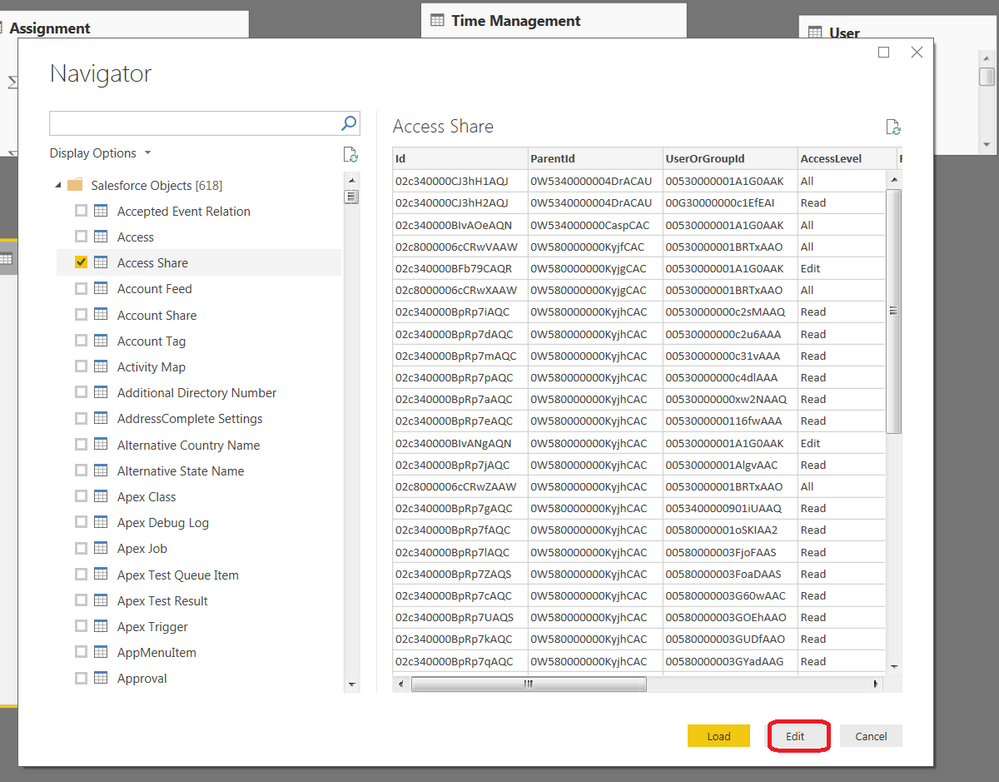
You need to Click on Edit in when you are loading the object - see image. You then go into advanced Query editor and specify what columns you want. Sorry for the late respocnc
Join us in Barcelona for FabCon and SQLCon, the Fabric, Power BI, SQL, and AI community event. Save €200 with code FABCMTY200.
Join Fabric Data Days 2026: 60 days of free live/on-demand sessions, challenges, study groups, and certification opportunities.
| User | Count |
|---|---|
| 22 | |
| 20 | |
| 17 | |
| 13 | |
| 13 |
| User | Count |
|---|---|
| 62 | |
| 40 | |
| 38 | |
| 38 | |
| 38 |