This is best Fabric, Power BI, SQL and AI community event. How do we know? The last event sold out! Save €200 with code FABCMTY200.
Register nowA new Data Days event is coming soon! This time we’re going bigger than ever. Fabric, Power BI, SQL, AI and more. Don't miss out.
Hi guys,
I want to change my connections in power bi from import to direct query, for that I need to find a solution to this problem that only envolve mesures and not adding columns to my data.
I have 2 tables in my model
Table 1 - (name: Infoprex - Olivais) - Table that shows product information (ID, Price, margin, etc...)
Table 2 - Table with Sales information, (ID of the product, name, price, Date of the sale, etc...)
Both tables are connected by product ID (one to one connection).
What do I want to do?
I want to sum the margin (Column: "Margem") of all products sold (Table 2).
The problem is the margin ("Margem") column is only available in Table 1.
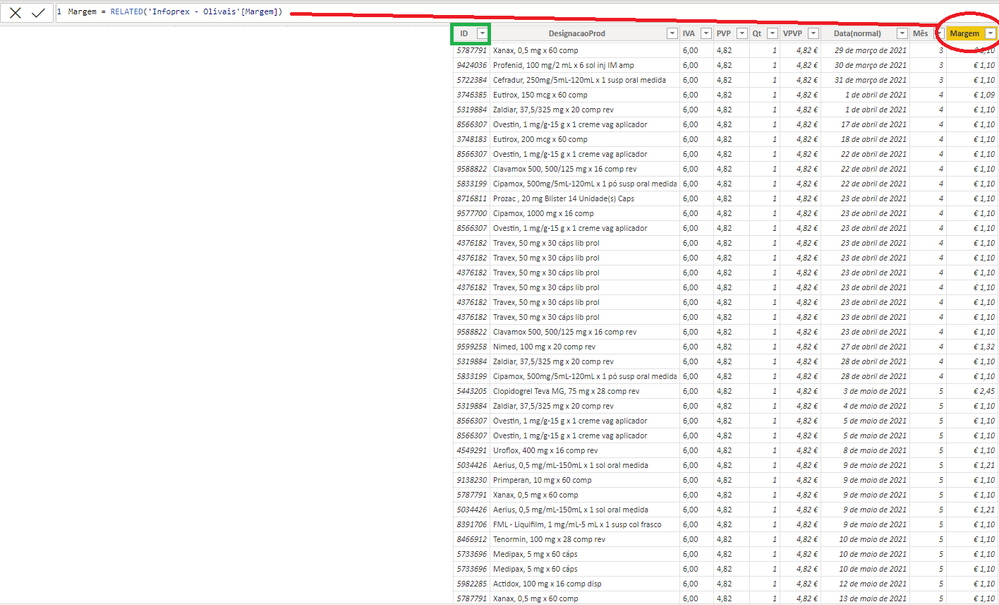
My "old" solution was to creat a Column in Table 2 and getting the Margin column from Table 1 using the Related Function and then sum it (in red in the image above).
But I want another solution that uses only mesures.
Can someone help me 😄 ?
@FarmaVip Perhaps I am missing something. Why is it not just SUM('Table 2'[Margem]) ? That would be the sum of all Margem in Table 2. If you put NOM from table 1 in a visualization along with that measure then as long as there is a relationship between the two you will get the sum of the Margem for each product.
Because "Table 2'[Margem] is a custom column that I create that take the values from Table 1[Margem] using the Related function. I want to do this withou creating any custom column.
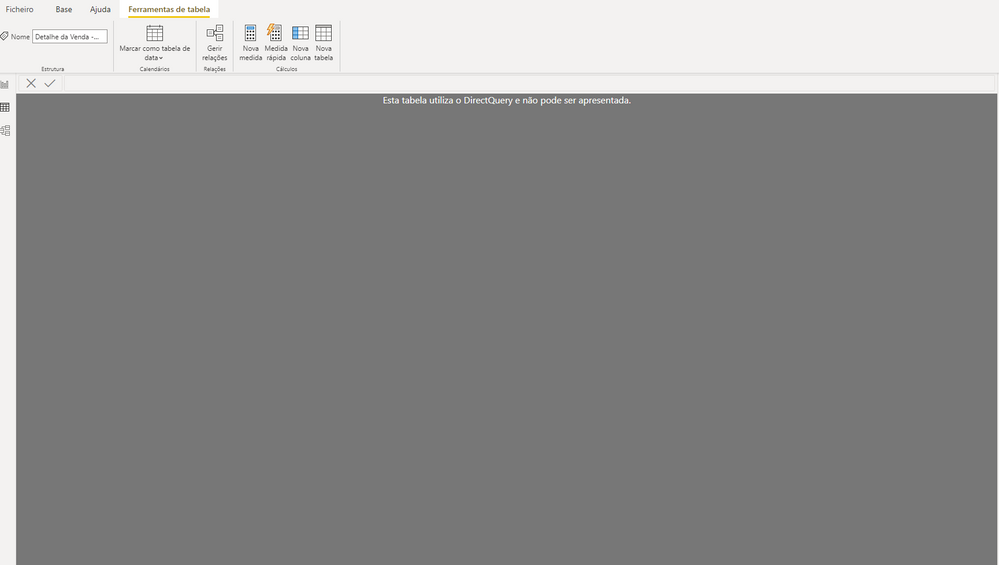
I want to use Direct Query to connect my data. That way I can't creat or modify any data inside powerbi (and creat new columns). So I have to use mesures to solve this problem.
Check out the May 2026 Power BI update to learn about new features.
Sign up to receive a private message when registration opens and key events begin.
If you have recently started exploring Fabric, we'd love to hear how it's going. Your feedback can help with product improvements.
| User | Count |
|---|---|
| 31 | |
| 26 | |
| 23 | |
| 22 | |
| 13 |
| User | Count |
|---|---|
| 61 | |
| 47 | |
| 27 | |
| 23 | |
| 18 |