Hello!
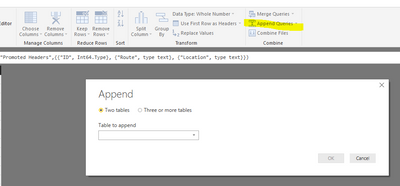
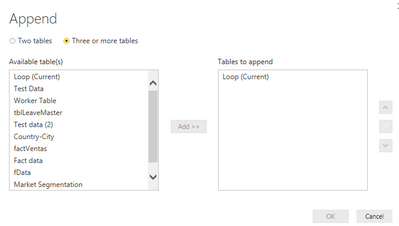
I have a question. How can I make a Table in Query Editor that can append another table to itself with every data refresh?
At first my Table is blank, after it justs put the new data after the old ones. Tha new data is coming from an Oracle Database and it's formatted and summed at the right places, and it has numeric, text and date types (with the exact same column names from the other table)
I have this so far:
let
    Source = Table.FromRows(Json.Document(Binary.Decompress(Binary.FromText("i44FAA==", BinaryEncoding.Base64), Compression.Deflate)), let _t = ((type text) meta [Serialized.Text = true]) in type table [Date = _t, #"LINK CODE" = _t, #"SUM RAM" = _t, #"SUM HDD" = _t, #"SUM CPU" = _t, #"SUM BEVETEL" = _t, Column1 = _t]),
    #"Changed Type" = Table.TransformColumnTypes(Source,{{"Date", type text}, {"LINK CODE", type text}, {"SUM RAM", type text}, {"SUM HDD", type text}, {"SUM CPU", type text}, {"SUM BEVETEL", type text}, {"Column1", type text}}),
    #"Renamed Columns" = Table.RenameColumns(#"Changed Type",{{"Column1", "Csomag"}}),
   // #"filled" = Table.InsertRows(#"Renamed Columns", rowCount_heti, Query1)
    #"TableCombine" = Table.Combine({#"Renamed Columns", Ossz })
in
   #"TableCombine"
But I have a strong feeling it will only put the last ones to the table.
I really hope that someone can help.
Thank you