Join us at FabCon Atlanta from March 16 - 20, 2026, for the ultimate Fabric, Power BI, AI and SQL community-led event. Save $200 with code FABCOMM.
Register now!The Power BI Data Visualization World Championships is back! Get ahead of the game and start preparing now! Learn more
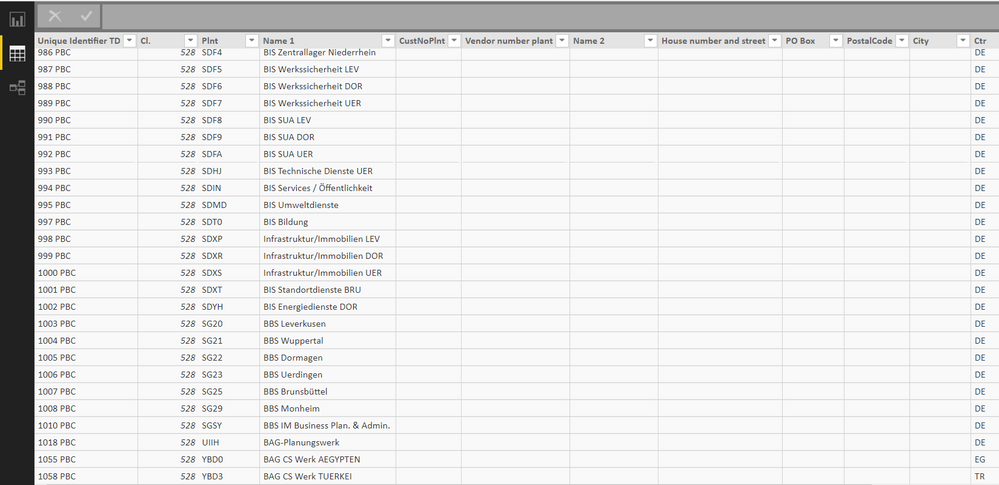
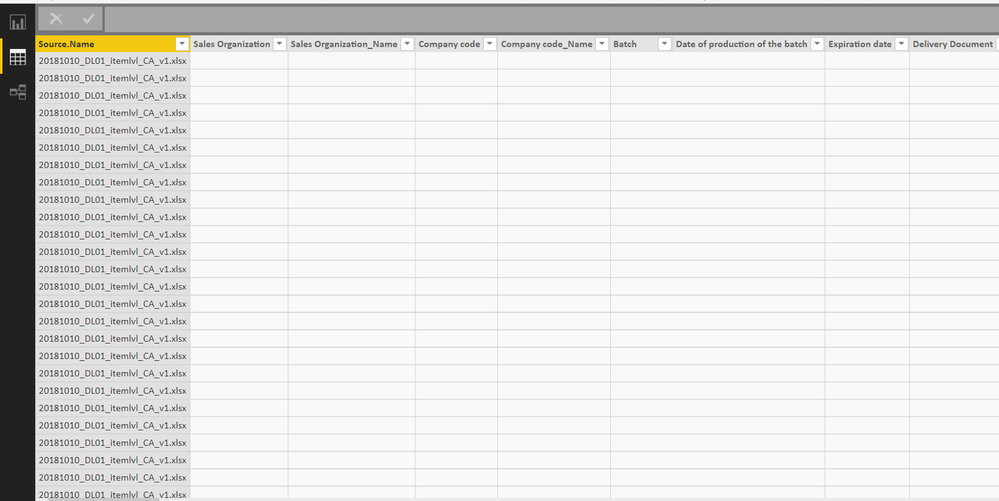
I'm using a number of separate data sets and trying to merge queries (normal stuff). However, after merging queries and applying / closing the editor, the data sets I've uploaded show blank columns. See photos below. The headers are still in place, and sometimes the last few columns show, though if calculated they are incorrect due to the blank data columns. If I re-enter the query editor, those blank columns all appear populated.
I can't figure out if this is a system bug, or if I'm doing something incorrectly. Has anyone seen something like this before? Any potential fixes?
Hi,
It would be more useful to compare the same combinations of UniqueIdentifierID , Cl., Plnt and Name 1....just to verify were not looking at values that really are empty in the second image.
Good call out. Here are parallel screenshots.
The Power BI Data Visualization World Championships is back! Get ahead of the game and start preparing now!
| User | Count |
|---|---|
| 40 | |
| 35 | |
| 34 | |
| 31 | |
| 28 |
| User | Count |
|---|---|
| 137 | |
| 102 | |
| 71 | |
| 67 | |
| 65 |