cancel
Showing results for 
Search instead for 
Did you mean: 

Learn from the best! Meet the four finalists headed to the FINALS of the Power BI Dataviz World Championships! Register now

Reply
karaoan
Kudo Kingpin
Kudo Kingpin

Numeric Slicer doesn't accept zero?

I assume it's a bug that the preview of the numeric slicer doesn't accept zero (which is part of the underlying attribute used as the basis for the slicer) as an entry in any of the configuration settings?


Martin


powerbiexperts.com.au

4 REPLIES 4
v-haibl-msft
Microsoft Employee
Microsoft Employee

@karaoan


This issue should be fixed in May 2017 release.


Best Regards,
Herbert

Anonymous
Not applicable

Hi @karaoan,

Could you please post a screenshot and share sample data of your scenario?

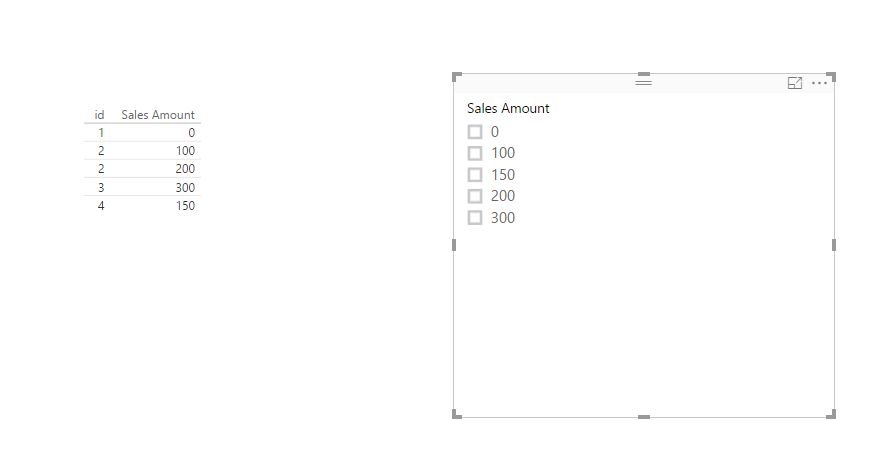
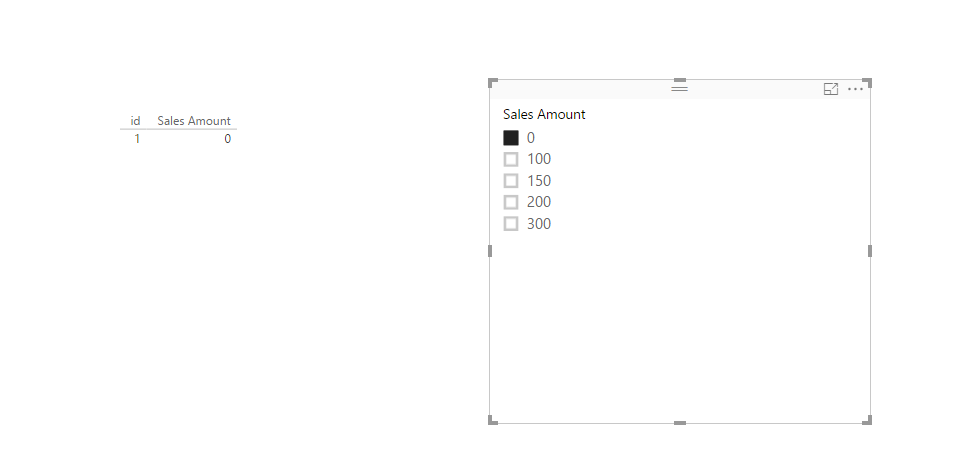
Based on my test, when my numeric column contains zero,  zero also appears in numeric slicer and I can use the slicer to filter visual, you can check the following screenshots of my scenario.
1.PNG2.PNG


Thanks,
Lydia Zhang

Hi Lydia,


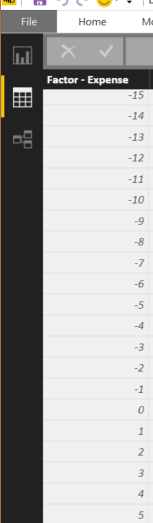
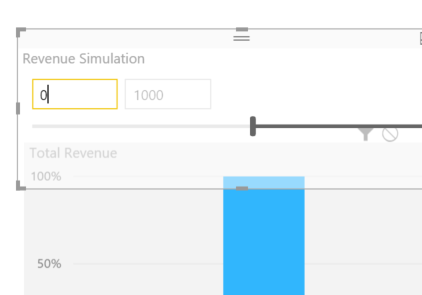
I am using a source with negative and positive values. When I enter "0" it displays "-1000". Interestingly, though the variable linked to the slicer selection carries the correct value:


underlying rangeunderlying rangewhen entering 0when entering 0-1000 is displayed-1000 is displayed

Anonymous
Not applicable

Hi @karaoan,

I can reproduce your issue, I will report this issue internally and post back once I get update.

Thanks,
Lydia Zhang

Helpful resources

Announcements
Join our Fabric User Panel

Join our Fabric User Panel

Share feedback directly with Fabric product managers, participate in targeted research studies and influence the Fabric roadmap.

February Power BI Update Carousel

Power BI Monthly Update - February 2026

Check out the February 2026 Power BI update to learn about new features.

FabCon Atlanta 2026 carousel

FabCon Atlanta 2026

Join us at FabCon Atlanta, March 16-20, for the ultimate Fabric, Power BI, AI and SQL community-led event. Save $200 with code FABCOMM.