cancel
Showing results for 
Search instead for 
Did you mean: 

The Power BI Data Visualization World Championships is back! Get ahead of the game and start preparing now! Learn more

Reply
MegaOctane1
Helper I
Helper I

New card visual - Reference values display units not working

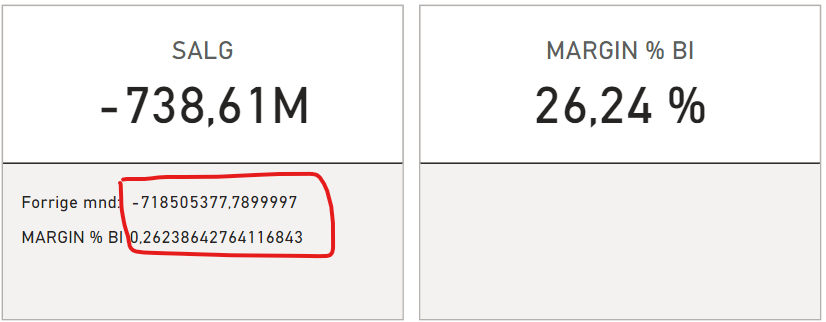
I am using the new card visual, and the Reference measure i am using is set up as Percentage and as Millions with two decimals. 

when i add the measures, it doesnt care what the measure format is set as... I have tried to change it in the visual per label, but to no avail. is it a bug?

Skjermbilde 2023-11-29 143042.png

3 REPLIES 3
Anonymous
Not applicable

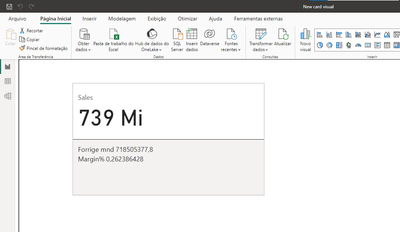
I am having the same problem with this new card. I'm working in Brazil


andearaujo92_0-1702488971963.png


v-zhangti
Community Support
Community Support

Hi, @MegaOctane1 


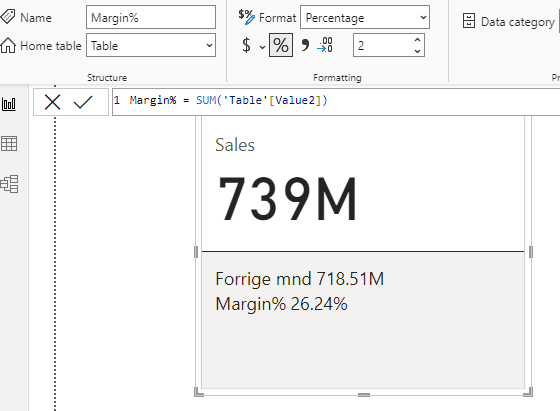
I tried to restore your error but was unsuccessful. You can refer to the attachment to set the format.

vzhangti_0-1701399765431.png

New card visual | Public preview | Microsoft Power BI Blog | Microsoft Power BI


Best Regards,

Community Support Team _Charlotte

If this post helps, then please consider Accept it as the solution to help the other members find it more quickly.

Thanks.
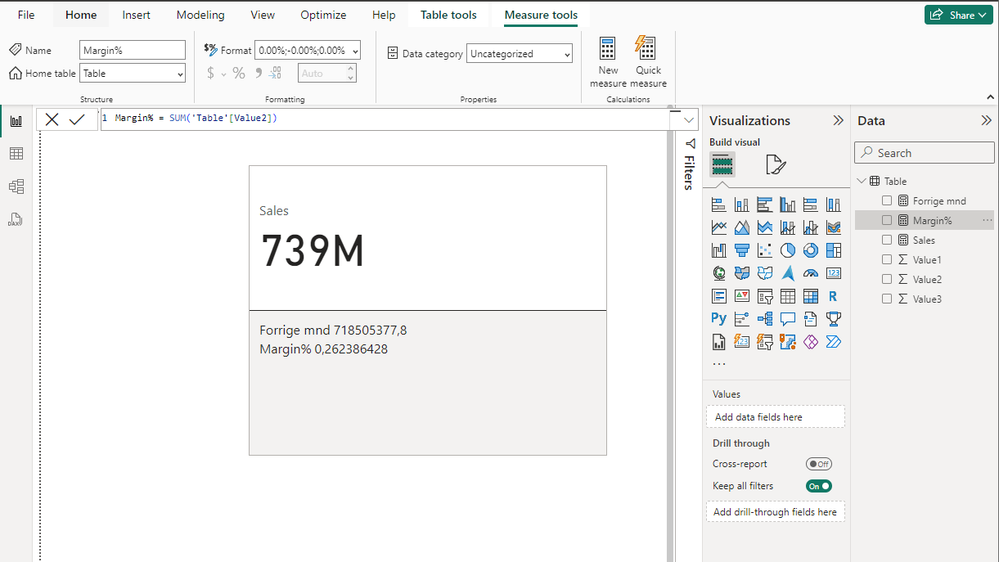
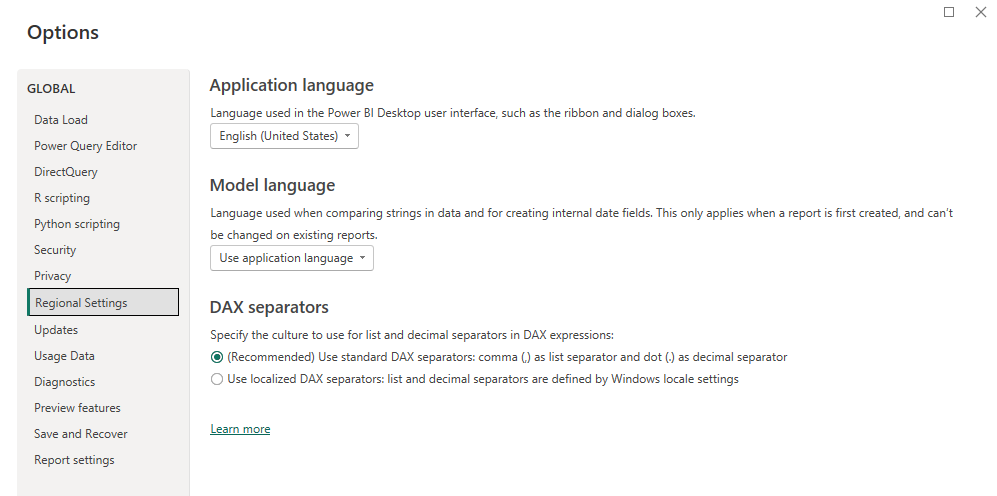
Weird behaviour. Not sure if it is my regional settings? I am using engligsh language, but region is Norway.
When i open the PBIX file on my desktop, it shows the data like this:

Skjermbilde 2023-12-01 092810.png

Skjermbilde 2023-12-01 093059.pngSkjermbilde 2023-12-01 093103.png

Helpful resources

Announcements
November Power BI Update Carousel

Power BI Monthly Update - November 2025

Check out the November 2025 Power BI update to learn about new features.

Fabric Data Days Carousel

Fabric Data Days

Advance your Data & AI career with 50 days of live learning, contests, hands-on challenges, study groups & certifications and more!

FabCon Atlanta 2026 carousel

FabCon Atlanta 2026

Join us at FabCon Atlanta, March 16-20, for the ultimate Fabric, Power BI, AI and SQL community-led event. Save $200 with code FABCOMM.

Top Solution Authors
Top Kudoed Authors