This time we’re going bigger than ever. Fabric, Power BI, SQL, AI and more. We're covering it all. You won't want to miss it.
Learn moreGet Fabric Certified for FREE during AI Skills Fest. This week only. Secure your voucher now.
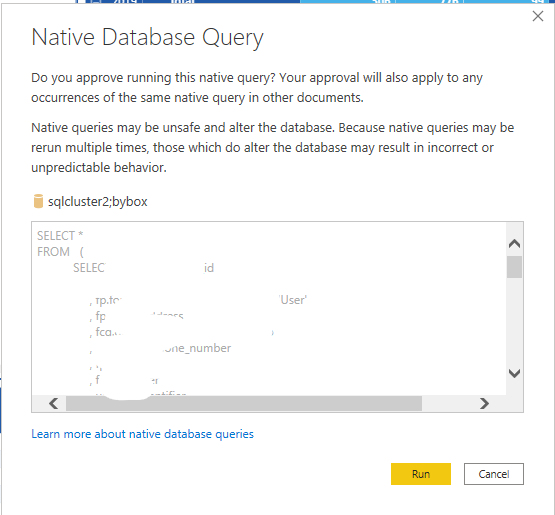
I have noticed in the latest version of Power BI May 2020 that now when I go to refresh a Power BI file in desktop I get prompted for every query that I have. If I have 50 queries I have to press Run 50 times. Anyway I can enter these just once for all the queries?
Once I have hit Run it seems to Refresh without this prompt after.
In File/Options and Settings, under Global click on Security and uncheck the top box.
If this works for you, please mark it as solution. Kudos are appreciated too. Please let me know if not.
Regards,
Pat
To learn more about Power BI, follow me on Twitter or subscribe on YouTube.
Check out the May 2026 Power BI update to learn about new features.
Sign up to receive a private message when registration opens and key events begin.
If you have recently started exploring Fabric, we'd love to hear how it's going. Your feedback can help with product improvements.
| User | Count |
|---|---|
| 25 | |
| 24 | |
| 22 | |
| 21 | |
| 19 |
| User | Count |
|---|---|
| 51 | |
| 48 | |
| 44 | |
| 21 | |
| 21 |