Hi,
Wondering if anyone can help me with multiplying row level values by a rate I derived in a measure. Below is a link to a pbix file I'm working with. See Service Worksheet for this request. This is a data set for a logistics company (dummy dataset).
I've created a measure to calcuate an average rate per stop by adding up revenue for different types of stops and divide it by a total number of stops. See 1.81 in the Service Worksheet. This is the average rate per stop.
RateAvg$/Stop = CALCULATE(SUM('All P&D Tables'[DL STOPS $AMT])+SUM('All P&D Tables'[ECOM STOPS $AMT])+sum('All P&D Tables'[PU STOPS $AMT]))/[TotalStopsSTLMNT]
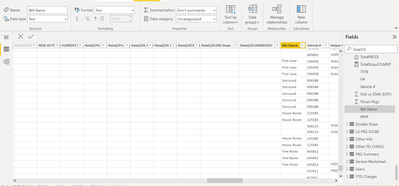
The goal is to figure out the revenue for each Work Area. I've created a table in the file which lists out all the Work Areas under WA Name field. I want to add another column to this table with result of multiply the 1.81 average rate per stop by the number of stops to an area in each row. The field representing number of stops is Act Del Stps. So values in each row under Act Del Stps column should be multiplied by 1.81.
I've spent all day on this and I'm able to get the total aggregation but it returns blank when trying to break it up by Work Area. Please help.
https://drive.google.com/file/d/1ia6kHsfPCZf-KRwPCS-lIriJ5Y_oLoj0/view?usp=sharing