cancel
Showing results for 
Search instead for 
Did you mean: 

The Power BI Data Visualization World Championships is back! Get ahead of the game and start preparing now! Learn more

Reply
jimmymitra
Advocate I
Advocate I

Multiple R visual with a common processing R code

I am using R visual in Power BI .


I have an existing R code that has multiple visualisations (histogram , pie chart , scatter plot ,bar chart etc)


But the processing part is common for all the above visualisation and I dont want they run multiple time for creation of each of the visualisation.


How can I achieve that ? currently I have to use 4 R visuals in Power BI , all of them are running a same common code to create 4 visuals that I need ... very frustrating

1 ACCEPTED SOLUTION

Hi @jimmymitra,


As @v-yulgu-msft has indicated, you could move your data processing R script to R Connector. Check this link for details from Microsoft documents.

You can do your processing using R script and then use the resulting data set to create your R visuals.


If you already have the data in Power BI and need to use R to do further cleasing/manipulation you could use R Script in the Query Editor and use the resulting data set in your R visuals. Check this link from Microsoft document.


Either way (based on your requirement) you can centralise the R Script data processing/ETL in one place and use the resulting data set to create your R visuals.

Hope this helps.

View solution in original post

3 REPLIES 3
v-yulgu-msft
Microsoft Employee
Microsoft Employee

Hi @jimmymitra,


What common code did you use to run R visuals? How did you run R code in Power BI? Via R script visual or loading R script in data connector?

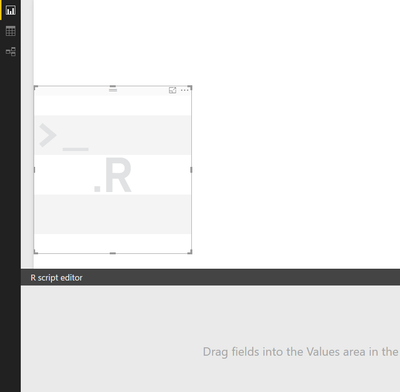
1.PNG

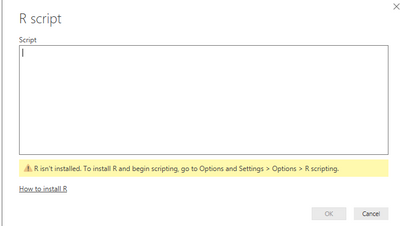
2.PNG


Regards,

Yuliana Gu

Community Support Team _ Yuliana Gu
If this post helps, then please consider Accept it as the solution to help the other members find it more quickly.

I run it Via R script visual .


In my code , I have some lines of code to prepare my dataframe that I will be using for multiple visulisation (histogram , scatter plot,pie chart etc)


But with R script visual ,for every visual , I need to run the R code upto the dataframe creation and then I have separate code in the visuals for separate type of plots.


I think this is not a very efficient way of doing things , as the same process is running 4 times for 4 different plots

Hi @jimmymitra,


As @v-yulgu-msft has indicated, you could move your data processing R script to R Connector. Check this link for details from Microsoft documents.

You can do your processing using R script and then use the resulting data set to create your R visuals.


If you already have the data in Power BI and need to use R to do further cleasing/manipulation you could use R Script in the Query Editor and use the resulting data set in your R visuals. Check this link from Microsoft document.


Either way (based on your requirement) you can centralise the R Script data processing/ETL in one place and use the resulting data set to create your R visuals.

Hope this helps.

Helpful resources

Announcements
Power BI DataViz World Championships

Power BI Dataviz World Championships

The Power BI Data Visualization World Championships is back! Get ahead of the game and start preparing now!

December 2025 Power BI Update Carousel

Power BI Monthly Update - December 2025

Check out the December 2025 Power BI Holiday Recap!

FabCon Atlanta 2026 carousel

FabCon Atlanta 2026

Join us at FabCon Atlanta, March 16-20, for the ultimate Fabric, Power BI, AI and SQL community-led event. Save $200 with code FABCOMM.