cancel
Showing results for 
Search instead for 
Did you mean: 

Get Fabric Certified for FREE during AI Skills Fest. This week only. Secure your voucher now.

Reply
New_be
Helper V
Helper V

Measure Performance Issue: Running Total

Hi expert!


I have a measure performance problem to calculate a running total.


First Measure:

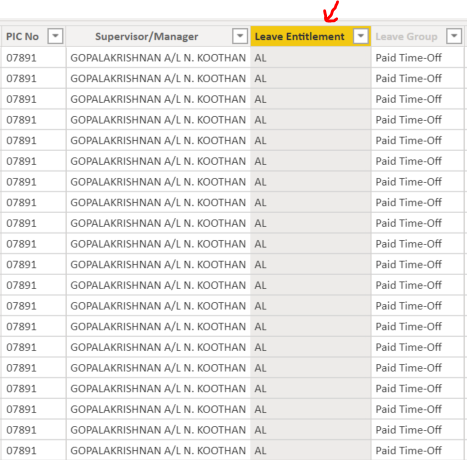
First is, i have a total man days calculation. Function of this measure is to count [Leave Entitlement];
*Leave entitlement consist of: annual leave (AL), Emergency leave (EL) and so on.


Total Man days = COUNTA( 'Leave Table'[Leave Entitlement] )
   Capture13.PNG
 
 
Second Measure:
This measure is to calculate running totals of man days or i called cumulative of total man days.
 
Cumulative Total Man Days =
   VAR maxDate = MAX('Calendar'[Date])
   VAR result =
      CALCULATE(
            [Total Man Days],
            FILTER(
                ALL('Calendar'[Date]),
                'Calendar'[Date] <= maxDate
   )
)

RETURN result


What happen when i implemented the second measure inside a visual?
Its worked, but Its load very very very slow. Can someone tell me why?

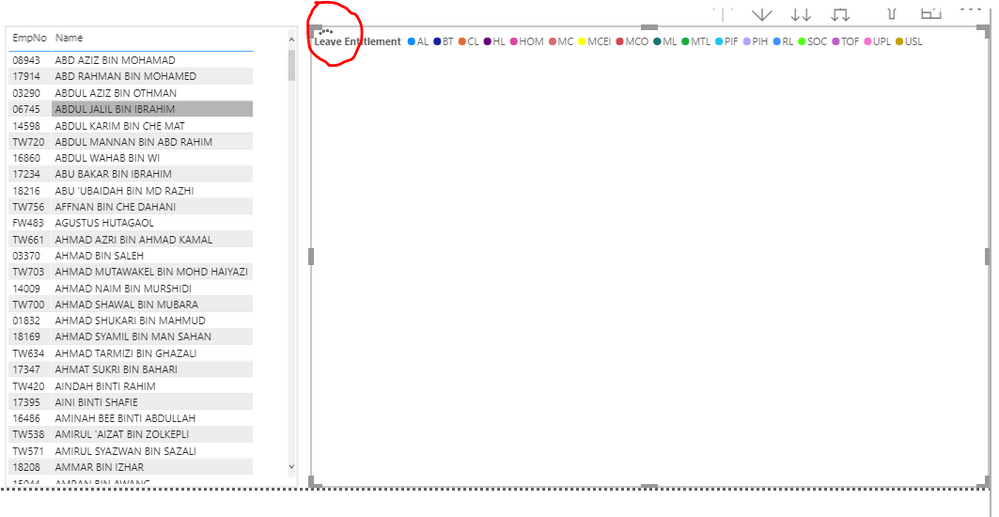
*In visual below, i take second measure over [date]

Capture14.PNG

5 REPLIES 5
Anonymous
Not applicable

Hi @New_be ,


Your formula looks quite simple. You could try to modify the second formula as below and see if there's any improve to the speed.

Cumulative Total Man Days =
   VAR maxDate = MAX('Calendar'[Date])
   var tmp_table = FILTER(ALL('Calendar'[Date]),'Calendar'[Date] <= maxDate)
   VAR result =
      CALCULATE(
            [Total Man Days],
             tmp_table
)


Best Regards,

Jay

AlB
Community Champion
Community Champion

@New_be 

Have you used tried the changes I suggested?

Another option would be to use week or month in the axis to reduce the number of calcs

Please mark the question solved when done and consider giving a thumbs up if posts are helpful.

Contact me privately for support with any larger-scale BI needs, tutoring, etc.

Cheers 


SU18_powerbi_badge


Not yet because currently im focusing on the other report. After i try your measure, i will let you know. Big thanks @AlB 😊

AlB
Community Champion
Community Champion

Hi @New_be 

I don't see any glaring issue with your code.

1) Can you share the pbix by any chance?

2) What are you using in the x-axis of the chart, Calendar[Date]?

3) Why are you using COUNTA instead of COUNT. Try these changes:


       Total Man days = COUNT( 'Leave Table'[Leave Entitlement] )


Cumulative Total Man Days =
VAR minDate =
    MINX ( ALL ( 'Calendar'[Date] ), 'Calendar'[Date] )
VAR maxDate =
    MAX ( 'Calendar'[Date] )
VAR result =
    CALCULATE (
        [Total Man Days],
        DATESBETWEEN ( 'Calendar'[Date], minDate, maxDate )
    )
RETURN
    result


Please mark the question solved when done and consider giving a thumbs up if posts are helpful.

Contact me privately for support with any larger-scale BI needs, tutoring, etc.

Cheers 

SU18_powerbi_badge

Sorry i cannot share my report.
Yupp. I dont see any issue with my code either. For X-axis, i use date.


BTW, thanks for for remarks! really appreciate it 😊

Helpful resources

Announcements
May Power BI Update Carousel

Power BI Monthly Update - May 2026

Check out the May 2026 Power BI update to learn about new features.

Fabric SQL PBI Data Days

Data Days 2026 coming soon!

Sign up to receive a private message when registration opens and key events begin.

Power BI DataViz World Championships carousel

Power BI DataViz World Championships - June 2026

A new Power BI DataViz World Championship is coming this June! Don't miss out on submitting your entry.