This time we’re going bigger than ever. Fabric, Power BI, SQL, AI and more. We're covering it all. You won't want to miss it.
Learn moreDid you hear? There's a new SQL AI Developer certification (DP-800). Start preparing now and be one of the first to get certified. Register now
Hello All,
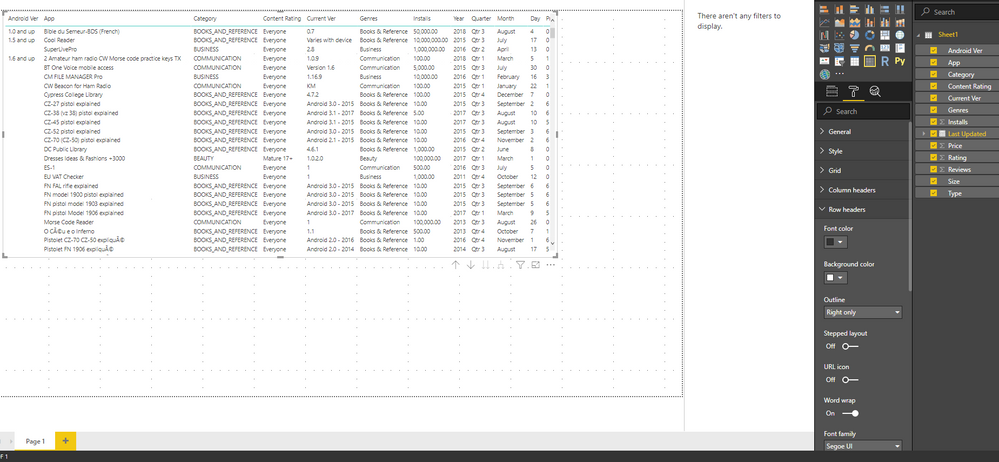
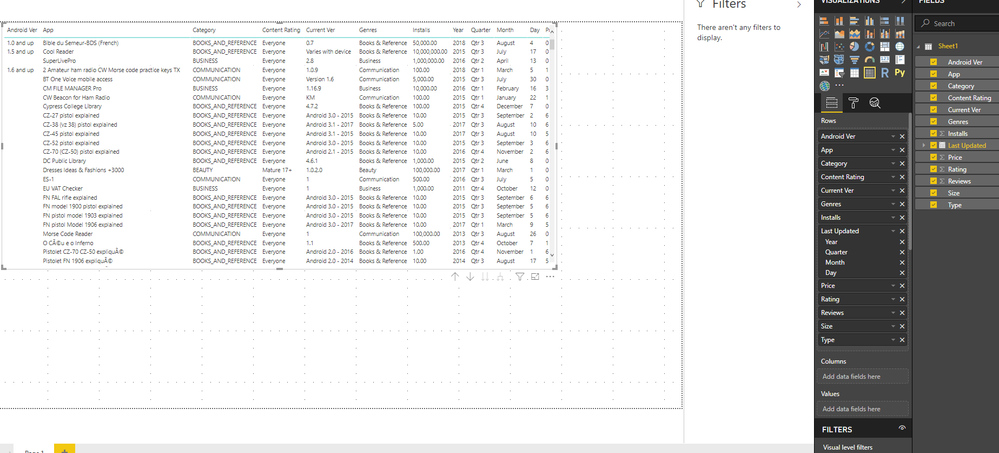
So I have this matrix built in which I want the stepped layout off because each column I add I want it adjacent to one another rather than stepped out. When I keep the stepped layout feature off I achieve what I want but after few additions of columns, the visual does not show any scrolling options. Is this expected behavior? Below is demo data's screenshot:
Thank You
As tested, when you add many columns in the "Row" field of Matrix, it doesn't show scrolling options on the bottom of the matrix visual to let you navigate to the last columns.
When you add many columns in the "Column" field of Matrix, it shows scrolling options on the bottom of the matrix visual to let you navigate to the last columns.
Based on my experience using Power BI, it seems not a bug.
Best Regards
Maggie
So are you saying, it is expected behavior if we add too many columns in the "Rows" field that the scrollbar won't show, but it will allow us to add as many columns as we can? I would say that is a bug then, or am I missing something?
And adding these columns in the "Column" field does show the scrollbar which I had no issues with, but it does not give the results I want it to. For instance, all numerical columns in my dataset then have a column for each value which I don't want. The end result should be what I see when columns are added to the "Rows" fields.
If i understand you correctly, you'd like to add columns in the Matrix but keep "scrollbar" shown,
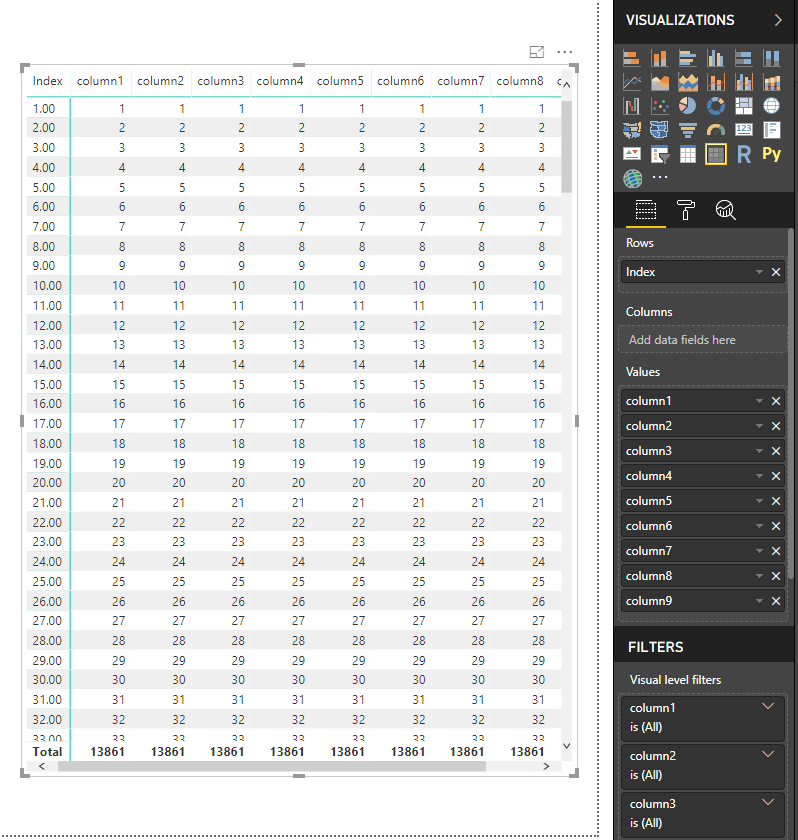
You could add columns in the "row" and "value" field of A matrix visual like this
Or add columns in the Table visual
Best Regards
Maggie
Check out the April 2026 Power BI update to learn about new features.
Sign up to receive a private message when registration opens and key events begin.
If you have recently started exploring Fabric, we'd love to hear how it's going. Your feedback can help with product improvements.
| User | Count |
|---|---|
| 34 | |
| 31 | |
| 25 | |
| 20 | |
| 16 |
| User | Count |
|---|---|
| 60 | |
| 48 | |
| 29 | |
| 23 | |
| 23 |