Don't miss your chance to take the Fabric Data Engineer (DP-600) exam for FREE! Find out how by attending the DP-600 session on April 23rd (pacific time), live or on-demand.
Learn moreNext up in the FabCon + SQLCon recap series: The roadmap for Microsoft SQL and Maximizing Developer experiences in Fabric. All sessions are available on-demand after the live show. Register now
Hi all,
I'm new to Power BI, wishing to learn how to use KPI visualization and how does it work on Target.
I have raw data as attached image below, I'm looking to find a few goal of a KPI
1) to measure the performance of this business in terms of the maximum
total of sales with respect to the total orders over the given years in the dataset 2017-2019.
2)to measure the performance of this business in terms of maximum total of
sales with respect to a minimum of discounts over the given years in the dataset 2017-2019.
3) measure the performance of this business in terms of both total orders
and discounts over the given years in the dataset 2017-2019.
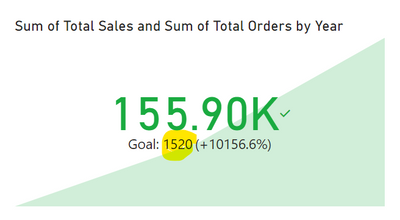
But everytime I try to pull a visualization for the first KPI the goal number of "Sum of Total Orders" seems wrong or lesser than what I manually calculated out. Please refer below.
Highly appreacite your assist on this.
Thanks,
CJ
Hi @CyganJaynoc ,
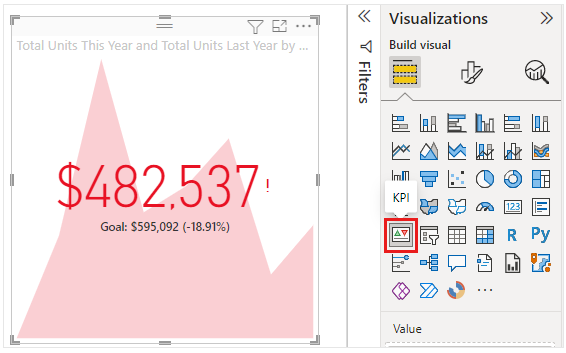
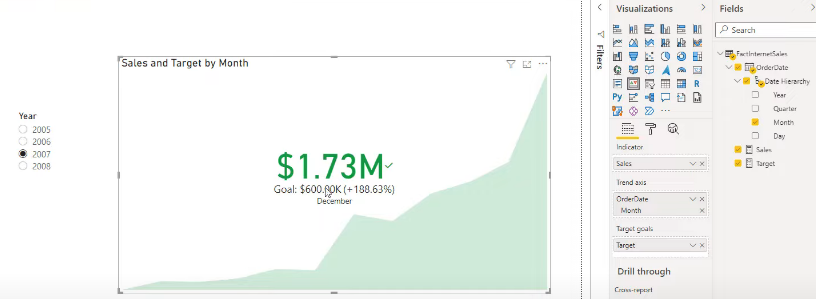
You can refer the following links to create a KPI visual in Power BI:
Key Performance Indicator (KPI) visuals
KPI Visual in Power BI Explained - Bing video
How to Create and Use a KPI in Power BI (Step-by-Step)
If the above one can't help you, could you please provide some raw data in your tables (exclude sensitive data) with Text format and your expected result with backend logic and special examples? It would be helpful to find out the solution. You can refer the following links to share the required info:
How to provide sample data in the Power BI Forum
And It is better if you can share a simplified pbix file. You can refer the following link to upload the file to the community. Thank you.
How to upload PBI in Community
Best Regards
If you have recently started exploring Fabric, we'd love to hear how it's going. Your feedback can help with product improvements.
A new Power BI DataViz World Championship is coming this June! Don't miss out on submitting your entry.
Share feedback directly with Fabric product managers, participate in targeted research studies and influence the Fabric roadmap.
| User | Count |
|---|---|
| 48 | |
| 45 | |
| 41 | |
| 20 | |
| 17 |
| User | Count |
|---|---|
| 69 | |
| 63 | |
| 32 | |
| 31 | |
| 25 |