cancel
Showing results for 
Search instead for 
Did you mean: 

We've captured the moments from FabCon & SQLCon that everyone is talking about, and we are bringing them to the community, live and on-demand. Starts on April 14th. Register now

Reply
andykmwong
Helper III
Helper III

Is Power BI Desktop Issue - Map Visualization ?

Dears,


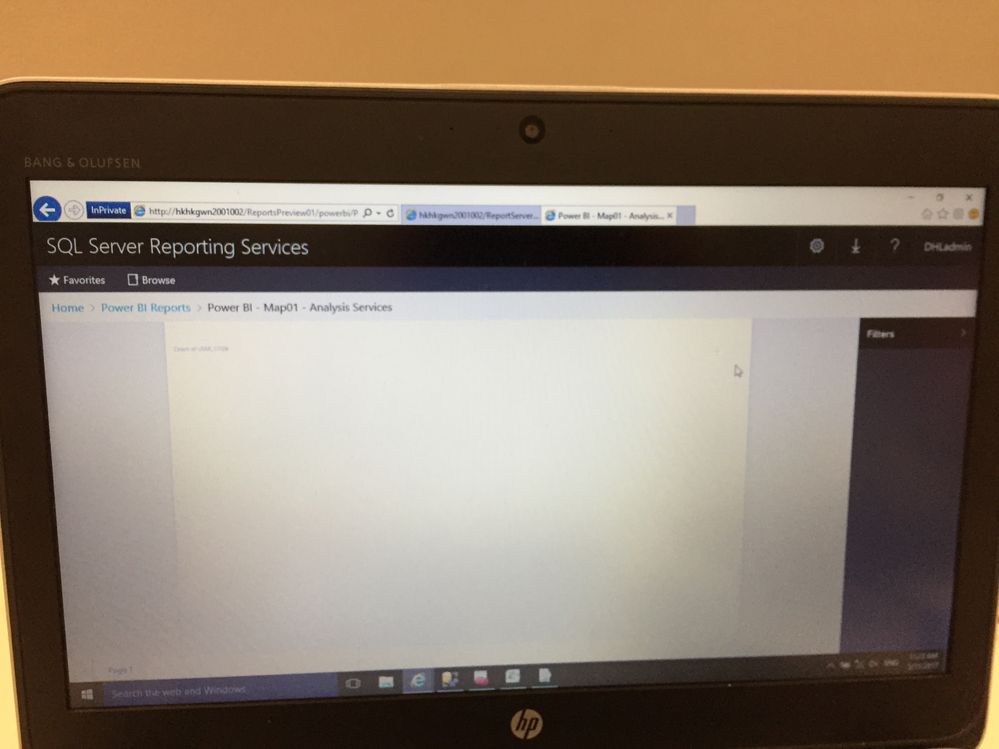
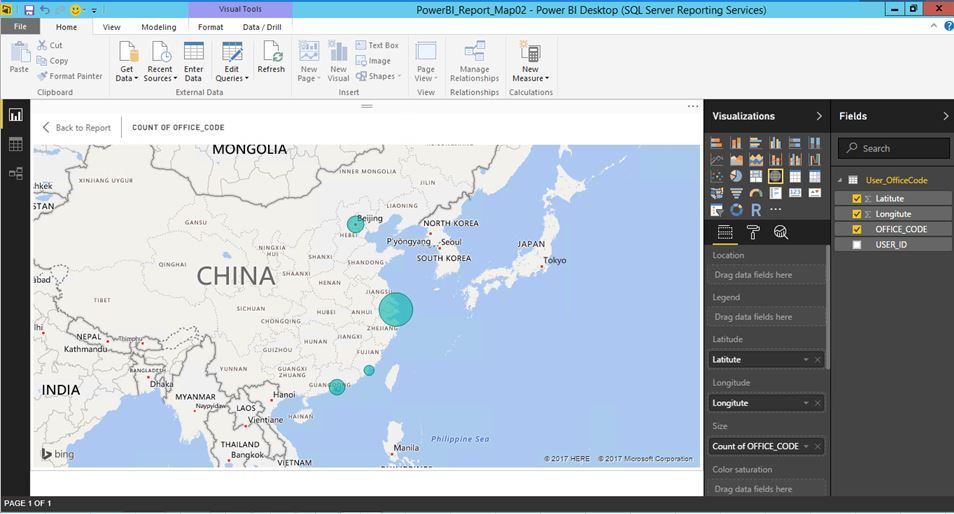
With the Power BI Desktop with connection to SQL Server Analysis Services Database then Map Visualization function would encountered blank page even with latitute and longitude is defined in data column table under laptop cannot connec to internet either using Import or ConnectLive to on premises SQL Analysis DB.


However, it becomes fine with map location displayed when the laptop able to connect to internet.


So does map visualization capability under Power BI Desktop need the environment need connec to internet ?


Thanks 

Andy Wong

IMG_2959.JPGIMG_2960.JPG


3 REPLIES 3
Greg_Deckler
Community Champion
Community Champion

Yes, default Power BI map visualizations use Bing Maps for geocoding. You may have some luck with the ArcGIS map visualization perhaps.


Follow on LinkedIn
@ me in replies or I'll lose your thread!!!
Instead of a Kudo, please vote for this idea
Become an expert!: Enterprise DNA
External Tools: MSHGQM
YouTube Channel!: Microsoft Hates Greg
Latest book!:
DAX For Humans

DAX is easy, CALCULATE makes DAX hard...

Dear smoupre,


May I know anyway to test and ensure Power BI desktop could connect to Bing Maps for geocoding ?


I use another server in intranet environemtn which could connec to internet , but also blank result for map visualization.


Thanks !

@andykmwong,


You can capture the logs when veiw your map in Power BI services by using Fiddler.

Fiddler Trace

============

  1. Install Fiddler from http://www.telerik.com/download/fiddler/fiddler4 if not already done
  2. Launch fiddler, then click Tools > Fiddler Options
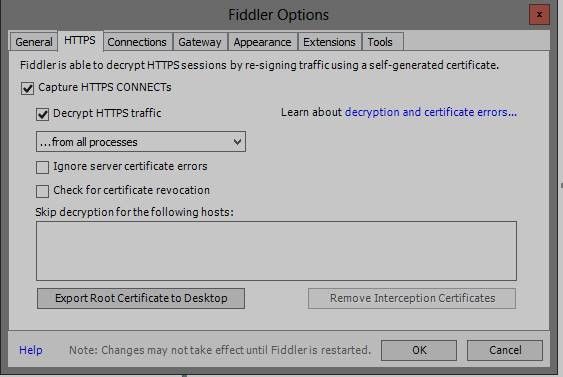
  3. Click the ‘HTTPS’ tab.
  4. Verify the options are set as shown in this screenshot:

111.jpg   

5. If fiddler prompts you to trust their root certificates, then click ‘Yes’.

6. Then navigate to repro the problem while fiddler is capturing traffic.

7. After the trace is captured, go to File > uncheck box next to Capture Traffic


Regards,

Charlie Liao

Helpful resources

Announcements
New to Fabric survey Carousel

New to Fabric Survey

If you have recently started exploring Fabric, we'd love to hear how it's going. Your feedback can help with product improvements.

Power BI DataViz World Championships carousel

Power BI DataViz World Championships - June 2026

A new Power BI DataViz World Championship is coming this June! Don't miss out on submitting your entry.

Join our Fabric User Panel

Join our Fabric User Panel

Share feedback directly with Fabric product managers, participate in targeted research studies and influence the Fabric roadmap.

March Power BI Update Carousel

Power BI Community Update - March 2026

Check out the March 2026 Power BI update to learn about new features.