cancel
Showing results for 
Search instead for 
Did you mean: 

The Power BI Data Visualization World Championships is back! Get ahead of the game and start preparing now! Learn more

Reply
More_BI
Frequent Visitor

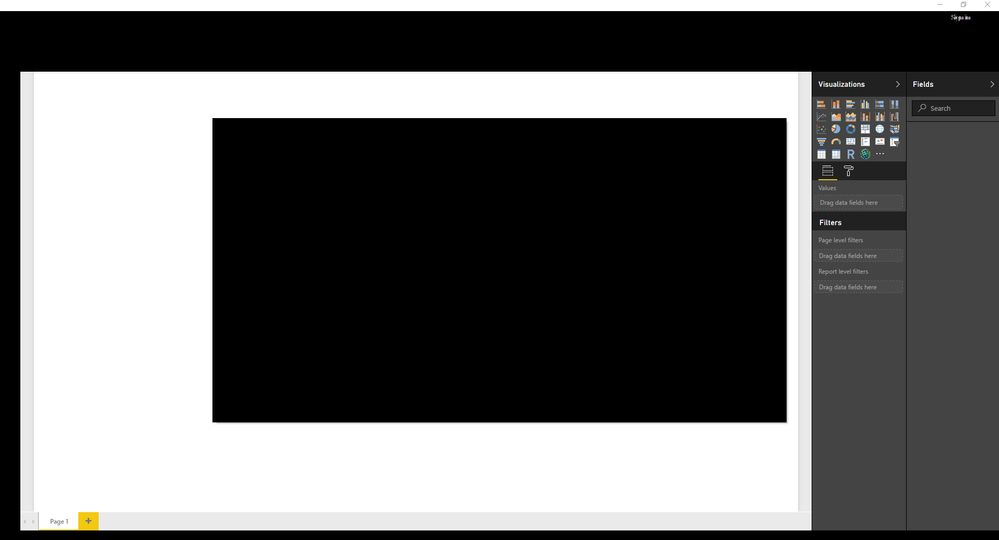
HELP! GUI is all black, can't use the tool!

power_bi_blacked.png

I uninstalled, rebooted, reinstalled--same result. This all happened with the latest version. Please help! 


Windows 10

i7 

Geforce GTX 1050

5 REPLIES 5
More_BI
Frequent Visitor

Worth mentioning that this popped up again with the latest software update. Seems like a setting gets defaulted upon new software releases that is creating this bug. The setting was checked off, so I just unchecked and applied (without reboot) and then reloaded Power BI with no issues. Really wonky/weird.

More_BI
Frequent Visitor

That worked. thank you guys!

Vicky_Song
Impactful Individual

 
v-haibl-msft
Microsoft Employee
Microsoft Employee

@More_BI


Please try to change the Accelerated Graphics option for the system and then try the application again. 
Launch IE >  Internet Options > Advanced Tab > Accelerated graphics > Check “Use software rendering instead of GPU rendering” > Apply > OK > Close all IE Tabs/Windows & Restart IE.


Best Regards,
Herbert


More_BI
Frequent Visitor

I've also updated my GPU drivers to the latest available, reinstalled Power BI, ended up with the same result. 

Helpful resources

Announcements
Power BI DataViz World Championships

Power BI Dataviz World Championships

The Power BI Data Visualization World Championships is back! Get ahead of the game and start preparing now!

November Power BI Update Carousel

Power BI Monthly Update - November 2025

Check out the November 2025 Power BI update to learn about new features.

FabCon Atlanta 2026 carousel

FabCon Atlanta 2026

Join us at FabCon Atlanta, March 16-20, for the ultimate Fabric, Power BI, AI and SQL community-led event. Save $200 with code FABCOMM.