Share feedback directly with Fabric product managers, participate in targeted research studies and influence the Fabric roadmap.
Sign up nowGet Fabric certified for FREE! Don't miss your chance! Learn more
It looks like I can no longer do a find an replace in a formula. Anyone else having this issue? This started after I installed the January 2017 version.
Search and replace functionality in the formula bar is not supported. There was a product bug that allowed customers to use search and replace form open source component we are using for editing but there were many issues with their implementation and it was never tested and supported. Power BI team will consider in the future adding this functionality.
Best Regards,
Herbert
Hi @bgratigny,
It looks like I can no longer do a find an replace in a formula.
Do you mean the FIND and REPLACE Function (DAX) no longer works when using them in a formula to create a measure or calculate column?
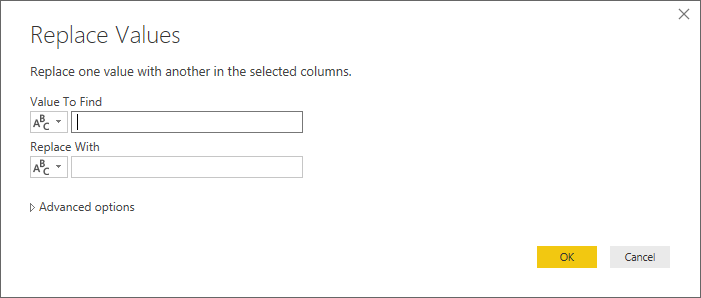
Or do you mean the "Replace Values" option in Query Editor no longer works? Could you be more precisely with the issue?![]()
Regards
Hi @bgratigny,
I reproduced the same issue on the latest version of Power BI Desktop(2.42.4611.701 64-bit (January 2017)). I have reproduced this issue internally. And I will post the updates here if there is any feedback.![]()
Regards
If you love stickers, then you will definitely want to check out our Community Sticker Challenge!
Check out the January 2026 Power BI update to learn about new features.
| User | Count |
|---|---|
| 65 | |
| 64 | |
| 45 | |
| 21 | |
| 18 |
| User | Count |
|---|---|
| 119 | |
| 116 | |
| 38 | |
| 36 | |
| 27 |