cancel
Showing results for 
Search instead for 
Did you mean: 

The Power BI Data Visualization World Championships is back! Get ahead of the game and start preparing now! Learn more

Reply
pkohli38
Frequent Visitor

Filtering based on different Measure/Dimension

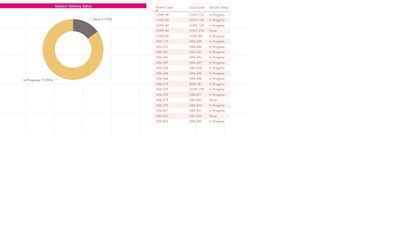
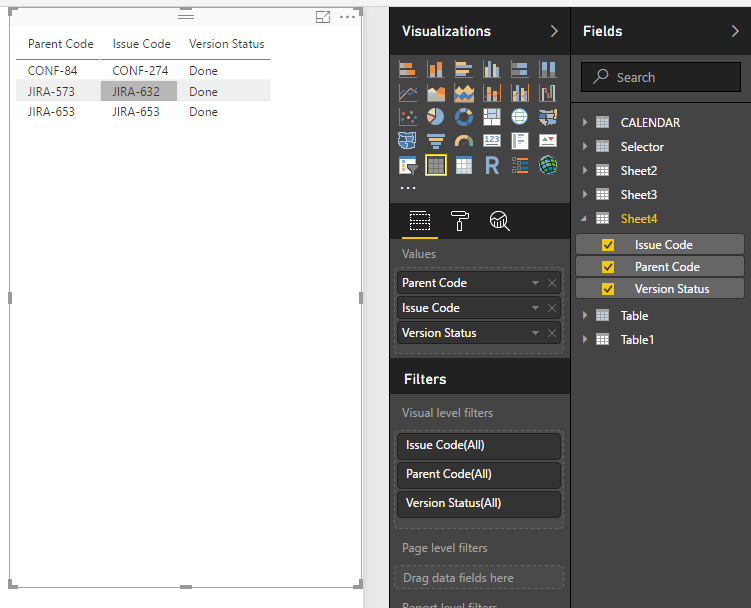
HI, I have below table that shows parent Code, Issue Code (Child) , Issue Status. If User clicks on Pie chart with Status "Done". He would like to see all the parent code with all Issue with atleast one issue has status ='Done'


e.g in Below scenario if Done is clicked on Pie the matrix should show following parent codes (CONF-84,JIRA-573,JIRA-653) listinging all Issues And Staus for these parent codes. Please let me know if there is a way of doing this.


Thanks


Table.jpg

1 ACCEPTED SOLUTION
Anonymous
Not applicable

Hi @pkohli38,


I don't think donut chart visual will support to do like this.
For your scenario, you can write a measure to get selecet item and show the speicfic tag, then drag this measrue to table visual and setting visual level filter to filter the unmatched tag.


Sample:

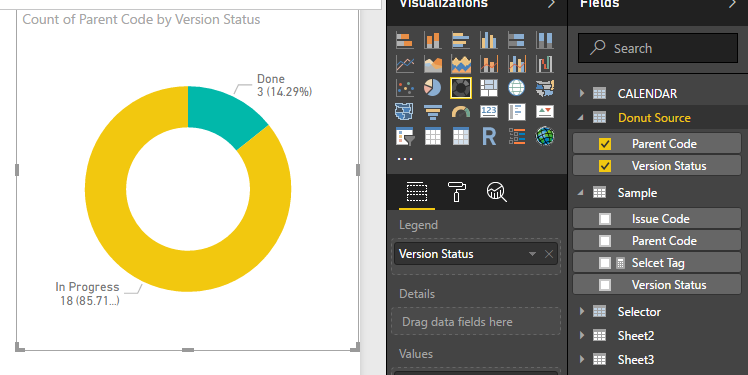
1. Create new table as source of donut chart.

Donut Source = SELECTCOLUMNS('Sample',"Version Status",[Version Status],"Parent Code",[Parent Code])

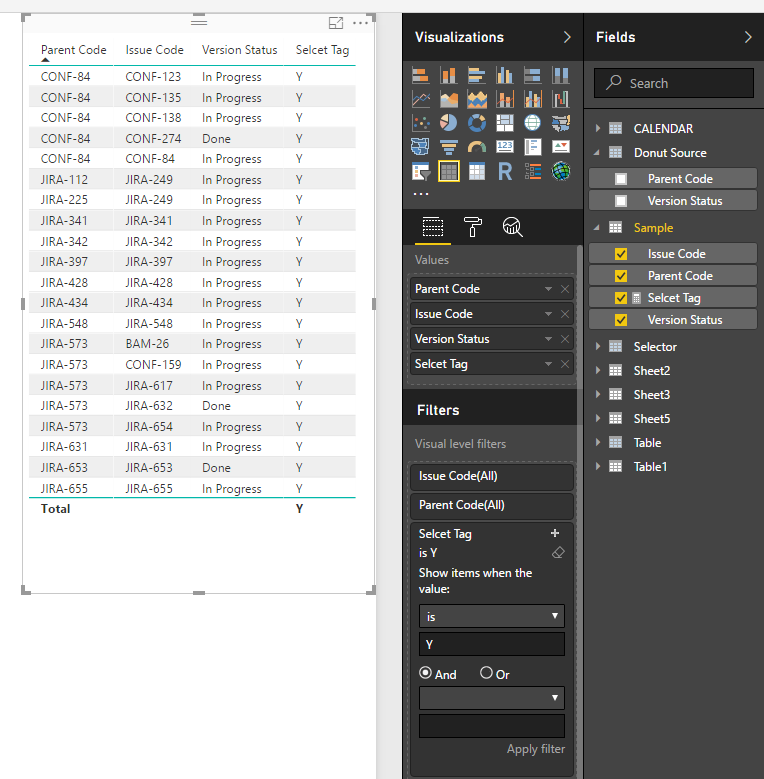
2. Write a measure to check parent code and display tag.

Selcet Tag = 
var selectCode=CALCULATETABLE(VALUES('Donut Source'[Parent Code]),ALLSELECTED('Donut Source'[Version Status]))
var current_parent=LASTNONBLANK('Sample'[Parent Code],[Parent Code])
return
IF(CONTAINS(selectCode,[Parent Code],current_parent),"Y","N")

3. Create visuals.

11.PNG12.PNG


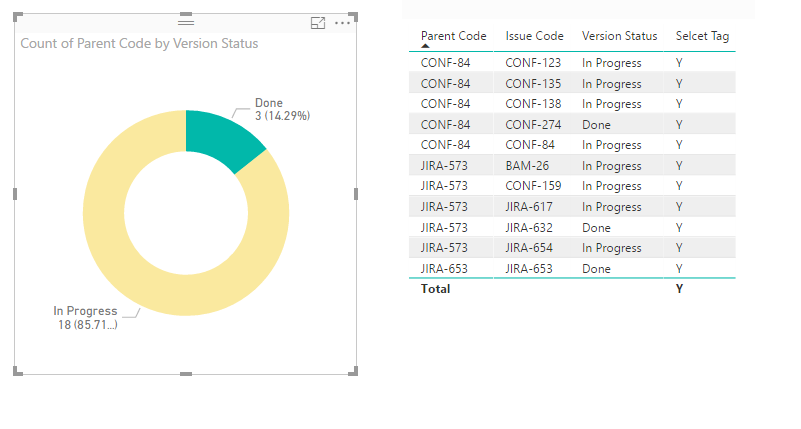
Result:

13.PNG


Regrds,

Xiaoxin Sheng

View solution in original post

3 REPLIES 3
Anonymous
Not applicable

Hi @pkohli38,


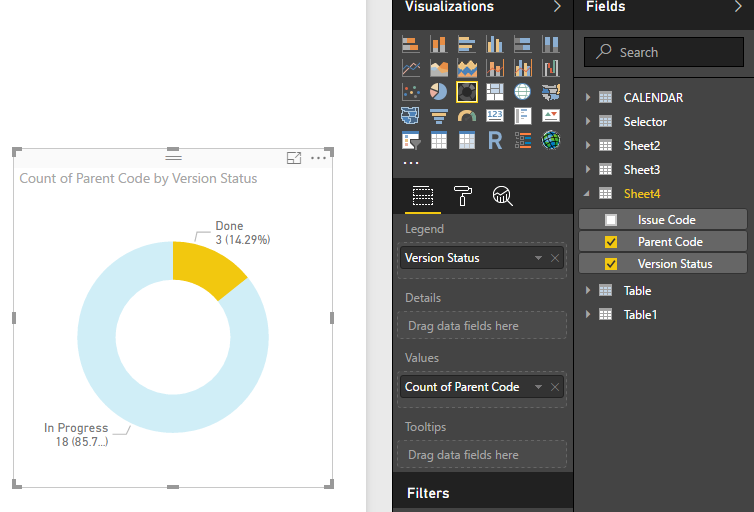
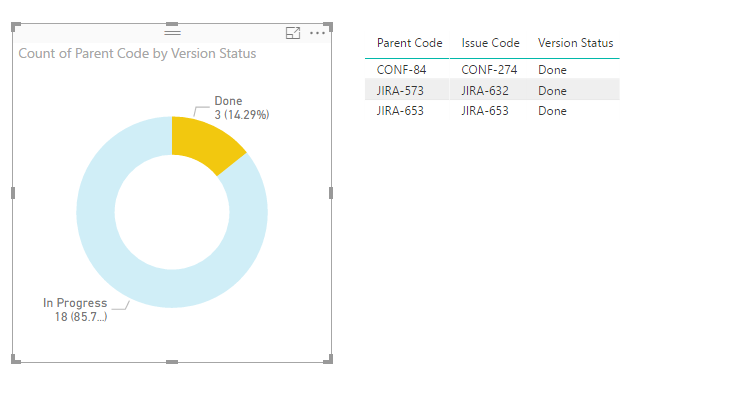
You can direct use original table columns to create table visual and donut chart to achieve your requirement.

2.PNG3.PNG


4.PNG


Notice: you should turn on the interaction of these visuals to enable the filter effect.


Regards,
Xiaoxin Sheng

Hi Xiaoxin,

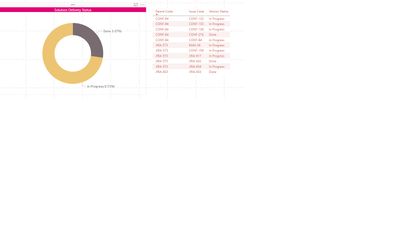
   Thanks for replying. Sorry I wasn't clear enough about requirement. If done is clicked, I would like to show following matrix.

Please see below screenshot, it has all the parent code(that has atleast one issue code with status='Done') with their child regardless of their status.

Please let me know if this possible in BI


Done.jpg

Anonymous
Not applicable

Hi @pkohli38,


I don't think donut chart visual will support to do like this.
For your scenario, you can write a measure to get selecet item and show the speicfic tag, then drag this measrue to table visual and setting visual level filter to filter the unmatched tag.


Sample:

1. Create new table as source of donut chart.

Donut Source = SELECTCOLUMNS('Sample',"Version Status",[Version Status],"Parent Code",[Parent Code])

2. Write a measure to check parent code and display tag.

Selcet Tag = 
var selectCode=CALCULATETABLE(VALUES('Donut Source'[Parent Code]),ALLSELECTED('Donut Source'[Version Status]))
var current_parent=LASTNONBLANK('Sample'[Parent Code],[Parent Code])
return
IF(CONTAINS(selectCode,[Parent Code],current_parent),"Y","N")

3. Create visuals.

11.PNG12.PNG


Result:

13.PNG


Regrds,

Xiaoxin Sheng

Helpful resources

Announcements
Power BI DataViz World Championships

Power BI Dataviz World Championships

The Power BI Data Visualization World Championships is back! Get ahead of the game and start preparing now!

December 2025 Power BI Update Carousel

Power BI Monthly Update - December 2025

Check out the December 2025 Power BI Holiday Recap!

FabCon Atlanta 2026 carousel

FabCon Atlanta 2026

Join us at FabCon Atlanta, March 16-20, for the ultimate Fabric, Power BI, AI and SQL community-led event. Save $200 with code FABCOMM.