Join us at FabCon Atlanta from March 16 - 20, 2026, for the ultimate Fabric, Power BI, AI and SQL community-led event. Save $200 with code FABCOMM.
Register now!Vote for your favorite vizzies from the Power BI Dataviz World Championship submissions. Vote now!
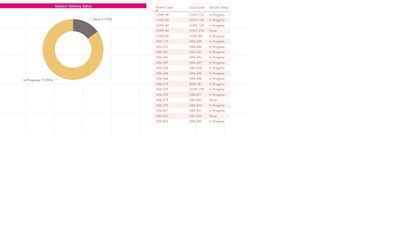
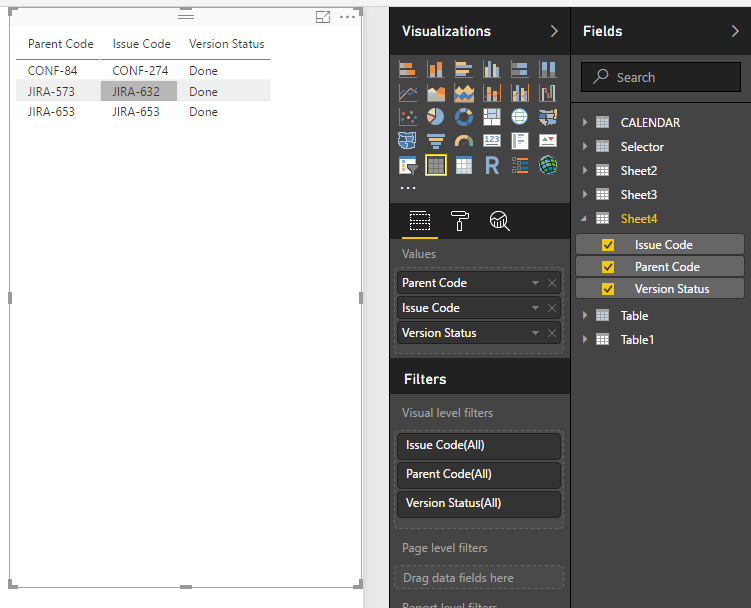
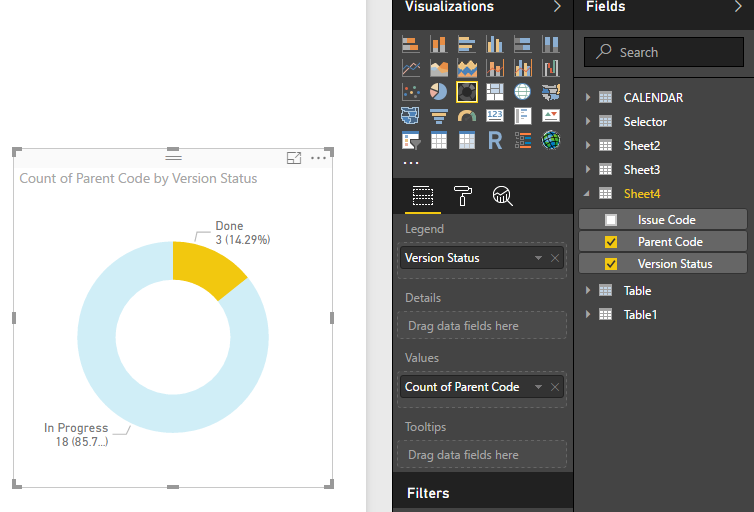
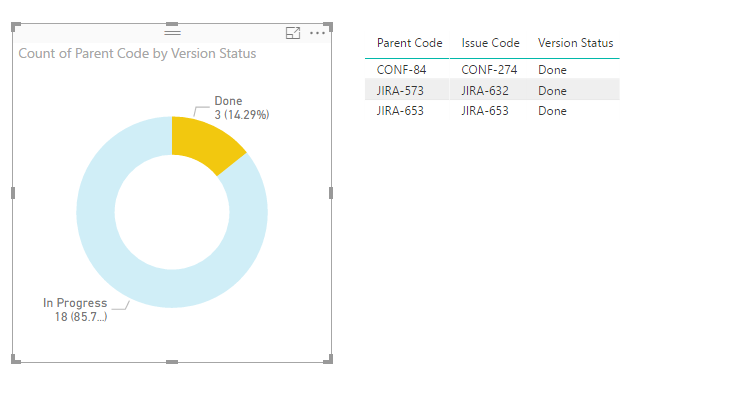
HI, I have below table that shows parent Code, Issue Code (Child) , Issue Status. If User clicks on Pie chart with Status "Done". He would like to see all the parent code with all Issue with atleast one issue has status ='Done'
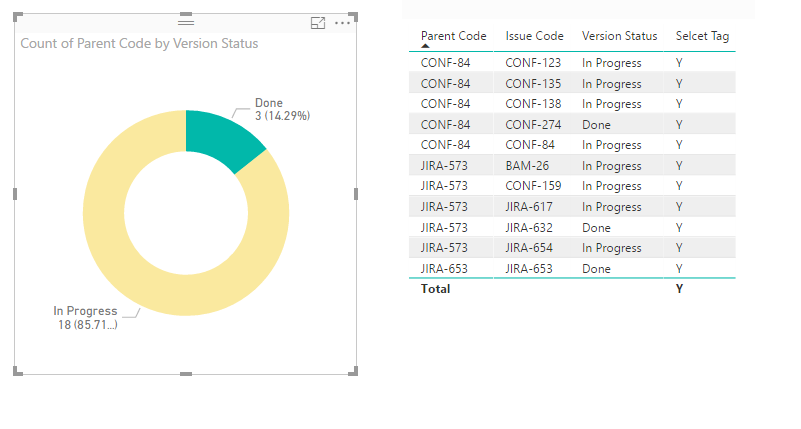
e.g in Below scenario if Done is clicked on Pie the matrix should show following parent codes (CONF-84,JIRA-573,JIRA-653) listinging all Issues And Staus for these parent codes. Please let me know if there is a way of doing this.
Thanks
Solved! Go to Solution.
Hi @pkohli38,
I don't think donut chart visual will support to do like this.
For your scenario, you can write a measure to get selecet item and show the speicfic tag, then drag this measrue to table visual and setting visual level filter to filter the unmatched tag.
Sample:
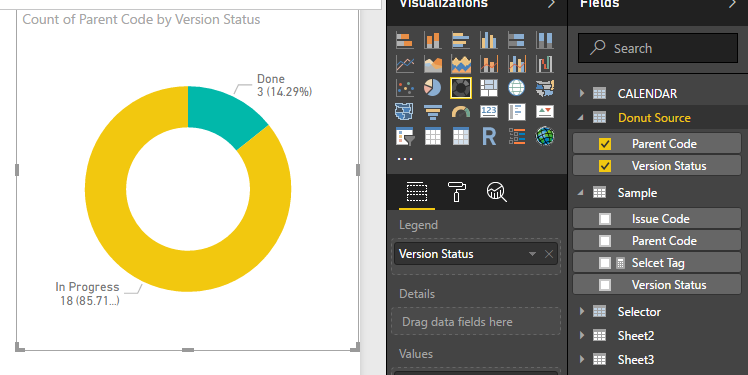
1. Create new table as source of donut chart.
Donut Source = SELECTCOLUMNS('Sample',"Version Status",[Version Status],"Parent Code",[Parent Code])
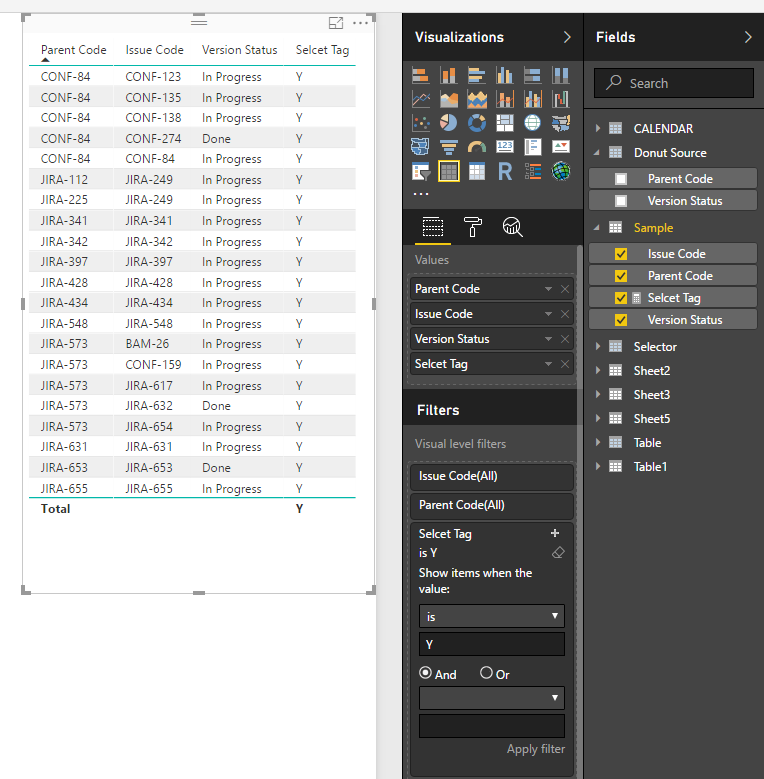
2. Write a measure to check parent code and display tag.
Selcet Tag =
var selectCode=CALCULATETABLE(VALUES('Donut Source'[Parent Code]),ALLSELECTED('Donut Source'[Version Status]))
var current_parent=LASTNONBLANK('Sample'[Parent Code],[Parent Code])
return
IF(CONTAINS(selectCode,[Parent Code],current_parent),"Y","N")
3. Create visuals.
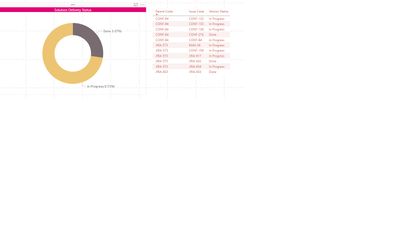
Result:
Regrds,
Xiaoxin Sheng
Hi @pkohli38,
You can direct use original table columns to create table visual and donut chart to achieve your requirement.
Notice: you should turn on the interaction of these visuals to enable the filter effect.
Regards,
Xiaoxin Sheng
Hi Xiaoxin,
Thanks for replying. Sorry I wasn't clear enough about requirement. If done is clicked, I would like to show following matrix.
Please see below screenshot, it has all the parent code(that has atleast one issue code with status='Done') with their child regardless of their status.
Please let me know if this possible in BI
Hi @pkohli38,
I don't think donut chart visual will support to do like this.
For your scenario, you can write a measure to get selecet item and show the speicfic tag, then drag this measrue to table visual and setting visual level filter to filter the unmatched tag.
Sample:
1. Create new table as source of donut chart.
Donut Source = SELECTCOLUMNS('Sample',"Version Status",[Version Status],"Parent Code",[Parent Code])
2. Write a measure to check parent code and display tag.
Selcet Tag =
var selectCode=CALCULATETABLE(VALUES('Donut Source'[Parent Code]),ALLSELECTED('Donut Source'[Version Status]))
var current_parent=LASTNONBLANK('Sample'[Parent Code],[Parent Code])
return
IF(CONTAINS(selectCode,[Parent Code],current_parent),"Y","N")
3. Create visuals.
Result:
Regrds,
Xiaoxin Sheng
Vote for your favorite vizzies from the Power BI World Championship submissions!
If you love stickers, then you will definitely want to check out our Community Sticker Challenge!
Check out the January 2026 Power BI update to learn about new features.
| User | Count |
|---|---|
| 63 | |
| 51 | |
| 41 | |
| 23 | |
| 18 |
| User | Count |
|---|---|
| 124 | |
| 108 | |
| 47 | |
| 28 | |
| 27 |