Get certified for free when you join Fabric Data Days 2026 and dive into Fabric, Power BI, SQL, AI, and other essential data skills.
Join nowData Days is here! Join us now for 60+ days of learning, challenges, and connection. Learn more
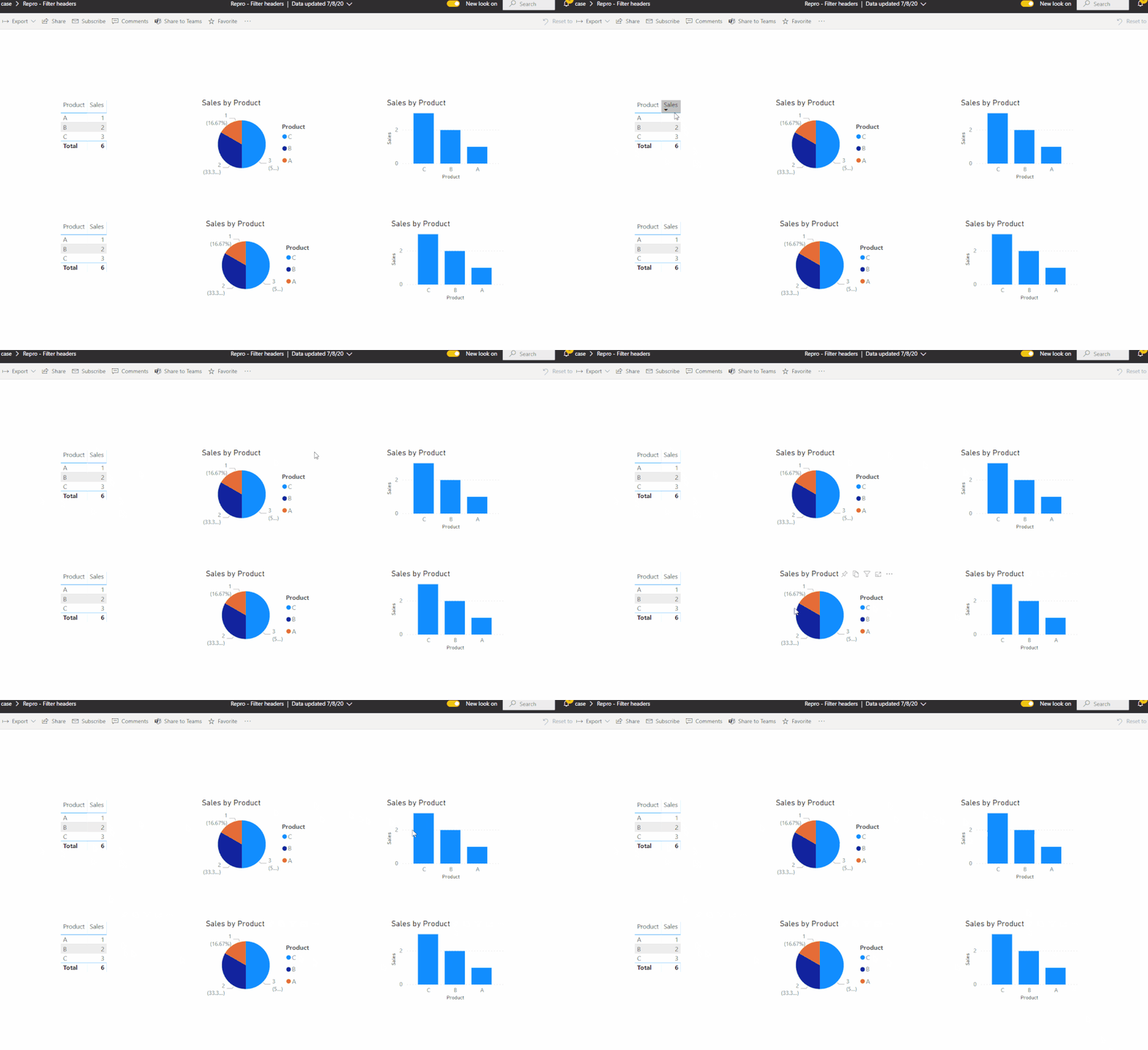
Good afternoon a query, the headers are hidden in my power bi destok but when I want to view online, they reappear.. how can I fix it? Thanks a lot
Hi @hectorcastillo ,
I can't reproduce your issue. It works well on my side.
Please check according to @amitchandak 's suggestion first.
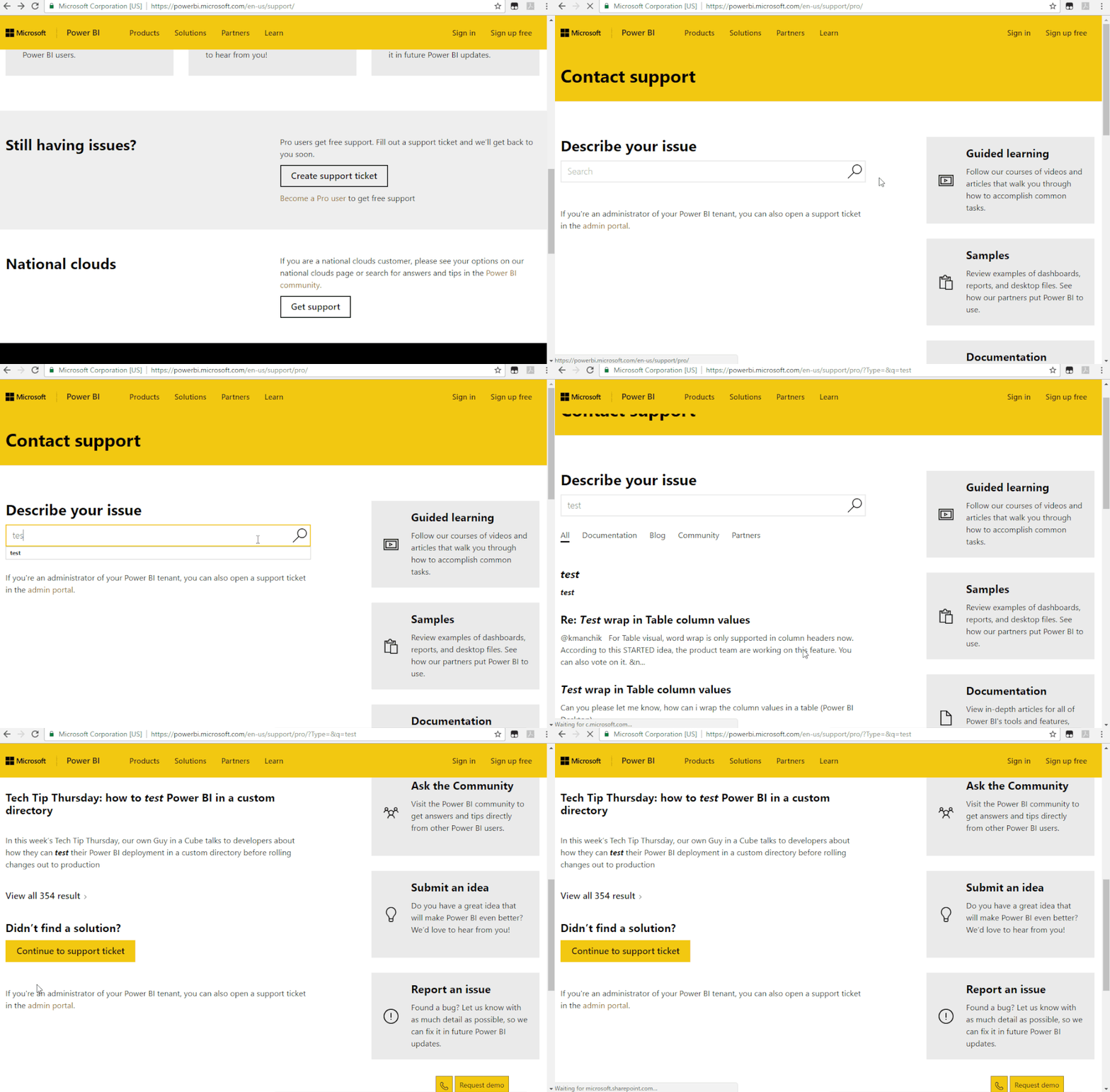
If it still doesn't work and you are a pro user, please create a support ticket to get technical help.
Best Regards,
Icey
If this post helps, then please consider Accept it as the solution to help the other members find it more quickly.
@hectorcastillo , which header is hidden. In case, you have a stooped visual header. Clear cache and publish again. Also, check they are changed in service in edit report mode.
Don't miss out on Data Days, June 15 through August 7. Learn Fabric, Power BI, SQL, AI and more.
Check out the May 2026 Power BI update to learn about new features.
| User | Count |
|---|---|
| 23 | |
| 23 | |
| 21 | |
| 20 | |
| 15 |
| User | Count |
|---|---|
| 58 | |
| 53 | |
| 42 | |
| 30 | |
| 24 |