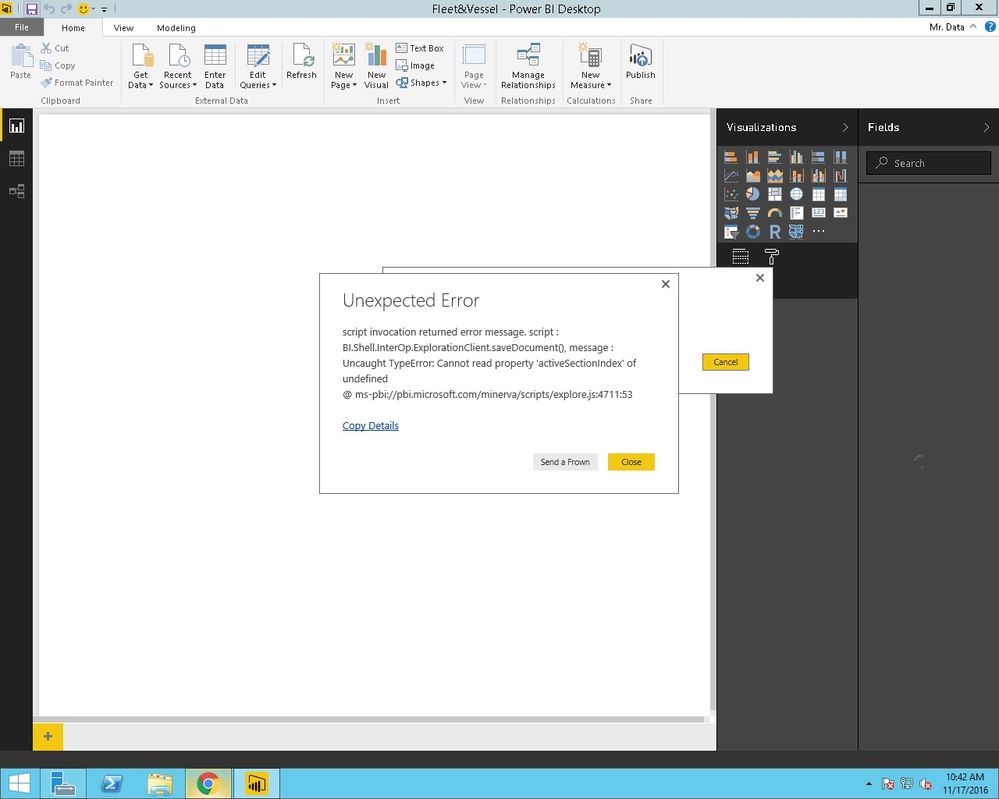
Need help:
I do not have access to all visualization
Is there a fix for the following error?
Thanks
--
Error Message:
script invocation returned error message. script : BI.Shell.InterOp.ExplorationClient.getDocument(), message : Uncaught TypeError: Cannot read property 'activeSectionIndex' of undefined
@ ms-pbi://pbi.microsoft.com/minerva/scripts/explore.js:4711:53
Stack Trace:
System.Exception: script invocation returned error message. script : BI.Shell.InterOp.ExplorationClient.getDocument(), message : Uncaught TypeError: Cannot read property 'activeSectionIndex' of undefined
@ ms-pbi://pbi.microsoft.com/minerva/scripts/explore.js:4711:53
at Microsoft.PowerBI.Client.Windows.CefSharpFramework.CefWebBrowser.<InvokeScriptAsync>d__c`1.MoveNext()
--- End of stack trace from previous location where exception was thrown ---
at System.Runtime.CompilerServices.TaskAwaiter.ThrowForNonSuccess(Task task)
at System.Runtime.CompilerServices.TaskAwaiter.HandleNonSuccessAndDebuggerNotification(Task task)
at Microsoft.PowerBI.Client.Windows.ExplorationClientHost.<>c__DisplayClass77.<<TryGetDocument>b__76>d__79.MoveNext()
--- End of stack trace from previous location where exception was thrown ---
at System.Runtime.CompilerServices.TaskAwaiter.ThrowForNonSuccess(Task task)
at System.Runtime.CompilerServices.TaskAwaiter.HandleNonSuccessAndDebuggerNotification(Task task)
at Microsoft.PowerBI.Client.Windows.IExceptionHandlerExtensions.<HandleAsyncExceptions>d__0.MoveNext()