Join us at FabCon Atlanta from March 16 - 20, 2026, for the ultimate Fabric, Power BI, AI and SQL community-led event. Save $200 with code FABCOMM.
Register now!View all the Fabric Data Days sessions on demand. View schedule
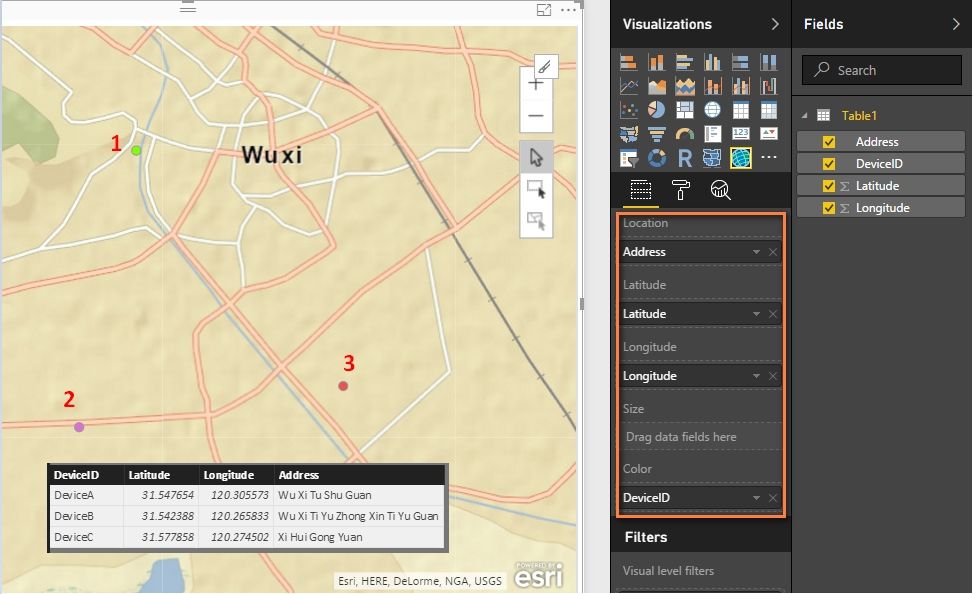
You can also try with the new introduced feature ArcGIS Maps. Drag your four columns into fields as below. There will be three different color points in a single map.
Best Regards,
Herbert
Hi Herbert,
This maps look promising. But unfortunately, it require some $$ as for this POC things, nothing much we can do. So, I'm depending on what default and visual gallery have for my project.
But perhaps if you know some other way to view the last dataset (newest) as a single point, it will be much better. Data is sending real-time, so I need to locate it real-time (near is accepted by client) too
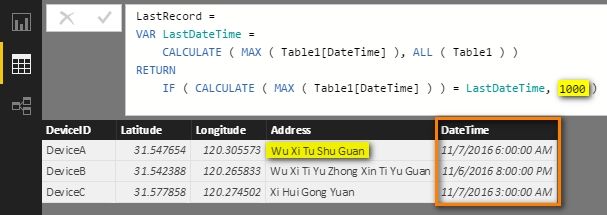
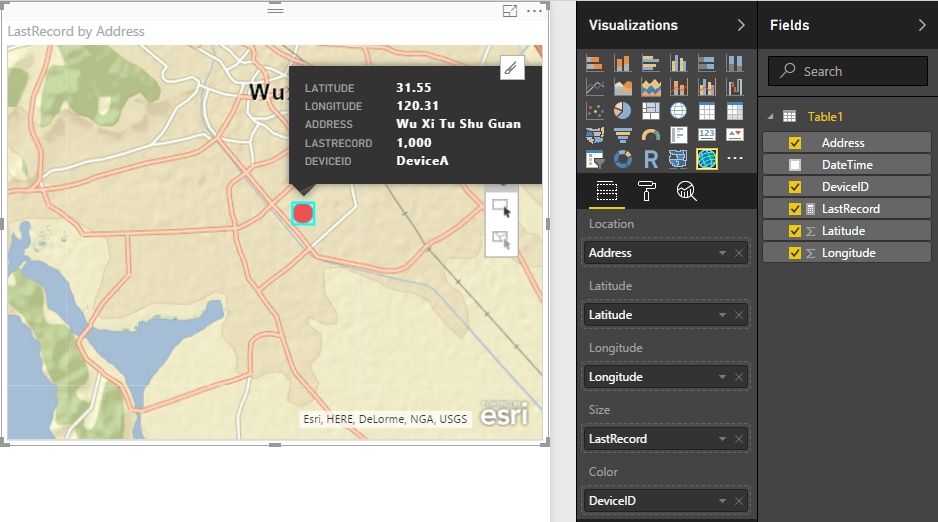
If there is a datatime column in your dataset, you can create a measure to define the last point size as the biggest in the whole map. The earlier address point size will be blank and not show in the map.
Best Regards,
Herbert
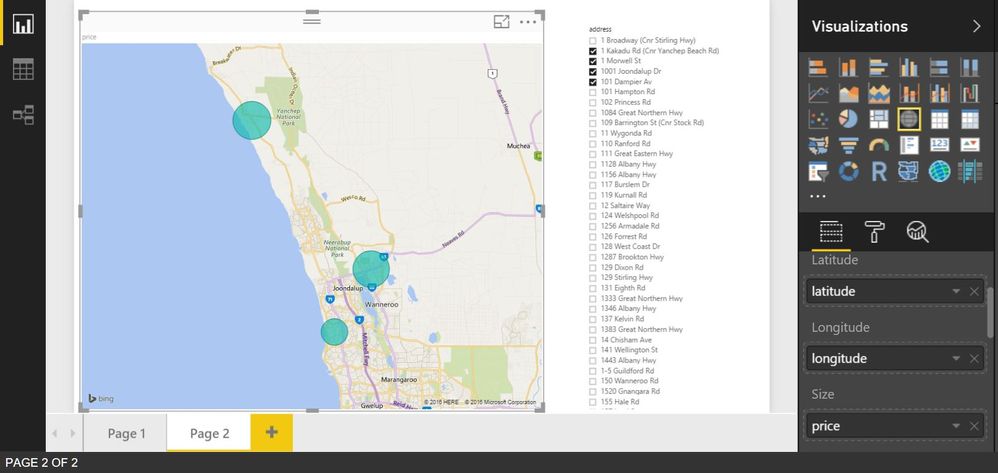
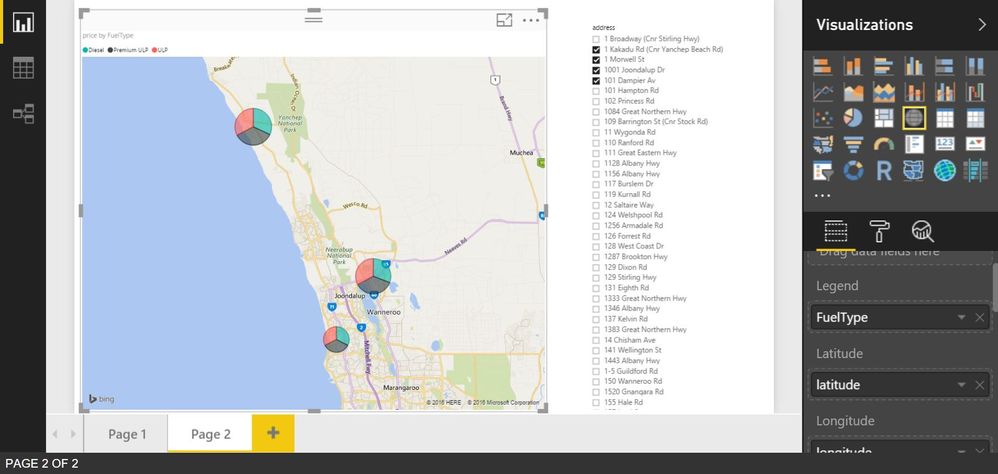
@liey87 Using standard Map visual if I don't have any field on Legend section it will only show one point (bubble) per location.
But if I have Legend section filled than each point will be pie representing values from that field. And when doing refresh if data in your table changes it will update map accordingly. Hope that answers your question.
Check out the November 2025 Power BI update to learn about new features.
Advance your Data & AI career with 50 days of live learning, contests, hands-on challenges, study groups & certifications and more!