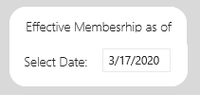
I needed to combine 3 functionalities not found in Date Pickers:
- Default to Yesterdy's date, no matter when the report is open
- Allow the user an easy graphical interface to select other dates for this month, or any other Month or Year in the past.
- Be able to synchronize ALL Reports Tabs to the selected date in the calendar.
We had many users pushing us (BI Analyts) to come up with a more professional solution that works well and looks good.
So I had to write my own custom Visual DatePicker (and go through the steep learning curve to learn all: Node Js, Ms Code, JavaScript, XML Parameters, Syncfusion parameters, Power BI compilation process, Sync calendars, etc) it took me around 2 months or more to come up with something end users would love and accept to use.
Since I didn't want to reinvent the wheel, I searched and searched all over to find some source code I could re-use inside Power BI environment. Because Power BI acts and works like a website, I thought I should look for javascript components. So I found and purchased the SyncFusion Essential JS 2 libraries, just to use one control, the datePicker, the other 59 controls are available for us to use at another time if we want...
A sample of how their calendar datepicker works in on their demo page... Link
Disclaimer : I don't work for SyncFusion or get paid by them to say these comments, I'm just a frustrated user that wanted a professional solution inside Power BI, which according to most users, should be out by now.
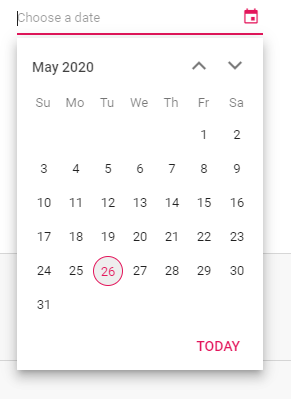
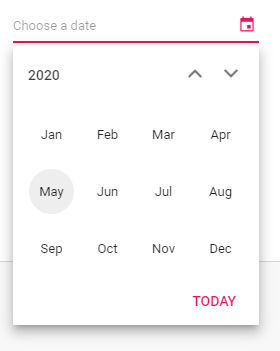
Clicking on a Day will select that date, clicking on "May 2020" will allow you to select the Month, and further down, clicking on the "2020" will allow you to select the Year. Very simple, elegant and professional.
picking a day ;
picking a Month
picking a Year :
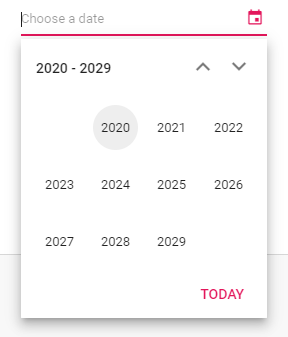 pick a year
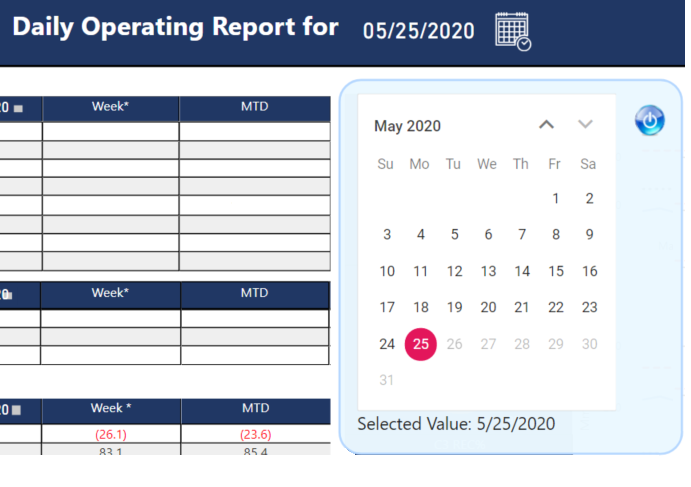
This is what mine looks inside Power BI...
It Defaults to Yesterday's date, no matter when you open the report.
Users click on the Calendar Icon, and I bring the bookmark Page that contains the
DatePicker Control. Allowing them to select ONE, single date.
(I removed some labels from the grid, to protect the inocent :)...)
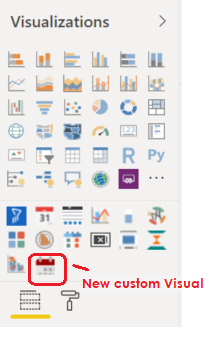
Hope this helps some people...
Andres