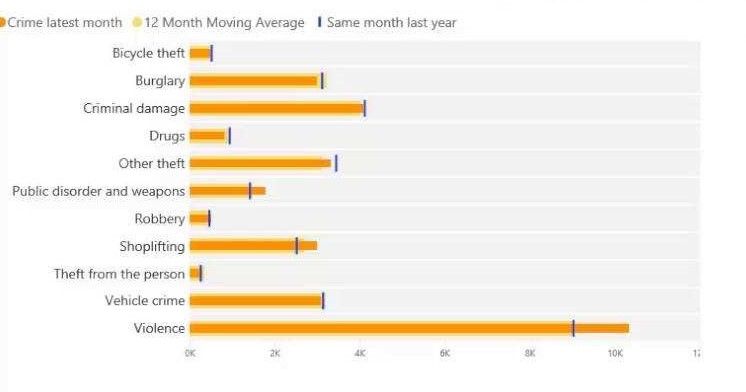
@Anonymous , With date table and time intelligence
example
MTD Sales = CALCULATE(SUM(Sales[Sales Amount]),DATESMTD('Date'[Date]))
last year MTD Sales = CALCULATE(SUM(Sales[Sales Amount]),DATESMTD(dateadd('Date'[Date],-12,MONTH)))
last year MTD (complete) Sales = CALCULATE(SUM(Sales[Sales Amount]),DATESMTD(ENDOFMONTH(dateadd('Date'[Date],-12,MONTH))))
Rolling 12 = CALCULATE(sum(Sales[Sales Amount]),DATESINPERIOD('Date'[Date],ENDOFMONTH(Sales[Sales Date]),-12,MONTH))
Rolling 12 = CALCULATE(sum(Sales[Sales Amount]),DATESINPERIOD('Date'[Date ],MAX(Sales[Sales Date]),-12,MONTH))
Rolling 12 = CALCULATE(sum(Sales[Sales Amount]),DATESINPERIOD('Date'[Date ],MAX('Date'[Date ]),-12,MONTH))
To get the best of the time intelligence function. Make sure you have a date calendar and it has been marked as the date in model view. Also, join it with the date column of your fact/s. Refer :radacad sqlbi My Video Series Appreciate your Kudos.
Share with Power BI Enthusiasts: Full Power BI Video (20 Hours)
YouTube Microsoft Fabric Series 60+ Videos
YouTube Microsoft Fabric Hindi End to End
YouTube