Get certified for free when you join Fabric Data Days 2026 and dive into Fabric, Power BI, SQL, AI, and other essential data skills.
Join nowData Days is here! Join us now for 60+ days of learning, challenges, and connection. Learn more
Hi,
1. Import data from the excel (attached), the datatype in power BI imported in Text Format.
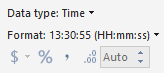
2. Duplicated the column and changed the Data Type to Time and changed the format as below.
3. Identified that the Datapoints above 24 Hrs turned to blank.
Need the Duration in same format Pls help.
Hi @Anonymous ,
Duration data over 24 hours is not supported in Power BI currently. You can vote similar ideas here to improve Power BI.
If you need to use it for calculations, I suggest you to convert it to "Second". For specific steps, you can refer to another post of yours.
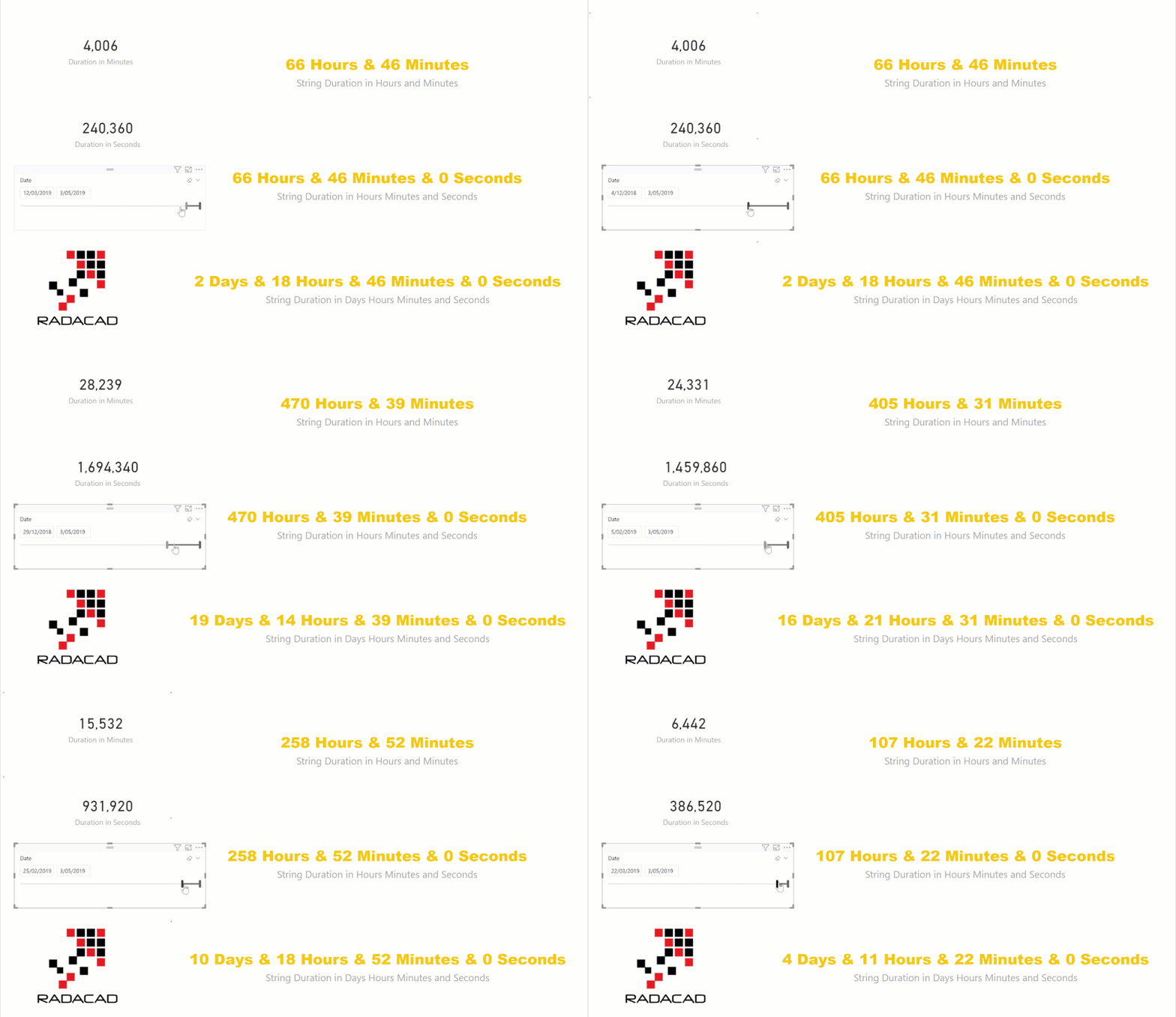
If you want to show it in cards, I suggest you to refer to this blog:
Calculate Duration in Days Hours Minutes and Seconds Dynamically in Power BI using DAX.
Best Regards,
Icey
If this post helps, then please consider Accept it as the solution to help the other members find it more quickly.
Hello @Anonymous,
I saw the data in the file uploaded by you.
The data in the column is invalid for the Time datatype.
Can you explain further about the column?
Hi RajulShah,
In the attachment, i need the data in HH:MM:SS format in the Second Column.
Looking for a dax which can help me to convert Text to HH:MM:SS format.
Regards,
But what does the value '506:17:23' mean?
Like 506 Hrs spentto resolve this any issue.
@Anonymous,
But what should be the value in your calculated column for '506:17:23'?
Don't miss out on Data Days, June 15 through August 7. Learn Fabric, Power BI, SQL, AI and more.
Check out the May 2026 Power BI update to learn about new features.
| User | Count |
|---|---|
| 23 | |
| 21 | |
| 20 | |
| 19 | |
| 13 |
| User | Count |
|---|---|
| 58 | |
| 50 | |
| 38 | |
| 31 | |
| 27 |