Join us at FabCon Atlanta from March 16 - 20, 2026, for the ultimate Fabric, Power BI, AI and SQL community-led event. Save $200 with code FABCOMM.
Register now!The Power BI Data Visualization World Championships is back! Get ahead of the game and start preparing now! Learn more
hi,
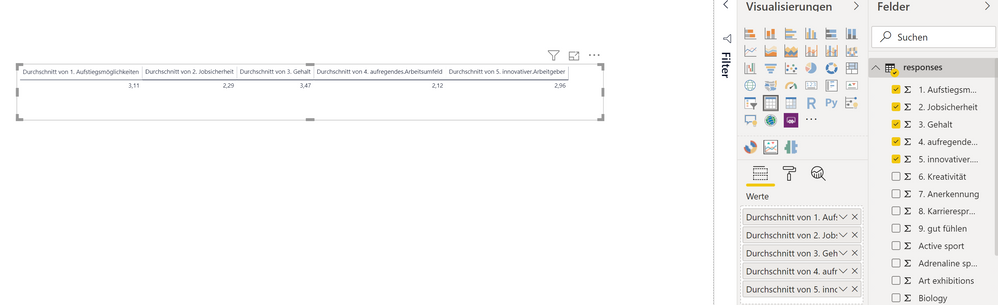
i've got survey data with different questions. Now i want to get several means of these questions on a chart.
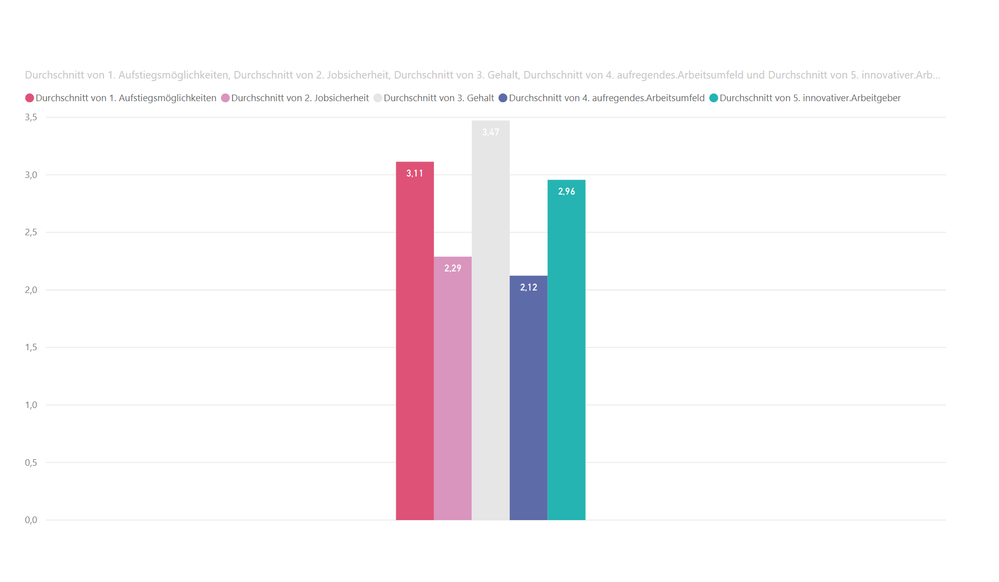
if i put the items on a bar chart, then there is no space between the bars. and i can't use another visualization, a line chart won't work.
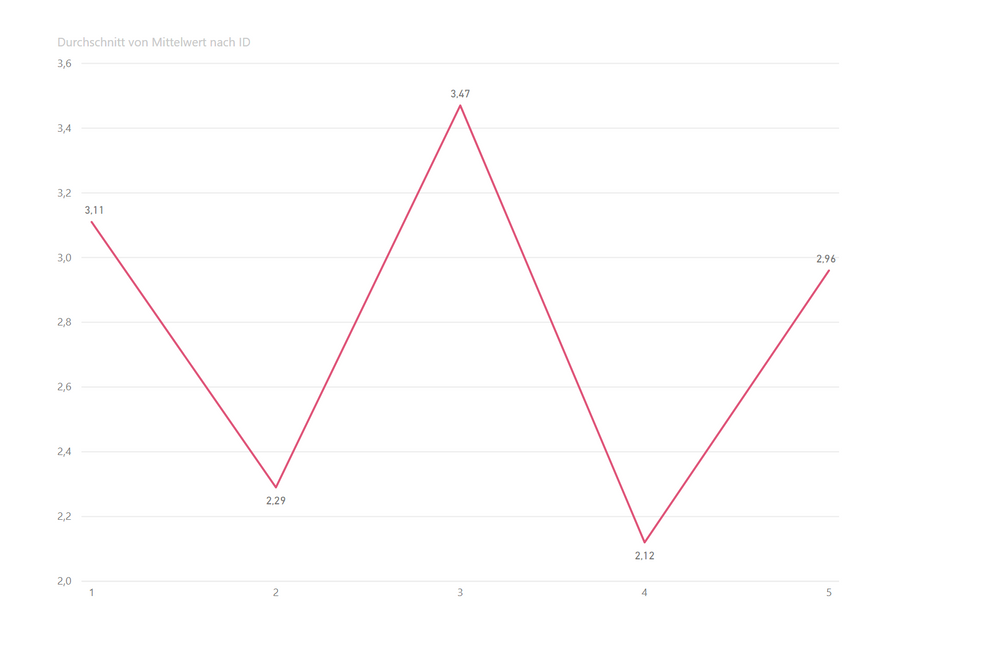
so i created a second data table in excel with the means of the question data to put them on a line chart.
question: is there the possibility to create a second data table in power bi with the means of my questions and connect it to the original one? so i can also use slicers based on factors of the first data set.
of course any other solution is appreciated.
looking forward for some help 🙂
image3
image1
image2
Solved! Go to Solution.
@Stefan036 , you should unpivot your data in Query Editor first. Instead of having five different questions in five different columns, you should have 2 columns...Question and Answer. Then you can create a horizontal bar chart with the spacing you desire. The "Question" column becomes the dimension and the answer column is the number that gets aggregated (in your case, as the average)
I recommend horizontal bar chart to a vertical column chart because the questions will be easier to read if the text is horizontal.
Hello,
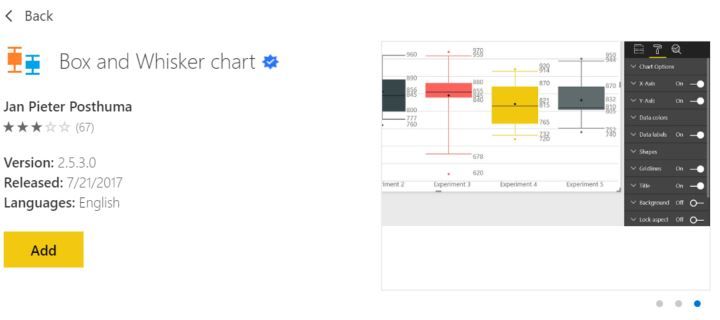
I'm not clear on what you are searching for; however, I've plotted a distribution and showed it mean before. My recommedation would be to go the marketplace and use the custom app for a bar and whisker plot. There are several of them. They do the statistics automatically so there is no need for an additional table.
Regards,
HD
@Stefan036 , you should unpivot your data in Query Editor first. Instead of having five different questions in five different columns, you should have 2 columns...Question and Answer. Then you can create a horizontal bar chart with the spacing you desire. The "Question" column becomes the dimension and the answer column is the number that gets aggregated (in your case, as the average)
I recommend horizontal bar chart to a vertical column chart because the questions will be easier to read if the text is horizontal.
thank you so much!
this is the way its done.
The Power BI Data Visualization World Championships is back! Get ahead of the game and start preparing now!
| User | Count |
|---|---|
| 38 | |
| 36 | |
| 33 | |
| 30 | |
| 28 |
| User | Count |
|---|---|
| 126 | |
| 88 | |
| 78 | |
| 66 | |
| 65 |