cancel
Showing results for 
Search instead for 
Did you mean: 

The Power BI Data Visualization World Championships is back! Get ahead of the game and start preparing now! Learn more

Reply
OmarSaleh
Helper I
Helper I

Chart outcome visualization preference

Hi everyone, 


I have an employees table and another 100% stacked column chart which shows a certain KPI at the organization level (total)

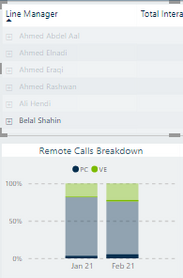
When I select a name of one employee, the chart changes the outcome to reflect only data of the employee selected. However, the way it shows the new data (outcome) based on the selection of the other table, is by highlighted the new outcome over the original chart. 


I need the outcome on the chart to be dedicated for the selected employee, department,...etc. (not by highlighting over the total) 


Here's a screenshot for the table and the chart after selecting one name (note the dark blue and dark green colors)  

OmarSaleh_0-1620635292017.png


Any idea how to change it? 


Thanks! 


1 ACCEPTED SOLUTION
amitchandak
Super User
Super User

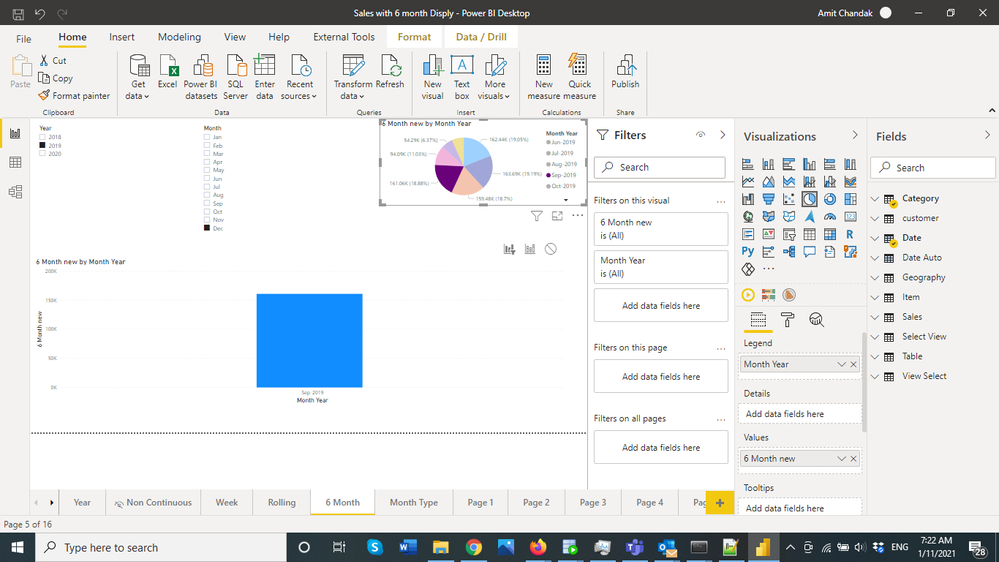
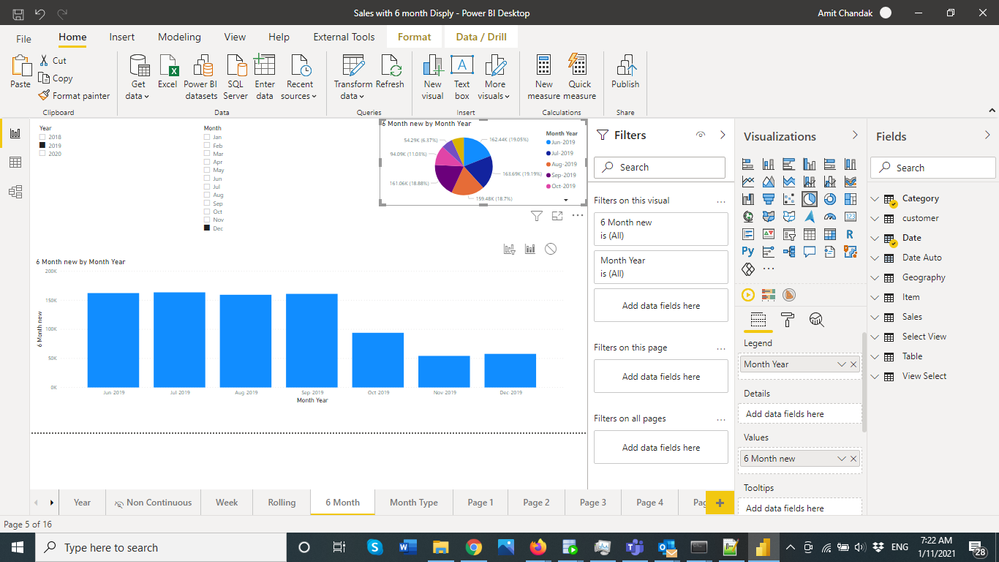
@OmarSaleh , Not sure I got it correctly. But do you want the interaction to filter, in place of fill.  You want the first one :https://docs.microsoft.com/en-us/power-bi/create-reports/service-reports-visual-interactions


Intract Filter.pngIntract Fill.png

Share with Power BI Enthusiasts: Full Power BI Video (20 Hours) YouTube
Microsoft Fabric Series 60+ Videos YouTube
Microsoft Fabric Hindi End to End YouTube

View solution in original post

2 REPLIES 2
amitchandak
Super User
Super User

@OmarSaleh , Not sure I got it correctly. But do you want the interaction to filter, in place of fill.  You want the first one :https://docs.microsoft.com/en-us/power-bi/create-reports/service-reports-visual-interactions


Intract Filter.pngIntract Fill.png

Share with Power BI Enthusiasts: Full Power BI Video (20 Hours) YouTube
Microsoft Fabric Series 60+ Videos YouTube
Microsoft Fabric Hindi End to End YouTube

Thanks @amitchandak. Exactly that's what I meant, cross-filtering instead of cross-highlighting 🙂 

Many thanks! 

Helpful resources

Announcements
Power BI DataViz World Championships

Power BI Dataviz World Championships

The Power BI Data Visualization World Championships is back! Get ahead of the game and start preparing now!

December 2025 Power BI Update Carousel

Power BI Monthly Update - December 2025

Check out the December 2025 Power BI Holiday Recap!

FabCon Atlanta 2026 carousel

FabCon Atlanta 2026

Join us at FabCon Atlanta, March 16-20, for the ultimate Fabric, Power BI, AI and SQL community-led event. Save $200 with code FABCOMM.