Don't miss your chance to take the Fabric Data Engineer (DP-600) exam for FREE! Find out how by attending the DP-600 session on April 23rd (pacific time), live or on-demand.
Learn moreNext up in the FabCon + SQLCon recap series: The roadmap for Microsoft SQL and Maximizing Developer experiences in Fabric. All sessions are available on-demand after the live show. Register now
Hi,
Kinda simple question but i just cant figure out how to achieve it. Basicly my data looks like following:
Date - Denomination - Quantity - X - Y - Z
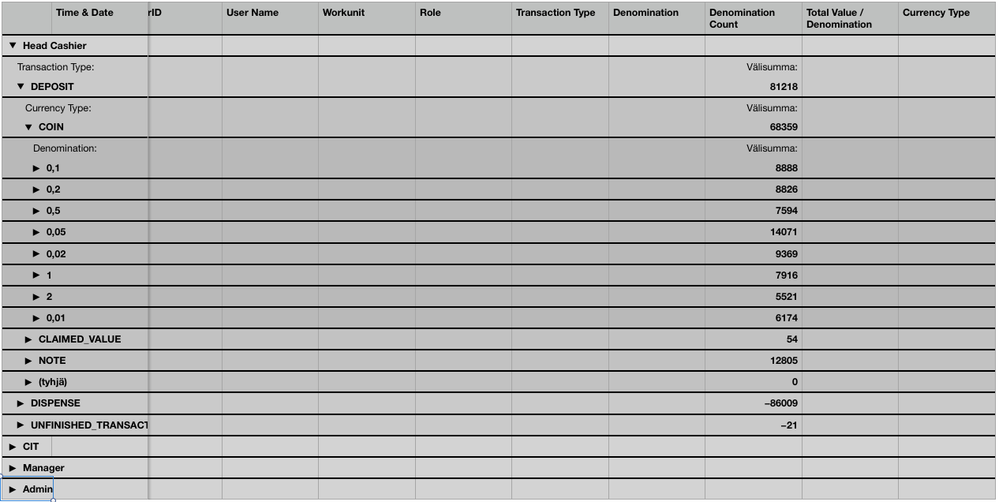
I want to group the data so that all rows where denomination is same is grouped togeter. Bellow is image from Apple Numbers that achieves just that:
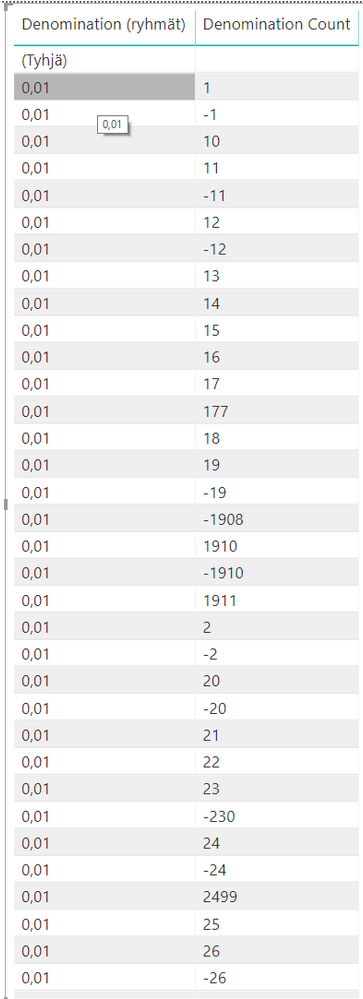
I assume that similar grouping would be possible in PowerBi but just cant make it happen. I tried to select the "Denomination" column and create new group but the end result just gives me all individual rows:
Thanks,
-Carl
Solved! Go to Solution.
Hi @Anonymous
It seems the data in Denomination count column is text type, please change it to number related type.
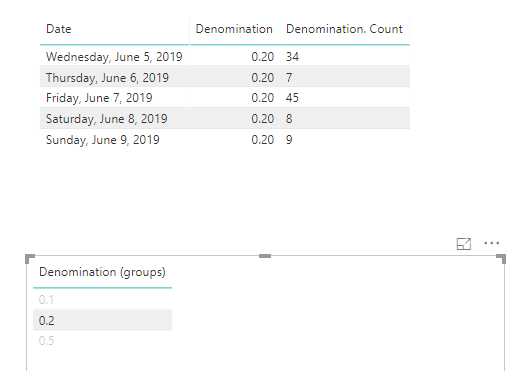
Then use “New group”, you’ll get the categorized data:
If you’d like to calculate the Denomination counts by Denomination groups. Please add the below measure:
Measure = CALCULATE(SUM(Table1[Denomination. Count]),ALLEXCEPT(Table1,Table1[Denomination]))
Best regards,
Dina Ye
Hi @Anonymous
It seems the data in Denomination count column is text type, please change it to number related type.
Then use “New group”, you’ll get the categorized data:
If you’d like to calculate the Denomination counts by Denomination groups. Please add the below measure:
Measure = CALCULATE(SUM(Table1[Denomination. Count]),ALLEXCEPT(Table1,Table1[Denomination]))
Best regards,
Dina Ye
Hi @Anonymous
If my above post helps, could you please consider Accept it as the solution to help the other members find it more quickly. thanks!
Best regards,
Dina Ye
If you have recently started exploring Fabric, we'd love to hear how it's going. Your feedback can help with product improvements.
A new Power BI DataViz World Championship is coming this June! Don't miss out on submitting your entry.
| User | Count |
|---|---|
| 46 | |
| 43 | |
| 39 | |
| 19 | |
| 15 |
| User | Count |
|---|---|
| 68 | |
| 67 | |
| 31 | |
| 27 | |
| 24 |