Get certified for free when you join Fabric Data Days 2026 and dive into Fabric, Power BI, SQL, AI, and other essential data skills.
Join nowJuly 7 - July 17 | Round 2 of the Power BI Dataviz World Championships. Don't miss your chance! Learn more
Hi my friends,
I'm a Microsoft Partner, however, I still face a lot of difficulty to talk with any technical support from Microsoft. I have one issue:
I´m using the forecasting line in one of my graphs. The idea is to project the next 15 months, by analysing the lasts 48 months, the detail here is, my last month isn't finished yet so I disconsider him, becase the lowest line will be a factor in the forecasting line.
The problem: When I hover the mouse into the points (months), the service doesn't show the month, only the forecasting value, with this issue, my end user can´t understand which month they are analysing, so they need to count by the last month every time.
Any suggestion?
Amazing feature by the way, I was expecting this since the beggining of the Power BI.
Best Regards,
Bruno Zanoelo
Solved! Go to Solution.
Hi @brunozanoelo ,
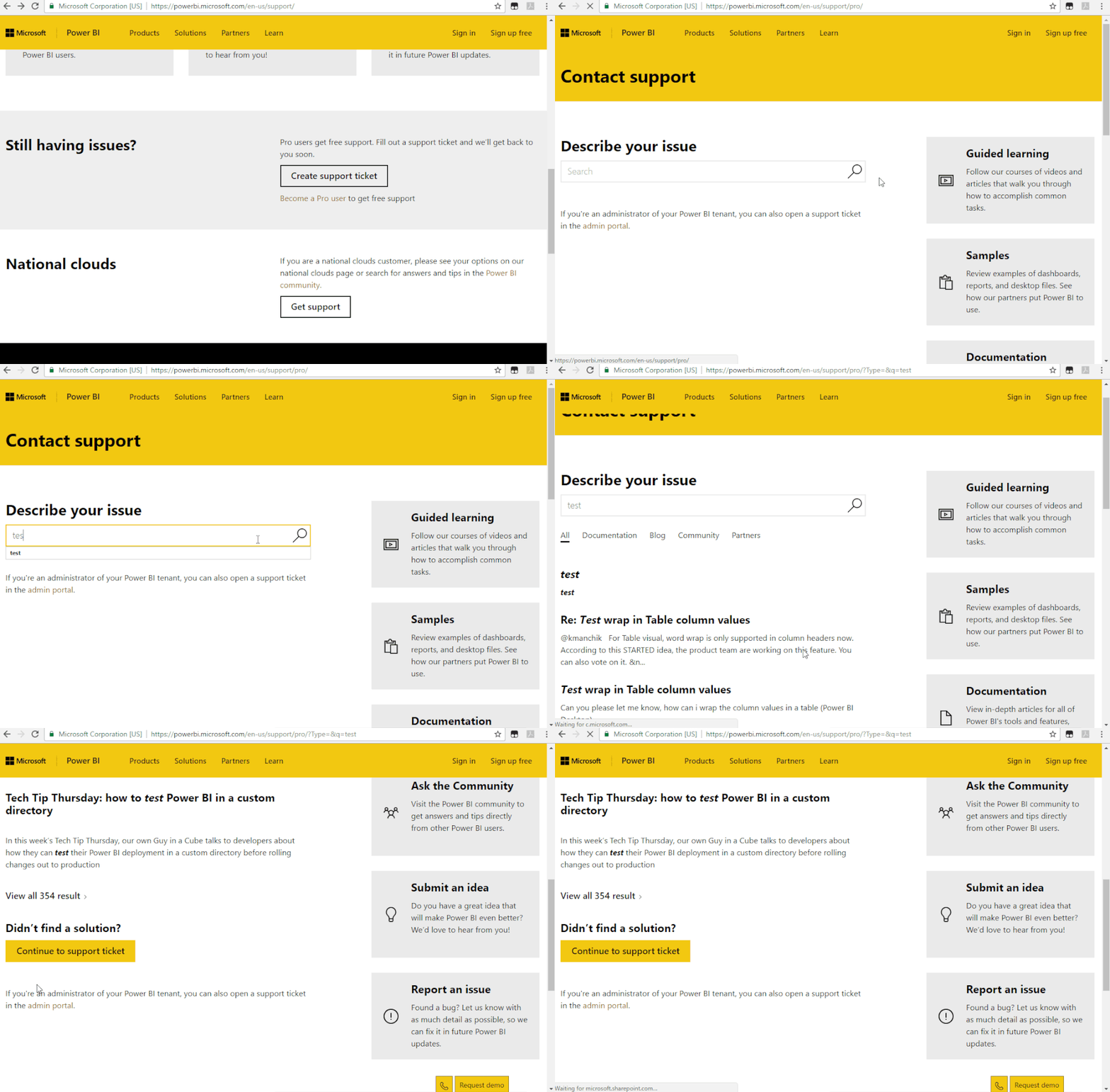
In your scenario, I would suggest you opening a ticket at https://powerbi.microsoft.com/en-us/support/.
Best Regards,
Teige
Hi @brunozanoelo ,
In your scenario, I would suggest you opening a ticket at https://powerbi.microsoft.com/en-us/support/.
Best Regards,
Teige
Join us in Barcelona for FabCon and SQLCon, the Fabric, Power BI, SQL, and AI community event. Save €200 with code FABCMTY200.
Join Fabric Data Days 2026: 60 days of free live/on-demand sessions, challenges, study groups, and certification opportunities.
| User | Count |
|---|---|
| 23 | |
| 22 | |
| 18 | |
| 17 | |
| 13 |
| User | Count |
|---|---|
| 63 | |
| 44 | |
| 42 | |
| 40 | |
| 39 |