Hi,
There's a couple of things that you can do to tackle this.
The UI way
- Reference your query twice

- In both references make sure to demote the headers
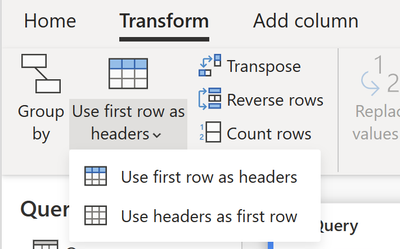
- Let's say that one of the referenced queries will be called "Headers" and the other one will be "Data"
- For the Headers query:
- Keep only the top 1 row

- Apply the "Replace values" transform to every single column in your query
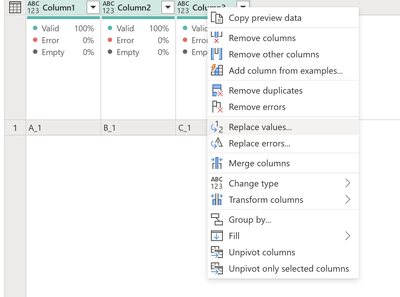
- For the Data query:
- Remove the top 1 row

- Append the Headers and Data query in that exact order
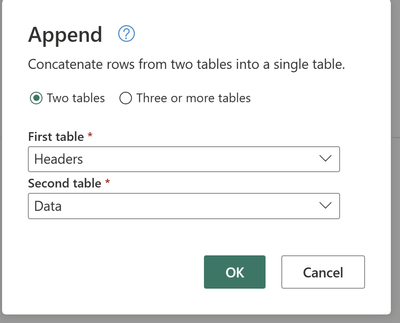
- Promote the first row to be the headers of the column
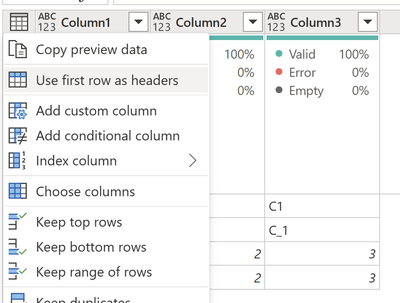
- Remove the now top 1 row of the table
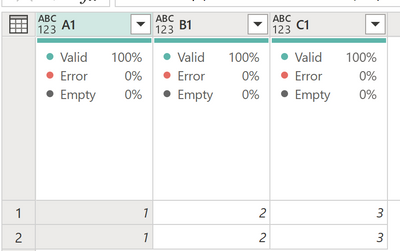
The M script way requires you to first use Table.ColumnNames to get the list of columns of your table, then use a function like List.Transform to establish how you'd like to transform such list of columns and then the use those two pieces to pass the arguments required for the Table.RenameColumns function and perhaps using the List.Zip function to create that list of lists (of previous and new column names).
Let us know if this helps!


