Join us at FabCon Atlanta from March 16 - 20, 2026, for the ultimate Fabric, Power BI, AI and SQL community-led event. Save $200 with code FABCOMM.
Register now!The Power BI Data Visualization World Championships is back! Get ahead of the game and start preparing now! Learn more
Hello all,
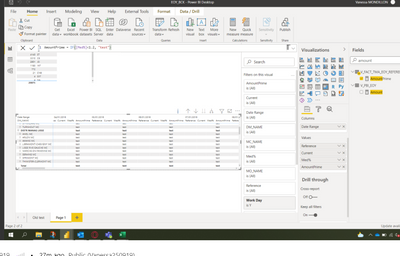
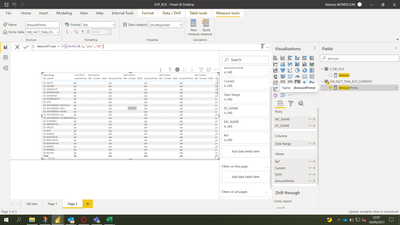
I have one question/Issue with DAX in statement IF
I try to make a flag, but if i used < my data is empty ... I don't know why...
Check my print screen
Try this:
AmountPrime=
Var _A = 120%
return
if([Med%]<_A,"Yes","False")
If it does not work, can you share a [Med%] measure code here?
If this post helps, please consider accepting it as the solution to help the other members find it more quickly.
Appreciate your Kudos✌️!!
not ...
Hey,
the IF-Function is defined like this: IF(<logical_test>, <value_if_true>, <value_if_false>)
If I see it correctly, you missed the "else" statement.
Regards
@Anonymous it's same ...
hmmm... but if you don't inserte the measure there is data displayed?
What does the [Med%] measure do?
@Anonymous
Last guess...
if( Ref <> blank() && Curr <> blank() && ([Med%]<1.2), "yes", "no")
Because I don't understand why there is no data displayed ;D
Regards
The Power BI Data Visualization World Championships is back! Get ahead of the game and start preparing now!
| User | Count |
|---|---|
| 20 | |
| 11 | |
| 10 | |
| 4 | |
| 4 |
| User | Count |
|---|---|
| 32 | |
| 28 | |
| 19 | |
| 11 | |
| 10 |