cancel
Showing results for 
Search instead for 
Did you mean: 

Learn from the best! Meet the four finalists headed to the FINALS of the Power BI Dataviz World Championships! Register now

Reply
wujunmin
Advocate III
Advocate III

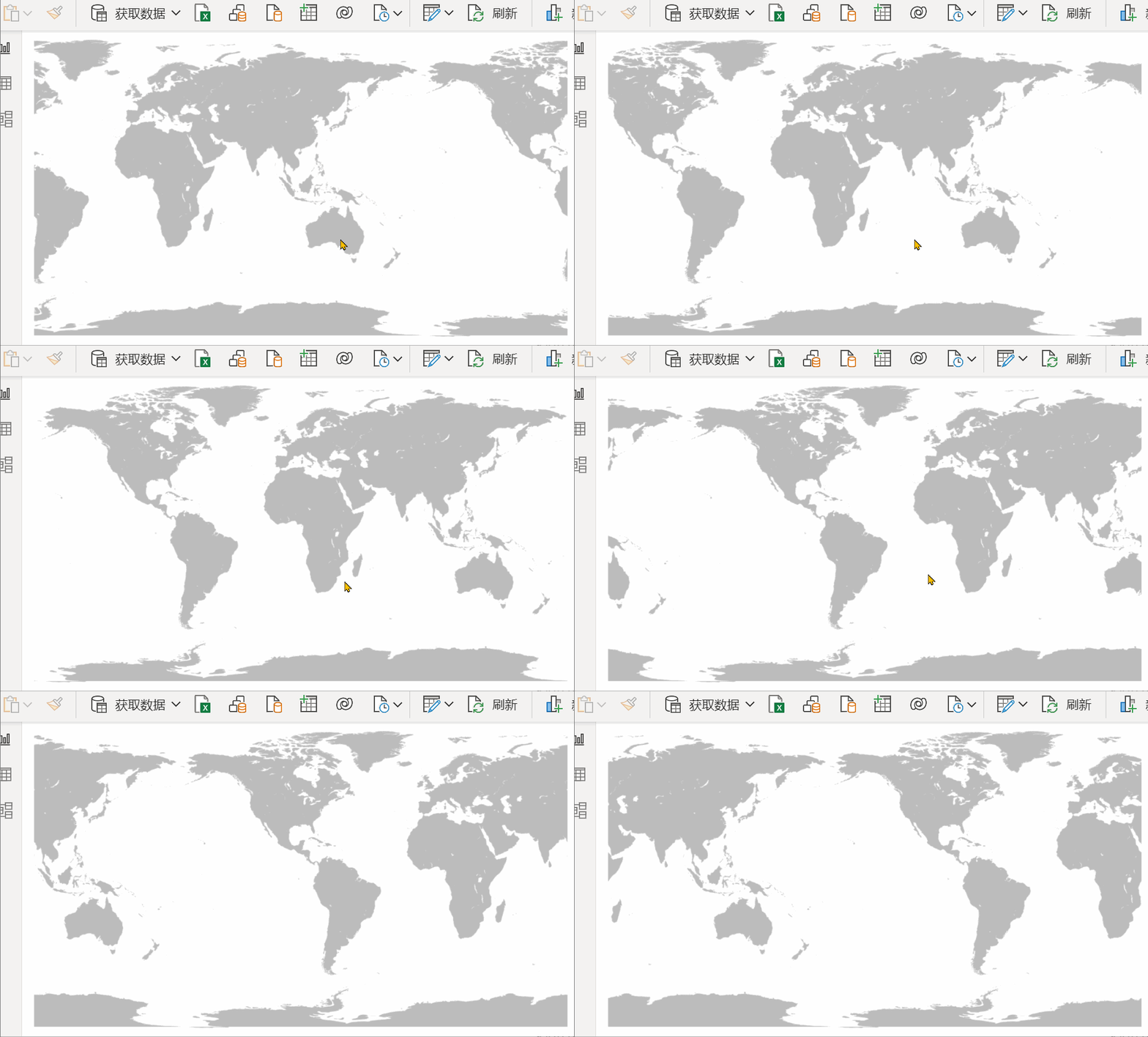
Map/Photo looping by DAX

1.gif


Measure:

Measure = 
VAR ImgURL = "https://**********.png"
VAR Width = 1024
VAR Height = 570
VAR SVG = "
<svg xmlns='http://www.w3.org/2000/svg' viewbox='0 0 " & Width & " " & Height & " ' >
<image xlink:href='" & ImgURL & "' width='" & Width & "' height='" & Height & "' >
<animate attributeName='x' from='" & -1 * Width & "' by='" & Width & "' begin='0s' dur='10s' repeatCount='indefinite'/>
</image>
<image xlink:href='" & ImgURL & "' width='" & Width & "' height='" & Height & "' >
<animate attributeName='x' from='0' by='" & Width & "' begin='0s' dur='10s' repeatCount='indefinite'/>
</image>
</svg> "
RETURN
SVG


You need HTML Content to get the result:

wujunmin_0-1664180459108.png


0 REPLIES 0

Helpful resources

Announcements
Join our Fabric User Panel

Join our Fabric User Panel

Share feedback directly with Fabric product managers, participate in targeted research studies and influence the Fabric roadmap.

March Power BI Update Carousel

Power BI Community Update - March 2026

Check out the March 2026 Power BI update to learn about new features.

Top Solution Authors