cancel
Showing results for 
Search instead for 
Did you mean: 

Get Fabric Certified for FREE during Fabric Data Days. Don't miss your chance! Request now

Reply
Anonymous
Not applicable

adChart visible in PBI Desktop but not in PBI Workspace

Hello everyone!

I've got an issue during publication my report at app.powerbi.com. 
One chart in report is visible but when I published it in Workspace, exactly this visual isn't available and only white space instead of it. 
Did anybody here face with the same / similar problem? Or even Does anybody know what the reason of it can be and how it can be solved? 

Thank you in advance for your help!

1 REPLY 1
v-zhenbw-msft
Community Support
Community Support

Hi @Anonymous ,


Please refer the similar thread.

https://community.powerbi.com/t5/Desktop/PBI-Service-Visuals-showing-Blanks-and-not-in-Desktop/td-p/906610


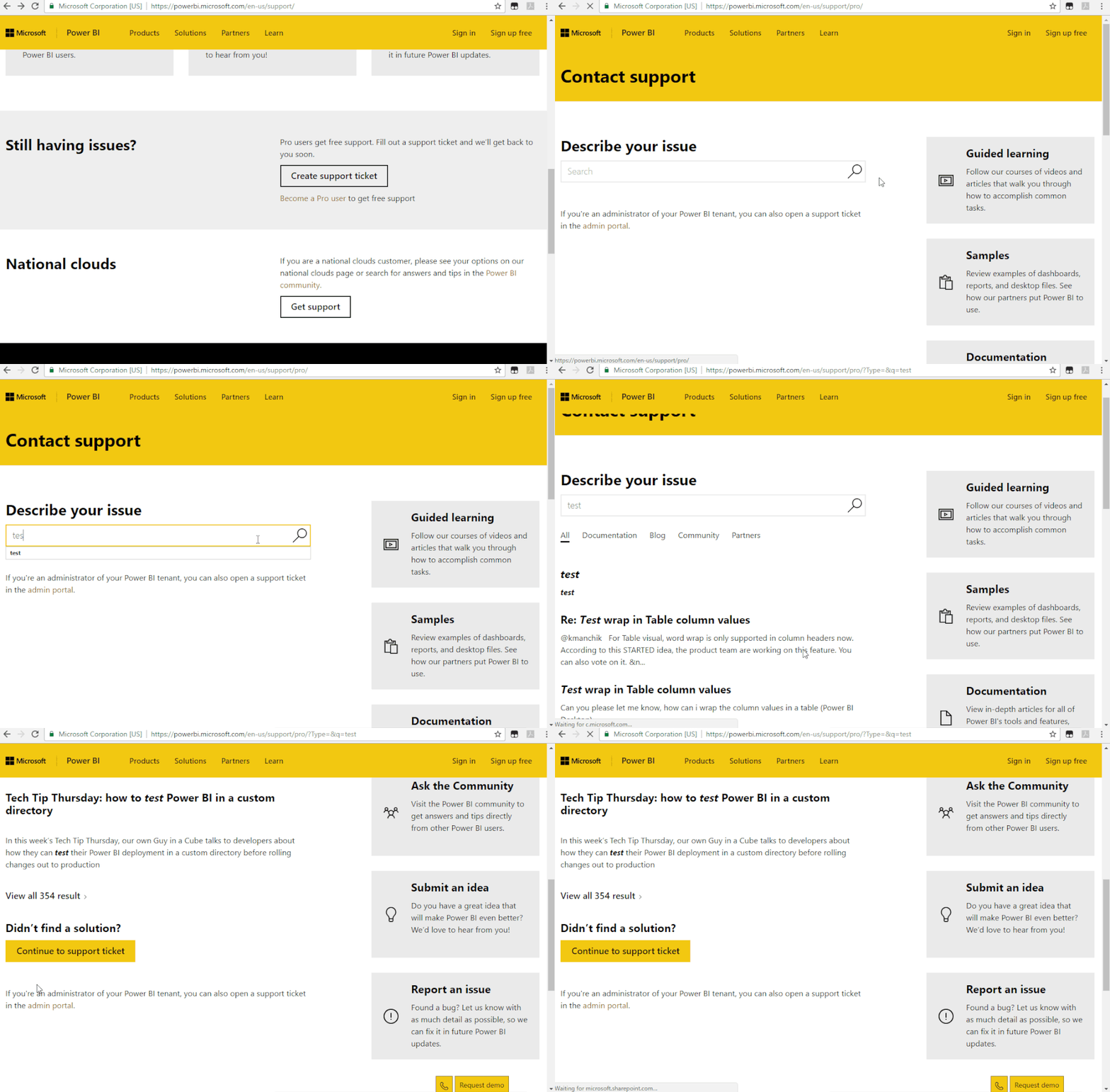
If it doesn’t meet your requirement, we suggest you to open a ticket here for help: https://powerbi.microsoft.com/en-us/support/


Support Ticket .gif


Best regards,


Community Support Team _ zhenbw

If this post helps, then please consider Accept it as the solution to help the other members find it more quickly.

Helpful resources

Announcements
Fabric Data Days Carousel

Fabric Data Days

Advance your Data & AI career with 50 days of live learning, contests, hands-on challenges, study groups & certifications and more!

October Power BI Update Carousel

Power BI Monthly Update - October 2025

Check out the October 2025 Power BI update to learn about new features.

FabCon Atlanta 2026 carousel

FabCon Atlanta 2026

Join us at FabCon Atlanta, March 16-20, for the ultimate Fabric, Power BI, AI and SQL community-led event. Save $200 with code FABCOMM.

Top Kudoed Authors