This is best Fabric, Power BI, SQL and AI community event. How do we know? The last event sold out! Save €200 with code FABCMTY200.
Register nowA new Data Days event is coming soon! This time we’re going bigger than ever. Fabric, Power BI, SQL, AI and more. Don't miss out.
I have Power BI via our 365 Business subscription. We also have Project Online which I need to build some dashboards for. I have Power BI talking to PWA fine and data is being pulled through but it doesn't seem to be pulling all the data across. For example, any custom (enterprise) text fields are not showing in Power BI.
Needing some assistance in trying to work out what I have done wrong please.
Solved! Go to Solution.
Hi @nogi,
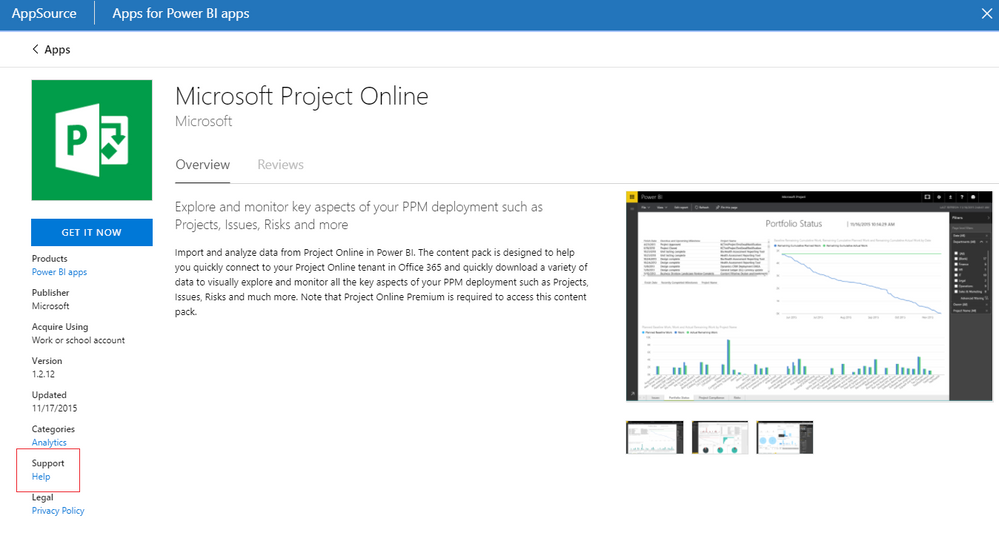
Based on test, project online connector seems not import these custom fields to power bi. In my opinion, I'd like to suggest you contact that team to know more about this connector.
BTW, when I try to use odata to connect project online at power bi desktop, my test column appears.
Regards,
Xiaoxin Sheng
Hi @nogi,
Based on test, project online connector seems not import these custom fields to power bi. In my opinion, I'd like to suggest you contact that team to know more about this connector.
BTW, when I try to use odata to connect project online at power bi desktop, my test column appears.
Regards,
Xiaoxin Sheng
Yes, I ended up using ODATA and it all comes through now.
Can I ask how you were able to import ODATA through. I've tried using the url (https://<sitename>.sharepoint.com/sites/pwa/_api/); however my custom fields are still not showing. I'm using Power BI online
Check out the May 2026 Power BI update to learn about new features.
Sign up to receive a private message when registration opens and key events begin.
If you have recently started exploring Fabric, we'd love to hear how it's going. Your feedback can help with product improvements.
| User | Count |
|---|---|
| 11 | |
| 8 | |
| 8 | |
| 6 | |
| 6 |
| User | Count |
|---|---|
| 24 | |
| 24 | |
| 23 | |
| 19 | |
| 16 |