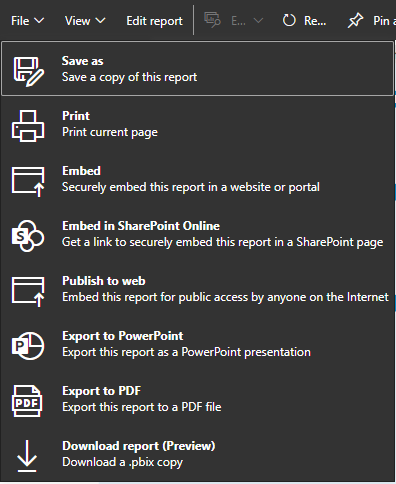
Hi, I've created 'Secure embed codes' for quite a while but - until today - the format of these codes never contained the query string parameters: reportId, autoAuth and ctid.
An example report for which I created a secure embed code without these query string parameters earlier today is here:
https://app.powerbi.com/view?r=eyJrIjoiYjg0OTFkYjgtYmU4YS00MzNhLThlZTctN2ViY2U0NTllMDM4IiwidCI6ImExM...
However, just in the last hour PowerBI Service generated a different type of secure embed code for exactly the same report (after I had to make some changes in Service due to some applied colour changes not coming through in Service).
https://app.powerbi.com/reportEmbed?reportId=3729aef8-b59b-4fc0-945b-b28a4776fbef&autoAuth=true&ctid...
There are some subtle differences, in particular:
- named tabs instead of '1 of 3 >'
- absence of sharing button and Enter Full screen mode arrows in bottom right hand corner
 "Old" secure embed code
I've tried to find out more about secure embed codes and from what I'm reading it appears the latter type is standard.
Can anyone explain the difference in both secure embed codes and why I've only ever been able to create the former type of embed code?
Thanks, Bastiaan