This time we’re going bigger than ever. Fabric, Power BI, SQL, AI and more. We're covering it all. You won't want to miss it.
Learn moreDid you hear? There's a new SQL AI Developer certification (DP-800). Start preparing now and be one of the first to get certified. Register now
Hi All,
I am trying to setup RLS with USERPRINCIPALNAME() to check users email address and a column attribute (two numbers concated together) against the Entity_Cell (same two numbers concated) column in the leaf or data table. I've added the users to the restricted group in the PBI service and the DAX statement is accepted but when I have the users log into the reports it doesn't work. One user sees all the accounts and the other sees nothing, so what have I missed.
GrpCon_Security Table (Users Ad Account, Attribute)
[User AD Account] [Attribute]
test@xyz.com, AD9701.WF1304000
test2@xyz.com, AD9701.WF1304001
GHO_GrpCon_Leaf_Cam (is my data table)
[Entity_Cell]
AD9701.WF1304000
AD9701.WF1304001
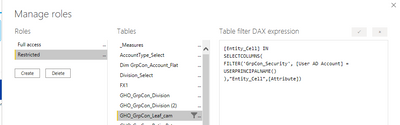
Created a restricted roles group
DAX statement on leaf_cam table.
[Entity_Cell] IN
SELECTCOLUMNS(
FILTER('GrpCon_Security', [User AD Account] =
USERPRINCIPALNAME()
),"Entity_Cell",[Attribute])
I use this same approach in a different report but it only has one number not two concated, so I am wondering if this is the issue?
Thanks
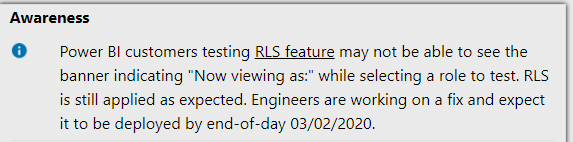
Hi @Anonymous ,
Please keep an eye on the status of this issue in Support site:
Best Regards,
Liang
If this post helps, then please consider Accept it as the solution to help the other members find it more quickly.
Thanks for the reply, though I am not testing it via 'now viewing as', I have the users log into the report via the power bi service(website). So this should still work?
Hi @Anonymous ,
Based on your description, is it right to test in desktop? If so, check that desktop is the latest version and republish the report.
Unfortunately, I can't reproduce the issue.
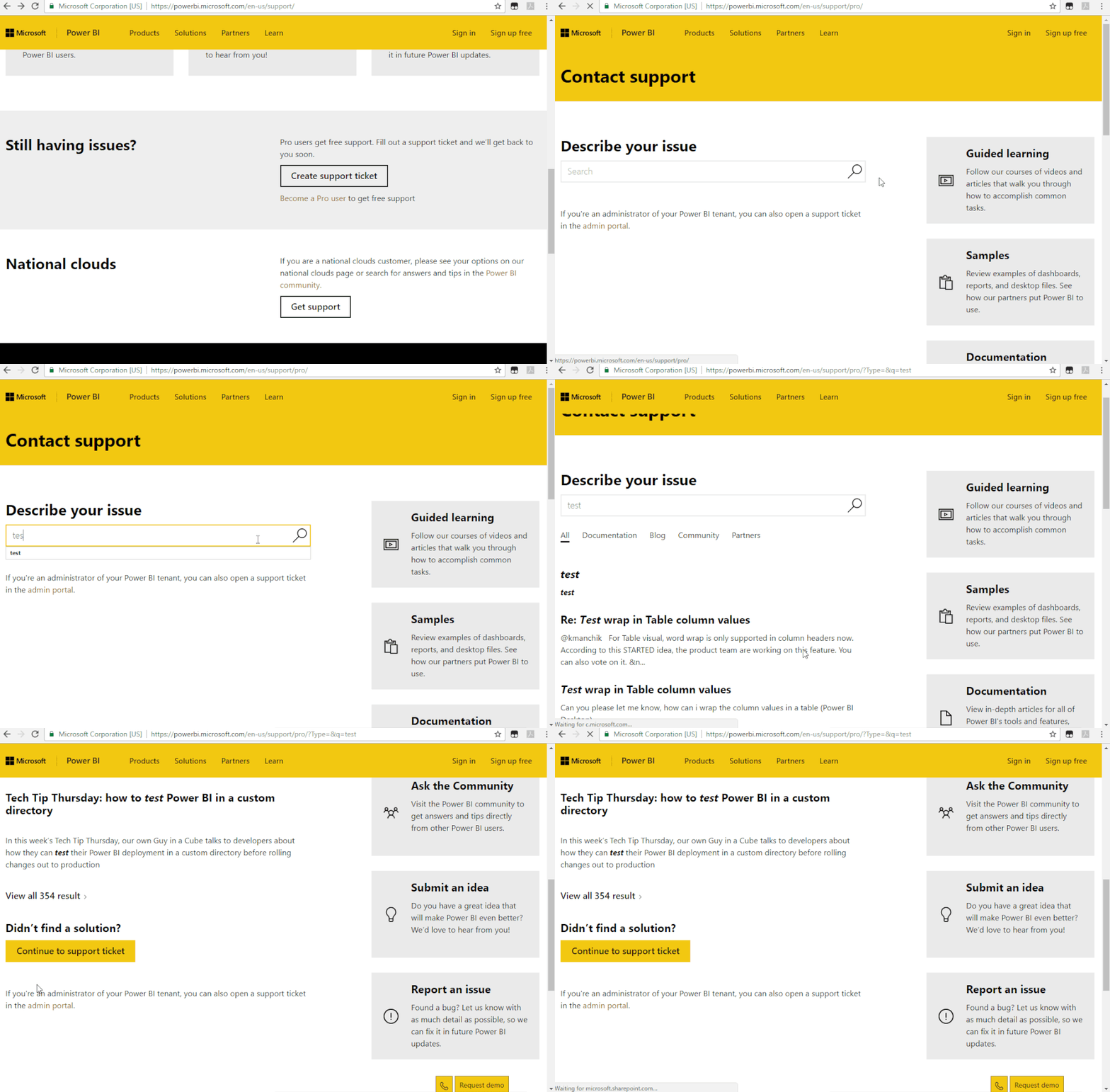
If the problem persists,i would suggest you to create a support ticket to help with you.
Best Regards,
Liang
If this post helps, then please consider Accept it as the solution to help the other members find it more quickly.
Check out the April 2026 Power BI update to learn about new features.
Sign up to receive a private message when registration opens and key events begin.
If you have recently started exploring Fabric, we'd love to hear how it's going. Your feedback can help with product improvements.
| User | Count |
|---|---|
| 10 | |
| 8 | |
| 7 | |
| 7 | |
| 7 |
| User | Count |
|---|---|
| 49 | |
| 27 | |
| 21 | |
| 20 | |
| 20 |