Join us at FabCon Atlanta from March 16 - 20, 2026, for the ultimate Fabric, Power BI, AI and SQL community-led event. Save $200 with code FABCOMM.
Register now!Get Fabric certified for FREE! Don't miss your chance! Learn more
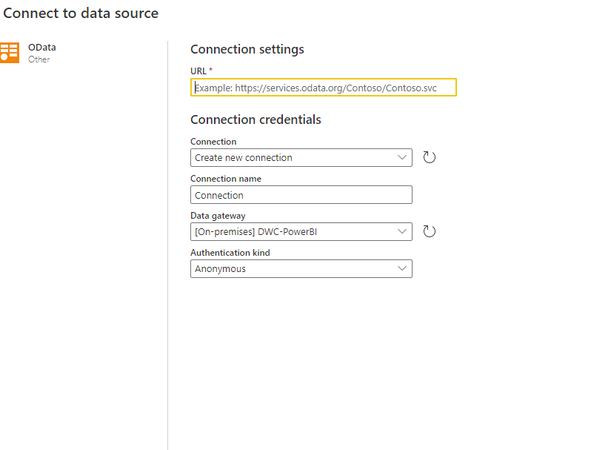
Is it possible to load data to create a dataflow using OData connection in Power BI service?
What are the steps to follow inorder to establish the connection?
If there is a Gateway installed how I can connect Odata using Gateway?
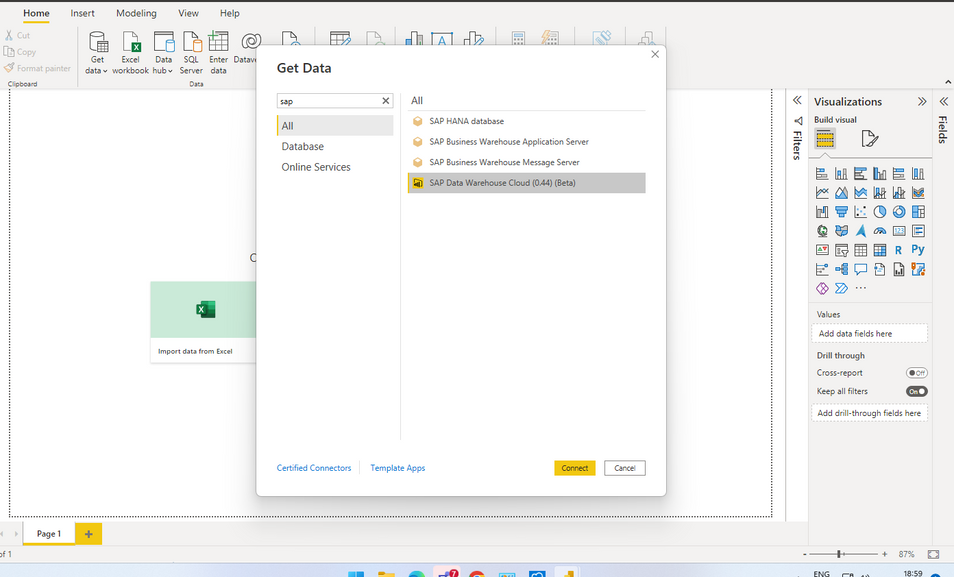
I have a custom OData connector added in the Power BI Desktop.
Solved! Go to Solution.
1. Identify the service account that the gateway is running under
2. Identify the Documents folder location for that account based on the Windows version. For example for Windows Server 2019 images the folder is at
C:\Windows\ServiceProfiles\PBIEgwService\Documents\Power BI Desktop\Custom Connectors
3. Put the .mez in that folder
4. In the gateway management interface make sure the connector is listed under custom connectors.
(note that screenshot is from a Windows Server 2012R2 image)
I have a custom OData connector added in the Power BI Desktop.
you need to add the .mez file to the gateway cluster members as well.
Can you please specify the steps that I have to follow
1. Identify the service account that the gateway is running under
2. Identify the Documents folder location for that account based on the Windows version. For example for Windows Server 2019 images the folder is at
C:\Windows\ServiceProfiles\PBIEgwService\Documents\Power BI Desktop\Custom Connectors
3. Put the .mez in that folder
4. In the gateway management interface make sure the connector is listed under custom connectors.
(note that screenshot is from a Windows Server 2012R2 image)
Share feedback directly with Fabric product managers, participate in targeted research studies and influence the Fabric roadmap.
Check out the January 2026 Power BI update to learn about new features.
| User | Count |
|---|---|
| 41 | |
| 40 | |
| 28 | |
| 25 | |
| 22 |