Join us at FabCon Atlanta from March 16 - 20, 2026, for the ultimate Fabric, Power BI, AI and SQL community-led event. Save $200 with code FABCOMM.
Register now!The Power BI Data Visualization World Championships is back! Get ahead of the game and start preparing now! Learn more
Hi everyone,
I am trying to add a file type data source using REST API, however it is failing. I have tried with Service Principal as well as a usual user with PBI Pro license and admin rights on the gateway but no luck. I am wondering if I can get some help and can be guided in the right direction.
My calls are as below
JSON For data source connection
{
"datasourceName": "testDataSource",
"credentialDetails": {
"encryptedConnection": "Encrypted",
"credentialType": "Windows",
"credentials": {
"UserName": "<user_name_or_service_principal_ID>",
"Password": "System.Security.SecureString"
},
"privacyLevel": "Organizational",
"encryptionAlgorithm": "None"
},
"dataSourceType": "=File",
"connectionDetails": "{\"FilePath\":\"C:\\Working\\some.csv\"}"
}
REST API End Point
https://api.powerbi.com/v1.0/myorg/gateways/<gateway_id>/datasources
Error
Invoke-WebRequest : The remote server returned an error: (400) Bad Request.
Thanks
Kaz
Hi @Anonymous ,
Please refer the following posts, they might be helpful.
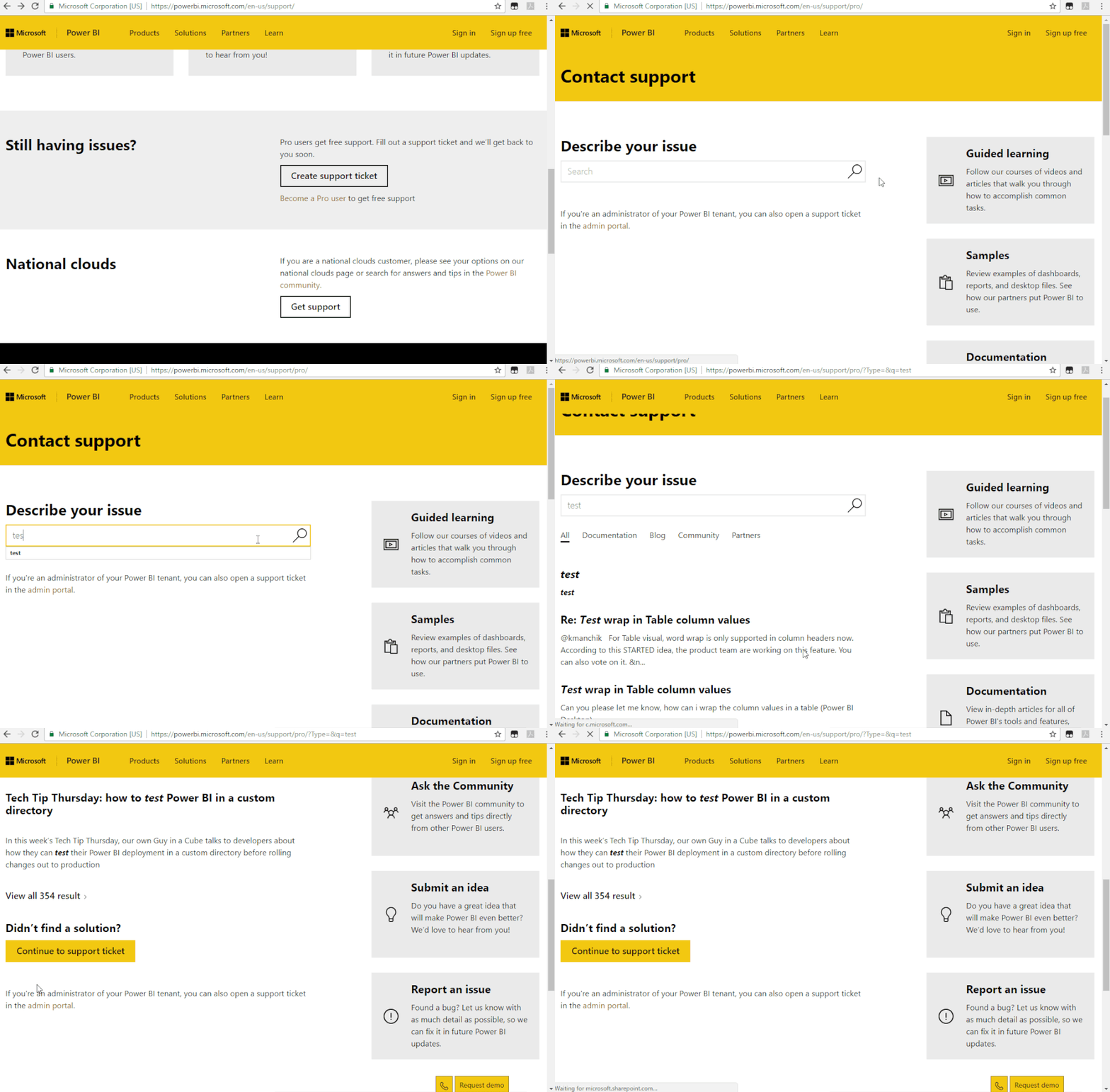
If it doesn’t meet your requirement, we suggest you to open a ticket here for help: https://powerbi.microsoft.com/en-us/support/
Best regards,
Community Support Team _ zhenbw
If this post helps, then please consider Accept it as the solution to help the other members find it more quickly.
The Power BI Data Visualization World Championships is back! Get ahead of the game and start preparing now!