Get certified for free when you join Fabric Data Days 2026 and dive into Fabric, Power BI, SQL, AI, and other essential data skills.
Join nowTry your skills in the Power BI Dataviz World Championship! Round one ends June 26. Join now
Hi, I created 2 bookmarks on Dekptop version in a report. Both of them was working fine. I published to my workplace, still everything was ok. But after publishing to web, both icons disappeared. I can click on the place of the icon on the web, and looks the bookmark works, but for some reason these icons/buttons are not visible. Can you please help?
Hi @eszterszakacs,
I can't reproduce your issue, which version of power bi desktop you used?(I test with 2.61.5192.541 64-bit (August 2018)) Can you please share a sample pbix file to test?
BTW, reports with bookmarks which I publish before also works.
Regards,
Xiaoxin Sheng
Hi,
I use this version: 2.60.5169.4101 64-bit (2018. július)
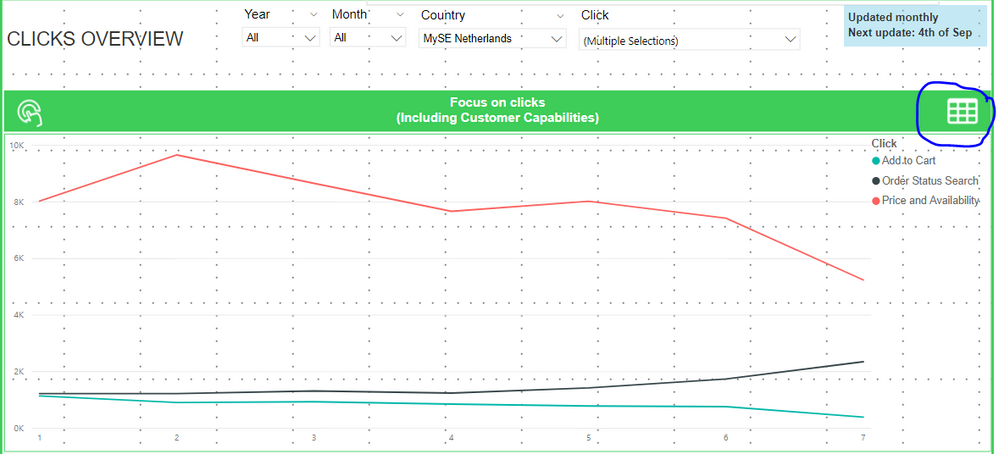
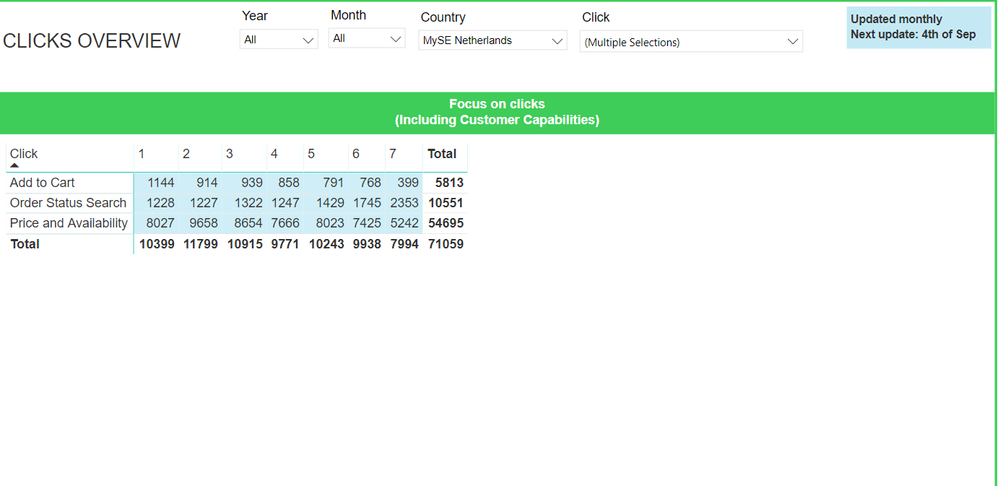
Please find here the print screen (I cannot give you the pbix file):
Desktop:
And then on the web:
Thanks for your help,
Xiaoxin Sheng
Hi @eszterszakacs,
So you means create a shape which custom graph and use it as bookmark, but it missing on power bi service, right?
I can't reproduce this on my side, I test with last version and it works without bookmark shape missing issue.
Have you test with last version of power bi?
Regards,
Xiaoxin Sheng
Hi,
I think the problem is bigger than I saw the first time. All my pictures are disappearing after publishing on the web the report, inlcuding my bookmark icons.
Do you have any idea how can I solve it? I saw some workaround as other people were reporting the same issue, but for example I cannot create every time a new link, as this report is shared with 100+ users.
Thanks,
Eszter
Hi @eszterszakacs,
Did this issue appears when you use 'publish to web' feature? If this is a case, current lots of user found this isue and it already submited at CRI 79681873.
Please take a look at following link to know more about this issue:
Missing Background and buttons on Publish to Web
Regards,
Xiaoxin Sheng
Don't miss out on Data Days, June 15 through August 7. Learn Fabric, Power BI, SQL, AI and more.
Check out the May 2026 Power BI update to learn about new features.
| User | Count |
|---|---|
| 16 | |
| 11 | |
| 11 | |
| 8 | |
| 7 |
| User | Count |
|---|---|
| 36 | |
| 33 | |
| 31 | |
| 29 | |
| 20 |